How do I add text to a GIF online for free?
To add text to a GIF online for free, upload your GIF to a browser-based editor like Gifntext or Adobe Express, click to add a text layer, type your caption, then drag and resize it on the canvas. Adjust font, color, and outline so the text stays readable over motion, then export and download the new GIF. If you just need a ready-made reaction, memecub.com lets you search and download memes without editing.
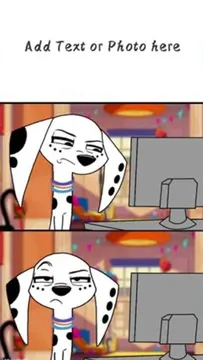
Send when someone asks a question with an obvious answer and you want a dry “seriously?” reaction.
Use when a plan sounds slightly off and you want to say “this isn’t great” without starting a fight.
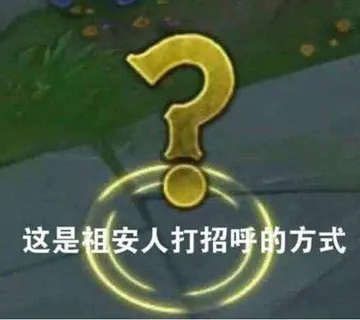
Drop it when a chat suddenly turns into friendly trash talk.
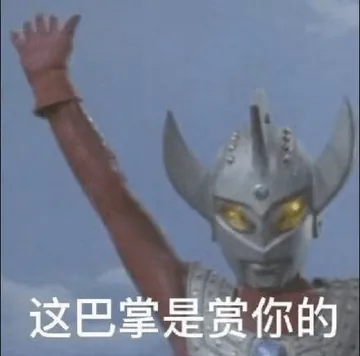
A playful “this slap’s for you” when a friend deserves a mock punishment.
Send to praise someone who did a small good deed and deserves a “good boy” moment.
Use when you wish you could undo a mistake and want to joke about needing a regret pill.
For those times when reality doesn’t match expectations and you need to sigh dramatically.
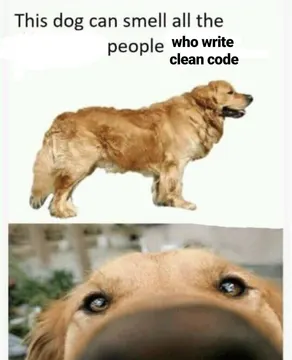
A smug “this is my dog account” flex when you post pet photos or claim a niche.




Step-by-step: add text to a GIF in your browser
Open a free online GIF editor such as Gifntext or Adobe Express in your browser. No install is needed.
Upload your GIF (or paste a URL if the tool supports it). Wait for the frames to load.
Click the Text tool or click directly on the image to add a text layer. Type your caption.
Drag the text box to position it, and use the handles to resize. Pick a font, color, and outline so the text stands out against moving backgrounds.
Preview the animation to check that the text stays readable on every frame. Some tools let you set when the text appears.
Export or download the edited GIF. Most free tools add a small watermark or limit export quality; check before saving.
Which tool to use for which job
For quick captions with outline and opacity controls, Gifntext is built specifically for GIFs and lets you drag and drop text.
For a design-suite feel with templates and brand fonts, Adobe Express offers a free tier with text boxes you can drag and resize.
For phone-first editing, Canva’s mobile app can add text to GIFs, though some features may require a paid plan.
If you don’t need to edit at all, memecub.com has a searchable meme library where you can copy or download ready-made reaction images for personal chats.
Tips for readable text and good tone
Use a bold font with a contrasting outline or a semi-transparent background box. Thin fonts disappear over busy GIFs.
Keep captions short. One line or two short lines work better than a paragraph, especially on small phone screens.
Place text away from the main action so it doesn’t cover faces or key movement.
Match the tone of the chat. A dry caption over a calm GIF lands better than an all-caps shout unless the joke calls for it.
Adding text on iPhone, Android, WhatsApp, and Discord
On iPhone, you can add text to a GIF in apps like GIPHY or Canva, or use the Markup tool in Photos after saving the GIF as a Live Photo (results vary).
On Android, apps like GIF Maker or Canva let you add text layers and export as GIF.
In WhatsApp, you can’t add text directly to a GIF, but you can send a GIF with a caption in the message field, or edit the GIF in another app first.
On Discord, upload the edited GIF as an attachment or paste its URL. Discord doesn’t have a built-in GIF text editor.
Nothing quite right? Make one
Pick a character, type a caption, get it in about 10 seconds.
More that fit


FAQ
How do I insert text on a GIF?
Upload the GIF to an online editor, add a text layer, type your caption, position it, and export. Tools like Gifntext and Adobe Express do this in the browser for free.
How do I edit an already existing GIF?
Open the GIF in a GIF editor that supports frame-by-frame editing, such as Gifntext. You can add text, crop, or adjust speed, then save a new copy.
How can I add text to a GIF for free online?
Use a free browser tool like Gifntext or Adobe Express. Upload, add text, style it, and download. Watch for watermarks or export limits on free tiers.
How to write on a GIF on iPhone?
Use an app like GIPHY or Canva to add text to the GIF, then save it to Photos. The built-in Photos editor doesn’t support text on animated GIFs directly.
Can I add text to a GIF in Canva?
Yes, Canva lets you upload a GIF and add text boxes. Some export options may require a paid plan, so check before you start.