How do I add text to a GIF in WhatsApp?
WhatsApp does not let you type on a GIF inside the app, so you add the text first and then send the finished file. On iPhone, save the GIF to Photos, open it in an app that supports GIF text (or a browser tool), type your caption, export as GIF, then attach it in WhatsApp as a document or photo. On Android, the same flow works with a GIF caption app or an online editor; on desktop, upload the GIF to a browser editor, add a text layer, download, and drag it into WhatsApp Web.
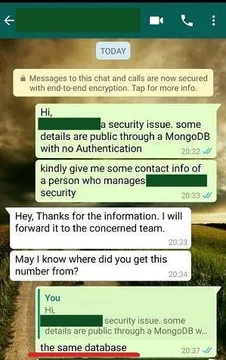
Send when a chat message needs a caption that says the news out loud.
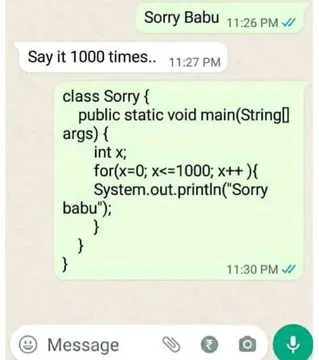
The exact moment someone asks you to repeat an apology in a group chat.
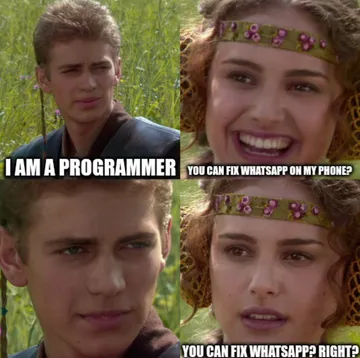
Use when a request in the chat gets absurd and the reply needs a caption.
A reaction GIF for when a message makes no sense and you want a dry caption.
Caption-free reaction image that works well with a short line of text added on top.
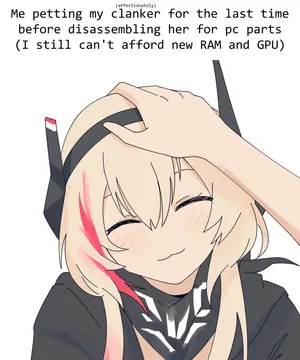
For a cursed caption moment, when the text is the joke and the image is the setup.
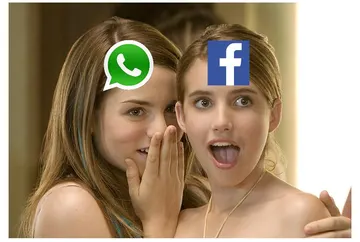
Three frogs glancing sideways, good for a caption about a group chat going quiet.
Send with a caption about work when the office chat needs a tired reaction.




Add text on iPhone
Save the GIF to Photos first, then open it in an editor that keeps animation. Many browser tools and GIF caption apps let you place a text box, pick a font, and export a new GIF.
If you only need a still frame, you can add text in the Photos markup tool, but the result is a photo, not a moving GIF. For a moving GIF, use a tool that exports GIF or WebP.
When the file is ready, open the WhatsApp chat, tap the attach icon, choose Photos or Document, and send the GIF. Sending as a document keeps the animation intact.
Add text on Android
Android has no system-level GIF text editor, so use a GIF caption app from the Play Store or an online editor in Chrome. Upload the GIF, add a text layer, drag it into place, and download the result.
Then attach the saved GIF in WhatsApp the same way: attach, pick the file, send. If the GIF shows as a still image, send it as a document instead of a photo.
Add text online, then send
Browser editors work on any device: upload the GIF, click the image to add a text layer, type your caption, adjust font, color and outline, then export.
Keep the caption short. GIF text is small on a phone screen, so one line of a few words reads better than a paragraph.
If you want a ready-made reaction instead of editing, memecub.com has a searchable meme library you can copy or download for personal chats, and the AI meme maker can build a new image from a description when nothing fits.
Tone and etiquette
Captions on GIFs are part of the joke, so keep them friendly and short. A caption that explains the joke usually kills it.
Most memes collected from the web are fine for personal chats, but copyright stays with the original creators. Do not use them in commercial posts or ads without checking the license.
Nothing quite right? Make one
Pick a character, type a caption, get it in about 10 seconds.
More that fit


FAQ
How do I insert text on a GIF?
Open the GIF in an editor that supports animation, add a text layer, position it, and export a new GIF. WhatsApp itself has no text tool for GIFs, so the edit happens before you send.
How do I edit an already existing GIF?
Download or save the GIF to your phone or computer, open it in a GIF caption app or browser editor, add your text, and export. The original file stays unchanged; you get a new copy.
How can I add text to a GIF for free online?
Use a free browser GIF editor: upload the file, click the image to add a text box, style it, and download. No install is needed, and it works on iPhone, Android and desktop.
How do I write on a GIF on iPhone?
Save the GIF to Photos, open it in a GIF-capable editor or browser tool, type your caption, and export as GIF. Then attach it in WhatsApp, ideally as a document so the animation is kept.
Can I add text to a GIF directly in WhatsApp?
No. WhatsApp lets you add text to photos and videos, but not to GIFs. Edit the GIF in another app first, then send the finished file in the chat.