How do I add text to a GIF to make a meme?
To add text to a GIF, open a GIF captioning tool like Gifntext or Adobe Express, upload your GIF, add a text box, type your caption, and drag it into place. On iPhone, use the Photos app's markup tool; on Android, try a GIF editor app. For a ready-made meme with text already included, browse memecub.com and download one for free.
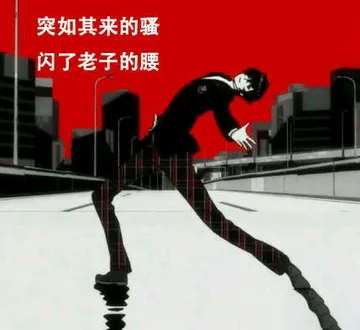
Send when you are speechless or awkwardly unsure how to respond.
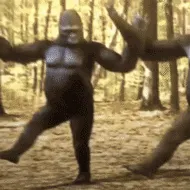
Use when something unexpectedly wild or impressive happens.
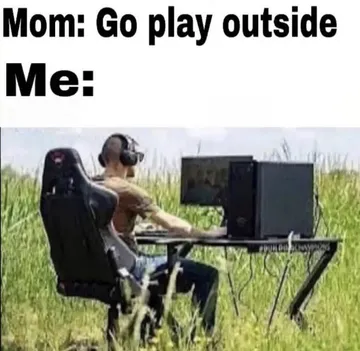
Perfect for jokes about staying indoors or ignoring advice to go outside.
Send when a developer claims a bug is 'expected behavior'.
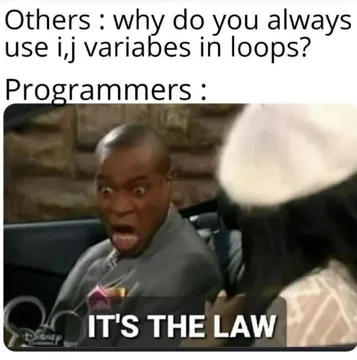
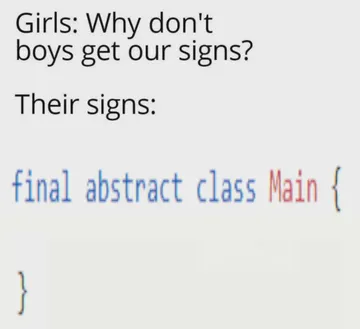
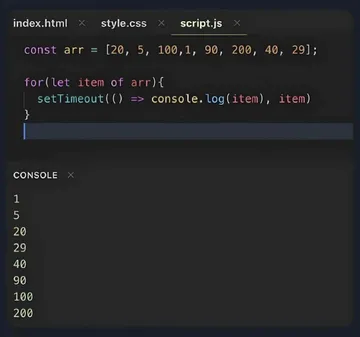
Great for programmer humor about loop variable naming.
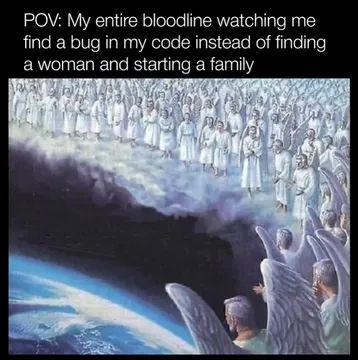
Use when you finally fix a bug after hours of struggle.
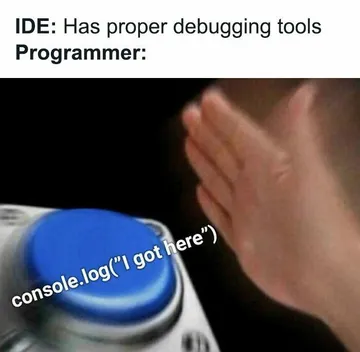
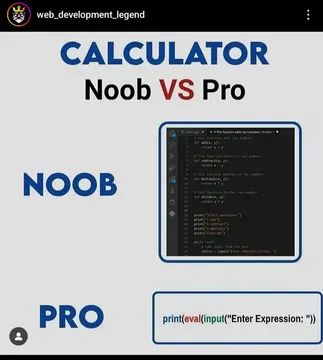
Send when someone ignores proper debugging tools.
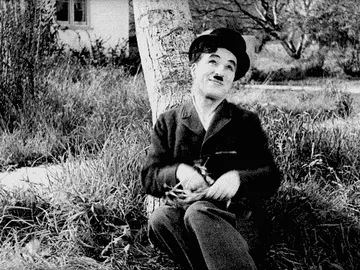
A classic Chaplin GIF for vintage or dramatic reactions.


Add text to a GIF online
Upload your GIF to a free online tool like Gifntext or Adobe Express. Add a text box, type your caption, and drag it to position it. You can usually change font, size, color, and outline.
Export the edited GIF as a new file. Most tools let you download it directly.
Add text on iPhone or Android
On iPhone, open the GIF in Photos, tap Edit, then Markup, and add text. Save as a new image or video.
On Android, use a GIF editor app from the Play Store, such as GIF Maker or Meme Generator. Import the GIF, add text, and save.
Add text in chat apps
WhatsApp: send the GIF to yourself, then use the edit option to add text before forwarding.
Discord: use a bot like Gifntext or upload to a captioning site first, then share the edited GIF.
Use a ready-made meme instead
If editing feels slow, memecub.com has a free meme library with text already on many GIFs. Search, copy, and download without signing up.
For custom text on a new image, try the AI meme maker at memecub.com/generate: describe the character, action, and caption, and get an image in about 10 seconds.
Nothing quite right? Make one
Pick a character, type a caption, get it in about 10 seconds.
More that fit



FAQ
How do I insert text on a GIF?
Use a GIF captioning tool: upload the GIF, add a text layer, type your text, and position it. Then export the GIF.
How do I edit an already existing GIF?
You can edit a GIF by opening it in an online editor or app that supports GIFs, such as Gifntext or Adobe Express. Add text, stickers, or effects, then save.
How can I add text to a GIF for free online?
Sites like Gifntext and Adobe Express offer free basic GIF text editing. Upload, add text, and download.
How to write on a GIF on iPhone?
Open the GIF in Photos, tap Edit, then Markup, and use the text tool. Save the edited version.
Can I add text to a GIF in Canva?
Yes, Canva supports GIF uploads. Create a design, upload your GIF, add a text box, and export as GIF.