How do I add text to a GIF on Android?
To add text to a GIF on Android, upload the GIF to a free online editor like Gifntext or Adobe Express, type your caption, drag it into place, and export. Alternatively, use an Android app such as GIF Maker or Meme Generator to overlay text directly on your phone. For meme-style captions, memecub’s AI meme maker can generate a custom image with text in about 10 seconds.
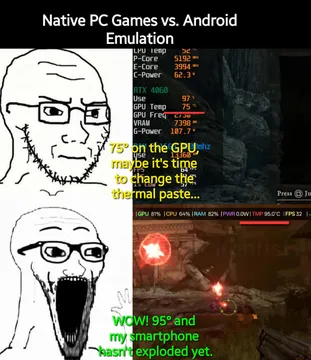
Send when joking about Android vs PC differences after adding a caption like “When someone says Android is just for phones”.
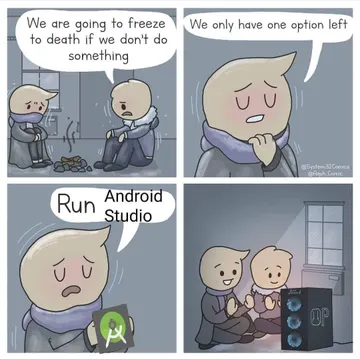
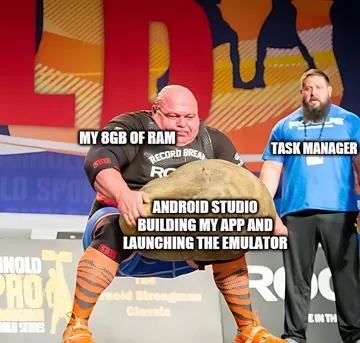
Use when expressing frustration with Android development tools, with text like “Me trying to add text to a GIF without an app”.
Caption it “My phone heating up while rendering a GIF with text” for relatable tech humor.
Add text “Trying to edit GIFs on Android without the right app” to show the struggle.
Use for Android vs iPhone debates, with text like “When you finally add text to a GIF on Android”.
Caption it “When someone sends you a GIF without text” for a playful reaction.
Add text “Me after successfully adding text to a GIF on my phone” to celebrate small wins.

Use a free online GIF editor
Open your Android browser and go to a free GIF editor like Gifntext or Adobe Express. Upload your GIF, then use the text tool to add a caption. Drag the text box to position it, adjust font, size, and color, then export the edited GIF to your phone.
These tools work entirely in the browser, so you don’t need to install anything. They support common formats like GIF, APNG, and WebP, and let you preview the animation with your text overlay.
Use an Android app for quick edits
Install a GIF editing app from the Play Store, such as GIF Maker or Meme Generator. Open the app, import your GIF, and use the text overlay feature. Type your text, customize its style, and save the result to your gallery.
Apps are handy for on-the-go edits and often include stickers and filters. Check reviews to find one that supports animated GIFs and doesn’t add watermarks.
Create a text-based meme with AI
If you want a meme with text rather than editing an existing GIF, try memecub’s AI meme maker. Describe the character, action, and caption, and it generates an image in about 10 seconds. You can also start from any meme in the library as a reference.
This is useful when you need a custom reaction image with text and don’t have a suitable GIF on hand. The AI refuses real people, so stick to fictional or generic characters.
Nothing quite right? Make one
Pick a character, type a caption, get it in about 10 seconds.
More that fit

FAQ
How do I insert text on a GIF?
Upload the GIF to an editor, select the text tool, click on the image to add a text layer, type your caption, and drag it to the desired position. Then export the edited GIF.
How do I edit an already existing GIF?
Use a GIF editor that supports frame-by-frame editing. You can add text, trim frames, or adjust speed. Online tools like Gifntext let you edit GIFs directly in your browser.
How can I add text to a GIF for free online?
Sites like Gifntext and Adobe Express offer free GIF text tools. Just upload your GIF, add text, and download the result—no sign-up required for basic use.
How to write on a GIF on iPhone?
On iPhone, you can use apps like GIPHY or GIF Maker, or online editors via Safari. The process is similar: upload, add text, and save to your Photos.