How do I get ChatGPT to write meme captions?
To get ChatGPT to write meme captions, give it a clear prompt that includes the meme template or image description, the tone you want, and the target audience. Ask for multiple options and specify the format, like top text and bottom text. For example: “Write 5 funny captions for a meme showing a confused dog at a computer, in a sarcastic tone.” Then pick the best one and refine it.
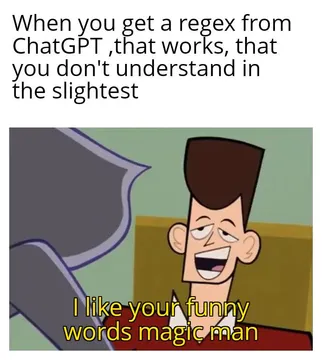
Send when ChatGPT gives a surprisingly good caption and you feel like the impressed cartoon man.
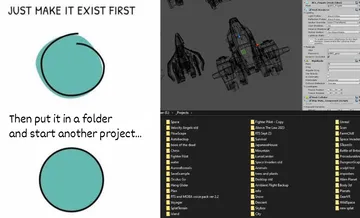
Use when your meme caption is about just getting the project done, no matter how messy.
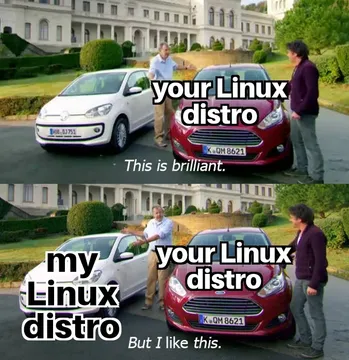
Perfect for captions comparing two options, like different Linux distros or meme ideas.
React with this when a ChatGPT caption actually makes you laugh.
Send when a caption is so bad it causes secondhand embarrassment.
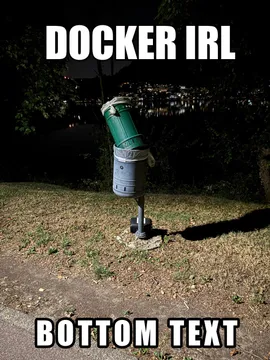
Use when explaining how something works, like containers or meme generation, in a funny way.
How to Write a Prompt That Works
Start by describing the meme image or template in detail: what’s in it, the expressions, and any text already there. For example: “A meme with a dog sitting at a desk looking confused, with a laptop.”
Then specify the tone: sarcastic, wholesome, dark humor, or relatable. Also mention the audience or context, like “for developers” or “for office workers.”
Ask for a specific number of captions and the format: top text and bottom text, or a single line. You can also request variations in length or style.
Example prompt: “Write 5 funny captions for a meme showing a confused dog at a computer. Use a sarcastic tone and format as top text and bottom text. Target audience: programmers.”
Iterate and Refine
ChatGPT’s first attempt might be generic. Ask it to be more specific, edgier, or to use a particular meme format like “expectation vs reality” or “nobody:”.
You can also ask it to explain why a caption is funny, or to generate captions in the style of a known meme page.
If you’re stuck, try giving it examples of captions you like and ask it to mimic that style.
When to Use a Meme Library Instead
If you need an actual image to go with the caption, memecub.com has a free meme library where you can search, copy, and download memes for personal chats. No sign-up needed.
For custom memes, the AI meme maker at memecub.com/generate lets you describe a character, action, and caption to create an image in about 10 seconds. It refuses real people, so keep it fictional.
Nothing quite right? Make one
Pick a character, type a caption, get it in about 10 seconds.
More that fit

FAQ
What prompt makes ChatGPT write funny meme text?
A prompt that includes the image description, desired tone, and format. For example: “Write 3 sarcastic captions for a meme of a cat knocking over a glass, in top/bottom text format.”
How do I ask ChatGPT for meme caption ideas?
Ask directly: “Give me 5 meme caption ideas for a picture of a surprised Pikachu.” Add context like the platform or audience to get more relevant results.
Can ChatGPT generate meme images?
ChatGPT can generate text captions, but for images you need a separate tool. You can use memecub’s AI meme maker to create custom memes from a description.
Is there a free ChatGPT meme generator?
ChatGPT itself is free to use for text. For image generation, memecub offers a free tier with credits, and browsing the meme library is free.