How do I generate a meme from text with an AI meme generator for my blog?
Write a short prompt with three parts — character, action, caption — and paste it into an AI meme maker such as memecub's /generate, which returns an image in about 10 seconds. If you want memes spread across a whole post, paste the article into /match and the AI picks a fitting meme for each paragraph. For a quick manual route, search the free library, copy the meme and add your own caption text.
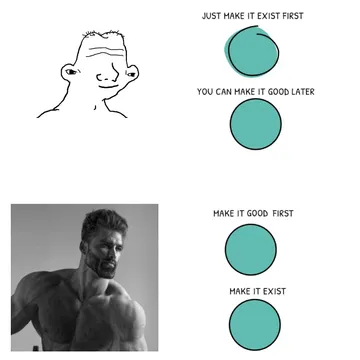
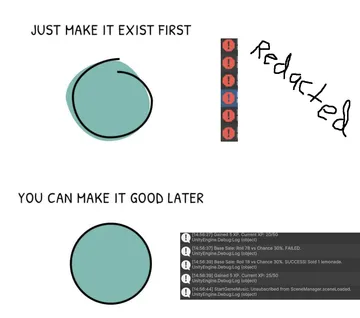
Send or embed it when your post is about shipping a rough first draft instead of polishing forever.
Use it as the opener for a post about prototypes, MVPs or first versions.
The closing image for a tutorial or changelog post that just wrapped up.
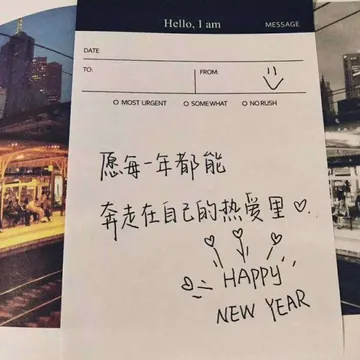
A friendly reaction image for a post that shares good news or a small win.
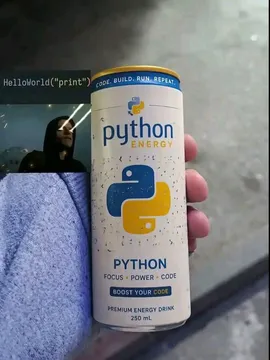
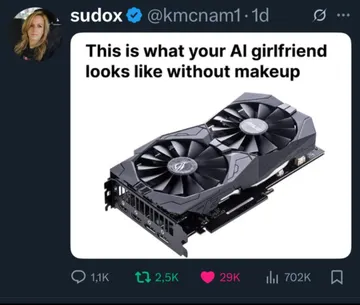
Fits a developer blog post about tooling, energy drinks and late-night coding.
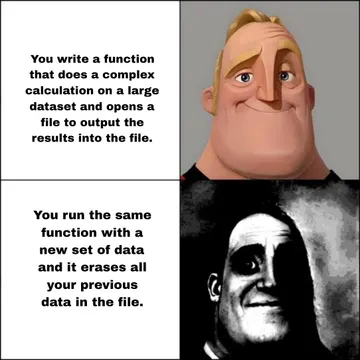
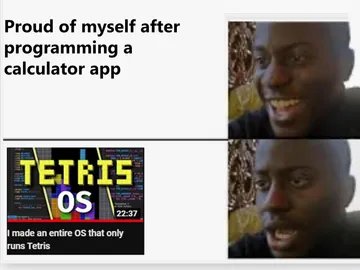
Good for a post about learning to code or the jump from small projects to bigger ones.
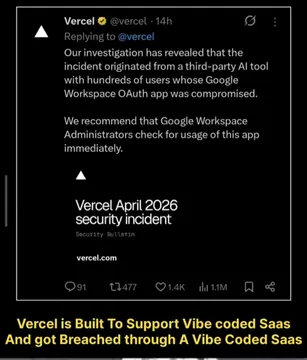
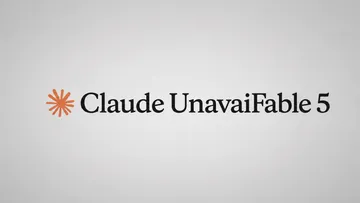
Use it in a post about dependency risk, supply-chain incidents or build failures.
A thumbs-up image for a post that reports a finished task or a fixed bug.


Write the prompt: character, action, caption
An AI meme maker works best when you give it three things: who is in the image, what they are doing, and the text that appears on the meme. A prompt like “a tired office worker staring at a laptop, caption: my blog post at 2am” is enough to start.
Keep the caption short — one line that lands the joke. If the caption is the point of your blog paragraph, put it in quotes so the model treats it as text to render rather than description.
In memecub's AI meme maker (/generate) each image takes about 10 seconds and costs 500 credits. It refuses prompts about real people, so describe a character type instead of naming someone.
Place memes across a whole post
If you do not want to write one prompt per meme, paste the full article into /match. The AI reads each paragraph and picks a fitting meme for it, which is faster than choosing images by hand for a long post.
Review the picks before publishing: a meme that fits the paragraph but clashes with your blog's tone is worse than no meme. Swap any weak pick for a library search or a generated image.
For a manual route, search the free library at memecub.com, copy or download the image, and add your caption in your editor. Browsing, searching, copying and downloading need no sign-up.
Tone, rights and where memes go in a post
Most library memes are collected from the web: fine for personal chats, but copyright stays with the original creators and they are not for commercial use. If your blog carries ads or sells something, use the filter that shows only openly licensed images (Openverse, open-source emoji, public-domain art) which can be used commercially.
Place a meme after the paragraph it comments on, not at the top of the post. One or two per article is usually enough; a wall of images buries the text readers came for.
Add alt text that describes the joke or the image, so the meme still works for screen readers and search engines.
Automate it for a developer blog
memecub has a REST API (search costs 1 credit per call), a remote MCP server at https://memecub.com/mcp, a CLI you can run with npx memecub, and a skill you install with npx skills add https://memecub.com into Claude Code, Codex, Cursor and similar tools.
A keyless trial allows 20 searches a day, which is enough to test a build step that searches for a meme per heading and inserts the result into your markdown.
Plans start at free with 1000 credits a month; paid tiers and credit packs exist if you generate images regularly.
Alternatives and when to use them
Template-based makers (Canva, Kapwing and similar) are good when you already know the classic format you want and just need to type caption text over it.
AI generators are better when no existing template matches your joke, because you describe the scene instead of hunting for an image.
Video and GIF memes need a video-capable tool; memecub's AI maker produces images, so use it for stills and keep video for a dedicated editor.
Nothing quite right? Make one
Pick a character, type a caption, get it in about 10 seconds.
More that fit


FAQ
Can AI make a meme from my blog text automatically?
Yes. Paste the article into memecub's /match and the AI picks a fitting meme for each paragraph. You still review the picks before publishing.
How do I make a custom meme from a caption?
Put the caption in your prompt along with a character and an action, for example “a cat in a hoodie typing, caption: shipping on Friday”. The AI meme maker at /generate turns that into an image in about 10 seconds.
Is there a free way to add memes to blog posts?
Yes. Browsing, searching, copying and downloading memes on memecub.com is free and needs no sign-up, and the free plan includes 1000 credits a month for AI generation.
Can I use memes from the library on a blog with ads?
Most library memes are collected from the web and are not for commercial use. Use the filter for openly licensed images (Openverse, open-source emoji, public-domain art) when your blog is commercial.
Can I generate meme videos with AI?
memecub's AI meme maker produces images, not video. For meme videos or GIFs, use a video-capable editor and keep memecub for still images.