How do I make a meme with the right caption and text?
Choose a template whose expression already carries half the joke, then write a caption that adds the twist instead of describing the image. Keep it to a few words, put the setup on top and the punchline on the bottom, and use a bold readable font with a thin outline. On a phone you can add text in any photo editor or meme app; on desktop, a browser meme maker works the same way. If no template fits, memecub's AI meme maker lets you describe a character, an action and a caption and generates the image.
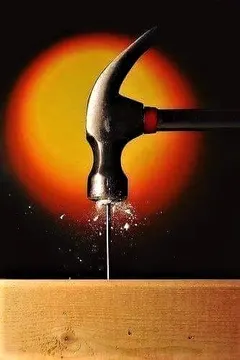
Send it when a plan lands perfectly and the caption is just “nailed it”.
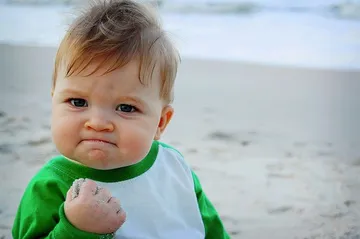
The classic success pose for a short two-word caption about a small win.
Use it for deadpan praise, where the caption says what a good boy someone is.
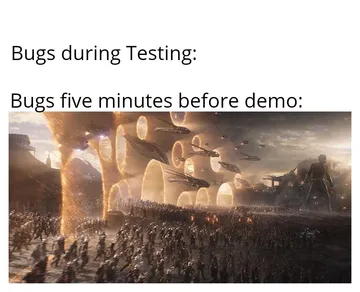
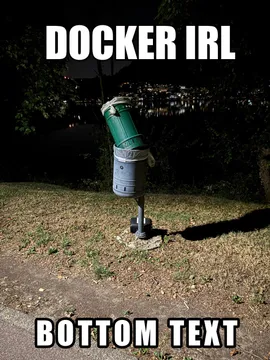
Pair the top and bottom text with a bug that appears only after release.
Good for a caption asking whether that is really how something works.
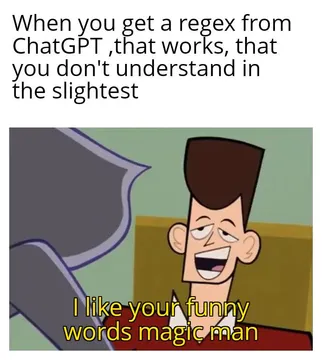
Send it when a regex or a clever one-liner works and nobody understands why.
Caption it with a project that was shipped first and fixed later.
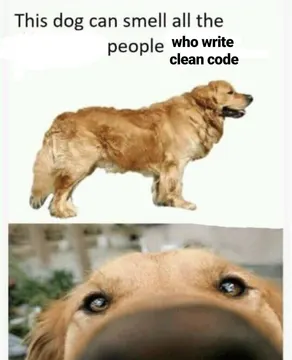
The long top-text format suits a rant caption that trails off.
Use the embarrassed face for a caption about a moment you want to forget.
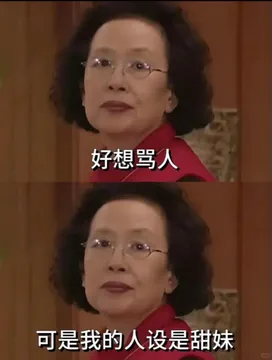
Write the caption before you pick the image
Start with the sentence you actually want to send. A meme caption works like a punchline: the image is the setup, the text is the turn.
Cut it down until removing one more word would break the joke. Two short lines beat one long sentence, and the top line usually sets the scene while the bottom line lands it.
Match the tone of the image. A smug face wants a confident caption, a confused face wants a question, a triumphant pose wants two words.
Add the text on phone or desktop
On iPhone or Android, open the image in Photos, Markup or any editor with a text tool, add a bold text box near the top and another near the bottom, and save a copy.
On desktop, upload the image to a browser meme maker, type the top and bottom lines, then download the result.
Use a heavy sans-serif font in white with a thin black outline so the text stays readable over any background. Keep text inside the image edges and away from faces.
If you are starting from scratch, memecub's AI meme maker takes a description of the character, the action and the caption and returns an image in about ten seconds.
Tone and etiquette
Punch at situations, not at people in the chat. A caption that needs an explanation usually needs a rewrite.
One meme per point. Sending a wall of them buries the joke and the message.
Check where the image came from before you use it outside a personal chat. Most memes on memecub are collected from the web and stay with their original creators, so they are fine for personal chats but not for commercial use; the license filter shows openly licensed images you can use commercially.
Nothing quite right? Make one
Pick a character, type a caption, get it in about 10 seconds.
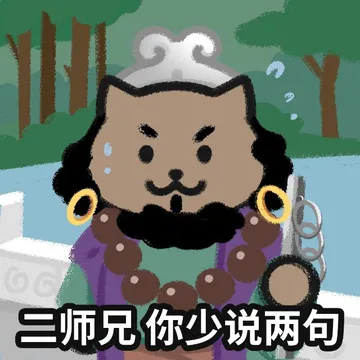
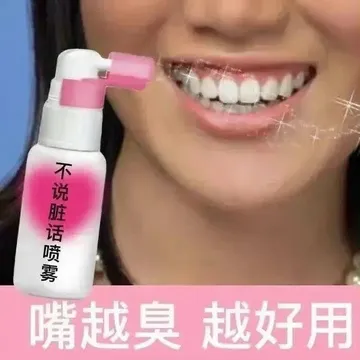
More that fit
FAQ
How do I add text to a meme?
Open the image in any editor with a text tool, add one line at the top and one at the bottom, and use a bold font with an outline. On a phone, the built-in markup tool is enough; on desktop, a browser meme maker does the same job.
How do I write a funny meme caption?
Write the line you would say out loud, then cut it to a few words. Let the image carry the setup and let the caption twist it, rather than describing what is already visible.
How do I make a meme on my iPhone or Android phone?
Save the template to your photos, open it in your phone's markup or photo editor, add top and bottom text, and save a copy. No separate app is required.
Can ChatGPT create memes?
Text models can suggest captions but cannot draw the image themselves. For an image, use a dedicated generator such as memecub's AI meme maker, which builds a meme from a described character, action and caption.
What if no template fits my joke?
Describe the scene instead: who the character is, what they are doing, and the caption. The AI meme maker generates a matching image, and you can also start from any existing meme as a reference.