How do I add text to a GIF in Discord?
Discord has no built-in text tool for GIFs, so caption the GIF first in an online editor (upload the GIF, add a text box, drag it into place, export as GIF) and then send the finished file in the chat box. On iPhone you can also add text in Photos or a GIF app before sharing to Discord. If you just want a reaction with a caption, grab a ready-made meme from memecub instead of editing.
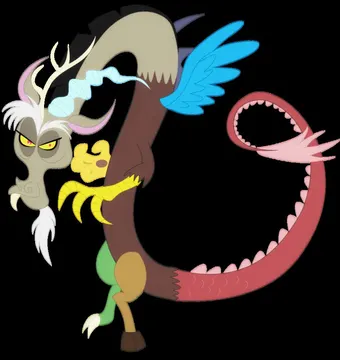
Send when the server is melting down and words are not enough.
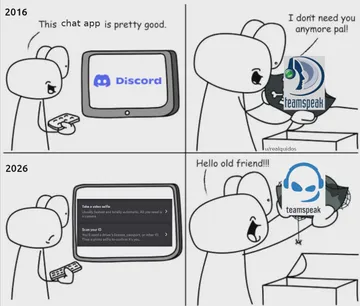
The four-panel arc for anyone who joined Discord in 2016 and regrets nothing.
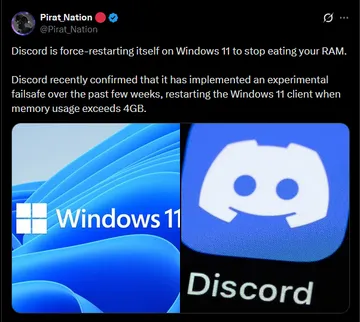
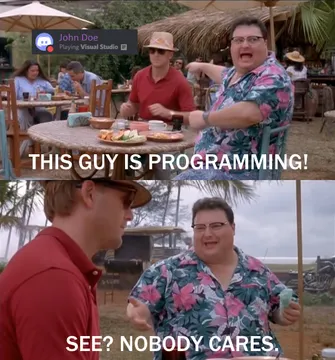
Caption it with your own RAM joke when the client restarts mid-call.
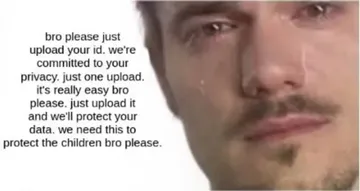
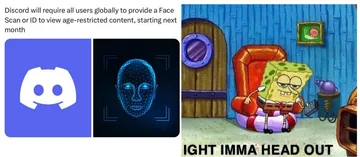
For the moment a new policy drops and everyone in general chat reacts at once.
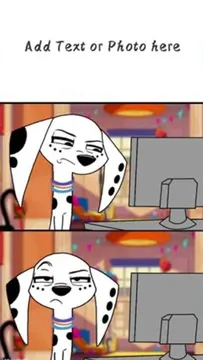
The dog at the computer says it for you when a take is that bad.
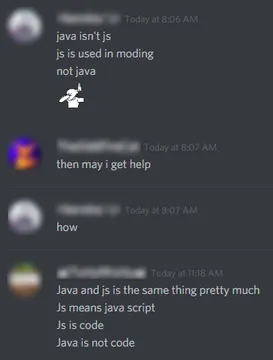
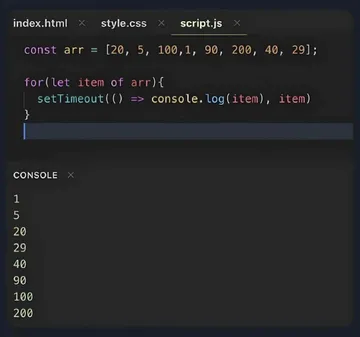
Drop it in a dev server when the Java versus JavaScript argument starts again.
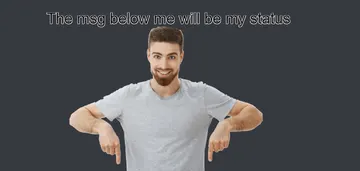
A cheerful pointer for announcing a status change or a new channel.
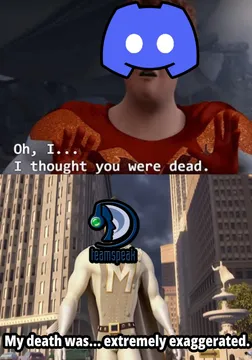
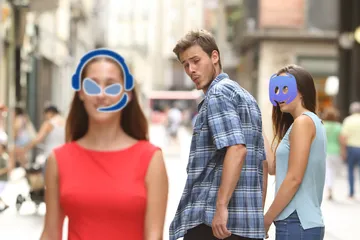
Send when the group chat is dying and someone suggests moving platforms.
Caption a GIF step by step
Download or copy the GIF you want to use, then open an online GIF caption tool in your browser. Upload the GIF, click the image to add a text layer, type your caption, and drag the box where it should sit.
Pick a font, text color, and outline so the words stay readable over a busy animation. Export or download the result as a GIF, not a still image, so the animation survives.
In Discord, click the plus button next to the message box, choose the finished GIF file, add a short message if you like, and send. On desktop you can also drag the file straight into the chat.
Phone options
On iPhone, open the GIF in Photos, tap Edit, and add text with the markup tool, then share the result to Discord. Some GIF apps do the same job with more fonts and outlines.
On Android, a GIF editor app from the Play Store is the usual route: import the GIF, add a text layer, export, then share to Discord. Keep the export as GIF so it keeps moving.
When a ready-made meme is faster
If the goal is a reaction rather than a custom caption, search memecub for the mood and send the meme directly. Browsing, searching, copying, and downloading are free and need no sign-up.
Most memes there are collected from the web, so they are fine for personal chats and the copyright stays with the original creators. If you need something commercial, use the openly licensed filter, or describe a character, action, and caption in the AI meme maker when nothing in the library fits.
Tone and etiquette
Keep captions short. One line in large text reads better on a phone screen than a paragraph squeezed into a corner.
Place text away from faces and key action so the joke still lands, and avoid covering the part of the GIF people are watching.
In busy servers, a captioned GIF is a reaction, not a reply. Use it where the channel already trades memes, and keep spoilers and sensitive jokes out of serious threads.
Nothing quite right? Make one
Pick a character, type a caption, get it in about 10 seconds.
More that fit
FAQ
How do I insert text on a GIF?
Upload the GIF to an online GIF editor, click the image to add a text layer, type your caption, position it, and export as GIF. Discord itself has no text tool for GIFs.
How do I edit an already existing GIF?
Download the GIF first, then open it in a GIF caption tool or a phone GIF app, add your text or crop, and save a new GIF file. The original stays untouched.
How can I add text to a GIF for free online?
Browser-based GIF caption makers let you upload, add a text box, and download the result without installing anything. Check the export format is GIF so the animation is kept.
How do I write on a GIF on iPhone?
Open the GIF in Photos, tap Edit, use the markup text tool, then share the edited file to Discord. A dedicated GIF app gives you more fonts and outlines.
Can I add text to a GIF directly in Discord?
No. Discord sends GIFs as files or links and does not include a caption editor, so the text has to be added before you upload.