How do I generate a meme from text with an AI meme generator?
To generate a meme from text, open an AI meme generator like memecub's /generate, describe the character, action, and caption in one prompt, and wait about 10 seconds for the image. You can also start from any existing meme as a reference to keep the style consistent. The tool refuses prompts involving real people, so keep your idea fictional or generic.
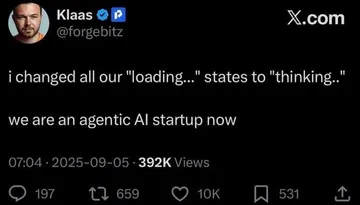
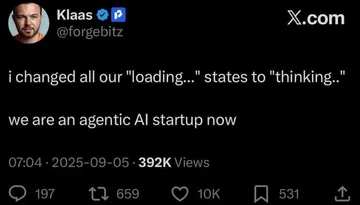
Send when a startup pitch is just a pile of buzzwords and you want to call it out.
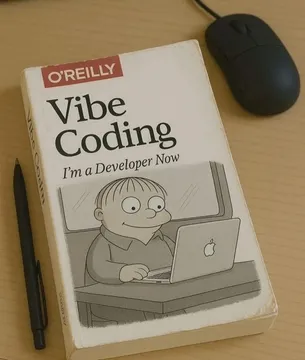
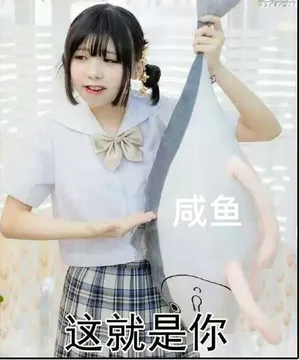
Use when a developer suddenly claims a new skill after one tutorial.
Perfect for reacting to a long, pointless meeting invite.
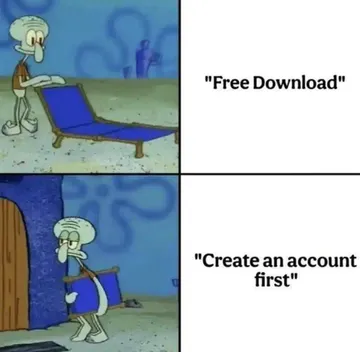
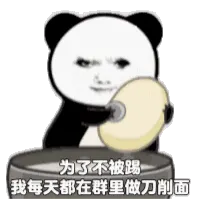
Send when someone volunteers for extra work and immediately regrets it.
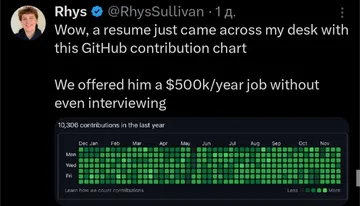
Use when a resume shows a GitHub contribution graph that is all green squares.
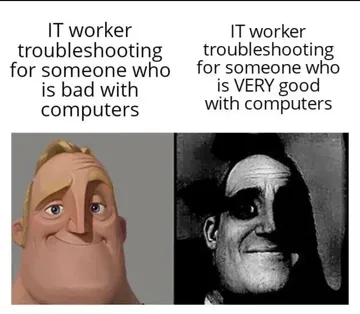
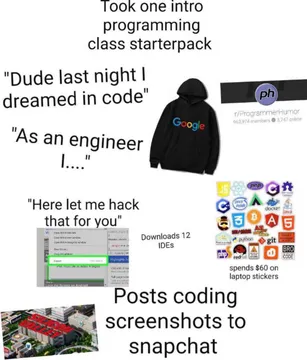
Send to someone who thinks one intro class makes them an expert.
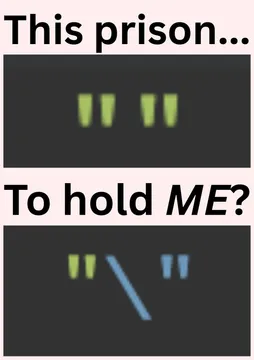
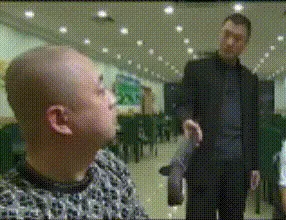
Use when a developer jokes about escaping the codebase.
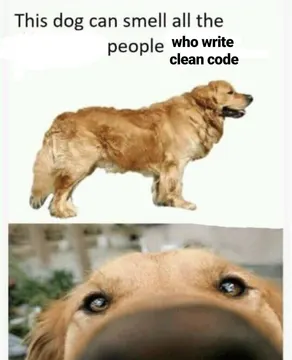
Send to praise a good boy or a job well done.
How to write a prompt that works
A good prompt has three parts: who or what is in the meme, what they are doing, and what the caption says. For example: “A cat in a business suit pointing at a chart, caption: This meeting could have been an email.”
Keep the character generic or fictional. The AI meme maker refuses prompts that involve real people, so avoid names of celebrities or colleagues.
If you want a specific style, start from any meme in the library as a reference. The generator will use it as a visual guide while following your text.
Step-by-step: from text to meme
1. Go to memecub.com/generate.
2. Type your description: character, action, and caption.
3. Optionally, pick a reference meme from the library to set the style.
4. Submit and wait about 10 seconds for the image.
5. Download or copy the result and share it in your chat.
When to use AI vs. the library
Use the AI meme maker when you have a very specific idea that no existing meme captures, or when you want a custom character or caption.
Use the free meme library when you need something fast and recognizable. Browsing, searching, copying, and downloading are free and require no sign-up.
Most library memes are collected from the web and are free for personal chats only; copyright stays with the original creators. If you need commercial use, apply the filter for openly licensed images.
Tone and etiquette
Keep it friendly and avoid targeting real people. The AI refuses real people for a reason: memes about actual individuals can cause harm.
Match the meme to the chat. A work channel may prefer a clean, generic meme, while a friends' group can handle more absurd humor.
Credit the original creator when you share a library meme outside your personal circle.
Nothing quite right? Make one
Pick a character, type a caption, get it in about 10 seconds.
More that fit
FAQ
Can AI make a meme from my idea?
Yes. Describe your idea as a character, an action, and a caption, and the AI meme generator will create an image in about 10 seconds. You can also use an existing meme as a reference to guide the style.
How do I turn a sentence into a meme?
Break your sentence into a visual scene: who is in it, what they are doing, and what text should appear. Then enter that description into the AI meme maker. For example, “A dog in a suit at a desk, caption: I have no idea what I'm doing.”
Is there a free AI meme generator from text?
memecub offers a free plan with 1000 credits a month, and each AI-generated image costs 500 credits. The meme library itself is free to browse and download without sign-up.
Can I generate memes with real people?
No. The AI meme maker refuses prompts that involve real people to avoid misuse. Stick to fictional characters or generic descriptions.
What if the AI meme doesn't fit my idea?
Try rephrasing your prompt with more specific details about the character, action, or caption. You can also start from a library meme as a reference to get closer to the style you want.