How do I let Claude search and place memes automatically?
Point Claude at memecub's remote MCP server at https://memecub.com/mcp (or install the skill with npx skills add https://memecub.com), then ask it to search memes for a message or paste an article and let AI meme placement pick one per paragraph. The REST API handles search at 1 credit per call, and a keyless trial gives 20 searches a day so you can test the loop before wiring in a key.
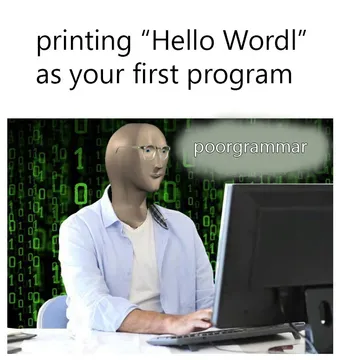
Send when Claude finally returns the right meme on the first try.
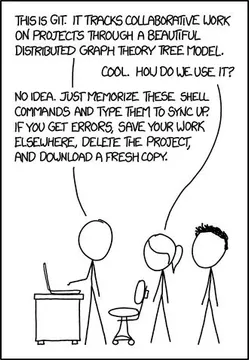
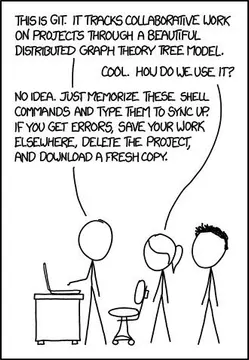
The reply to a clean MCP setup that works on the first run.
For the moment the agent loop runs and the meme lands in the right spot.
When you test a new prompt and the meme choice is completely off.
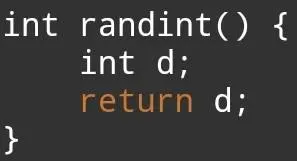
For a tool call that returns exactly what the schema says, no more.
When you are wiring the API at midnight and feel older than you are.
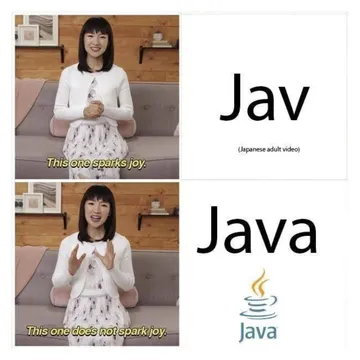
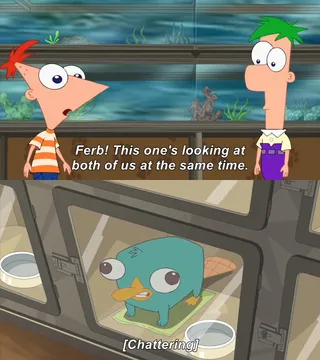
Two-panel reaction for a good match versus a random one.
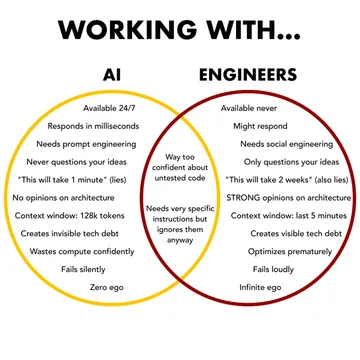
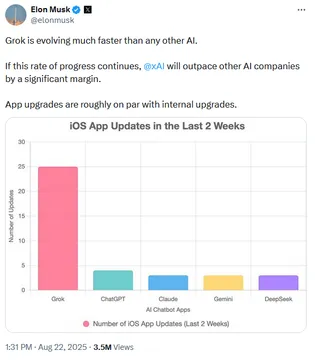
For comparing AI-picked memes with ones you would have chosen yourself.




How the memecub MCP server works with Claude
memecub exposes a remote MCP server at https://memecub.com/mcp. Add it as a connector in Claude (or in Claude Code) and Claude gets tools to search the meme library and to place memes into text.
Search costs 1 credit per call. A keyless trial allows 20 searches a day, so you can confirm the connection and the tool names before adding a key. The free plan includes 1000 credits a month.
If you prefer a skill over MCP, run npx skills add https://memecub.com to install it into Claude Code, Codex, Cursor and similar tools. There is also a CLI: npx memecub.
A minimal setup and prompt
Add the server to your MCP config, then restart Claude so the tools appear:
{"mcpServers": {"memecub": {"url": "https://memecub.com/mcp"}}}
Then ask in plain language: “Search memecub for a meme that fits this paragraph, then place it after the paragraph and keep the caption short.” Claude calls search, reads the results, and inserts the pick.
For longer text, use AI meme placement at https://memecub.com/match: paste the article and it picks a fitting meme for each paragraph. Use that when you want a whole piece done at once instead of one message at a time.
Choosing between MCP, the API and the skill
MCP is best when you want Claude to decide during a conversation: it can search, look at results and place a meme in the same turn.
The REST API is best for your own scripts and bots, where you control the prompt and the output format. Search is 1 credit per call.
The skill is best inside coding agents like Claude Code, where you want the meme workflow available as a command without managing a server config.
If nothing in the library fits, the AI meme maker at /generate creates one from a character, action and caption, or from an existing meme as reference. It takes about 10 seconds per image and 500 credits each, and it refuses real people.
Tone and licensing before you automate
Most memes are collected from the web: fine for personal chats, copyright stays with the original creators, and not for commercial use. If the output goes into a product or ad, turn on the filter that shows only openly licensed images (Openverse, open-source emoji, public-domain art).
Keep placement sparse. One meme per message or per few paragraphs reads better than one per sentence, and a short caption beats a long explanation of the joke.
Let your AI find the memes
REST API, remote MCP, CLI and a skill. Try 20 searches a day without a key.
More that fit




FAQ
Can I upload GIFs or images to Claude directly?
Yes, Claude accepts image uploads in chat. For automatic meme picking, though, the MCP server or API is better because Claude can search the library and choose without you uploading files.
How do I make Claude pick the right meme for a message?
Give it the message plus a one-line tone hint (“dry, developer humor”) and ask it to search memecub and return the best match with a reason. The reason makes bad picks easy to spot and correct.
Is there a free way to try meme search with Claude?
Yes. The keyless trial allows 20 searches a day, and the free plan includes 1000 credits a month. Browsing, searching, copying and downloading on memecub.com are free with no sign-up.
How do I install the Claude meme skill?
Run npx skills add https://memecub.com. It installs into Claude Code, Codex, Cursor and other compatible tools, and you can also use the CLI with npx memecub.
Can Claude place memes into a long article automatically?
Yes. Paste the article into AI meme placement at https://memecub.com/match and it picks a fitting meme for each paragraph, which you can then adjust by hand.