How do I add text to a GIF on my iPhone?
To add text to a GIF on iPhone, use a free online GIF editor like Gifntext or Adobe Express: upload your GIF, add a text layer, type your caption, drag it into place, then export. For a meme-style caption, you can also start from a meme in memecub’s library and use the AI meme maker to generate a new image with your text.
Send when you spot a free tool or opportunity and want to claim it with a smirk.
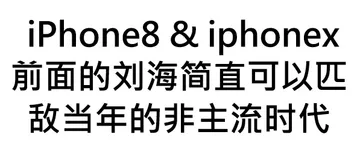
Use when joking about iPhone design quirks, like the notch, with a text overlay.
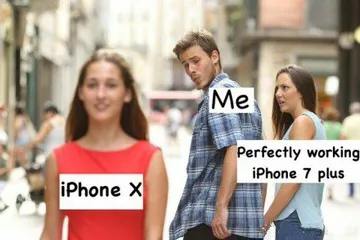
Perfect for comparing old and new iPhones in a group chat.
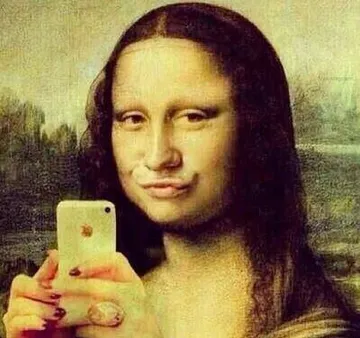
Send when someone takes a selfie with their iPhone and you want a playful reaction.
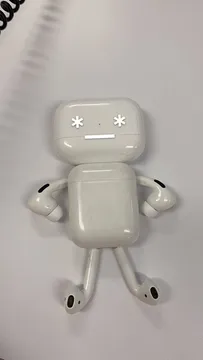
Use when showing off a new iPhone accessory or earbuds case.
Send when you need a favor related to iPhones, like borrowing a charger.
Use for jokes about iPhone durability or long-term use.

Use a free online GIF editor
Open Safari on your iPhone and go to a free GIF editor like Gifntext or Adobe Express. Tap upload and choose a GIF from your Photos app or Files.
Tap the text tool, type your caption, and drag the text box to position it. Adjust font, size, and color if needed.
Export or download the edited GIF, then save it to your Photos. You can now share it in Messages, WhatsApp, or Discord.
Add text with a meme generator
If you want a meme-style caption, try memecub’s AI meme maker: describe the character, action, and caption, and it generates an image in about 10 seconds.
You can also start from any meme in the library as a reference. The AI refuses real people, so keep it fictional or use existing meme characters.
For quick text on an existing GIF, the online editor method above is faster.
Tips for clear text on GIFs
Keep captions short so they stay readable on small screens. Use a bold font with a contrasting outline or background.
Place text away from busy areas of the GIF so it doesn’t get lost. Test the GIF in a chat before sharing widely.
Remember that most memes from the web are for personal chats only; check licensing if you plan to use them commercially.
Nothing quite right? Make one
Pick a character, type a caption, get it in about 10 seconds.
More that fit






FAQ
How do I write on a GIF on iPhone?
Use a free online GIF editor in Safari: upload your GIF, add a text layer, type your message, and export. Save the edited GIF to Photos.
How can I add text to a GIF for free online?
Sites like Gifntext and Adobe Express let you upload a GIF, add text, and download the result for free. No sign-up is usually required.
How do I edit an already existing GIF?
Upload the GIF to an online editor, then use the text tool to overlay new text. You can also crop or adjust speed in some editors.
Can I add text to a GIF in Canva?
Yes, Canva supports GIF import and text overlays, but the free version may have limitations. For quick edits, a dedicated GIF editor is simpler.
How do I add text to a GIF on WhatsApp or Discord?
Edit the GIF first using an online tool or app, then share the edited file in WhatsApp or Discord. Both apps don’t have built-in GIF text tools.