How do I send a meme on WhatsApp?
Save the meme image to your phone, open the chat, tap the attach (paper clip) icon, choose Gallery or Photos, pick the meme and tap Send. For GIFs, tap the sticker icon in the chat, open the GIF tab, search or pick one, and send it. On Android you can also paste an image straight into the message box.
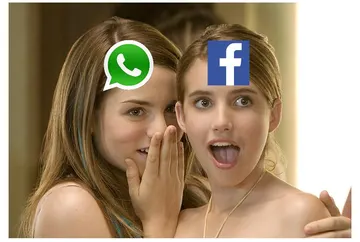
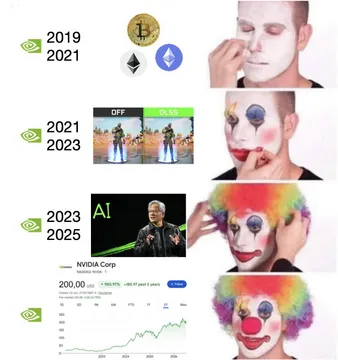
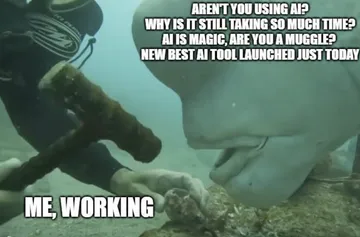
Send it when you want to whisper a secret or a bit of gossip into the chat.
The eye-roll smirk for when a friend says something ridiculous and you have no words.
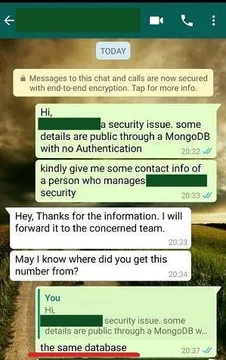
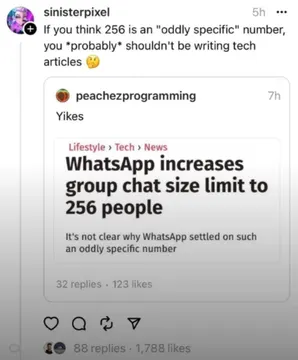
A WhatsApp chat screenshot that fits perfectly when someone drops alarming news in the group.
Use it to nudge the group chat into actually replying to your quiz or poll.
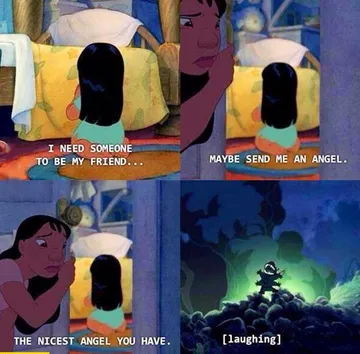
The dramatic prayer panel for when you are waiting on someone to text back.
A mock-serious verdict to drop when someone admits to a harmless but silly crime.
Cartoon crowd cheering, good for celebrating good news in a group chat.
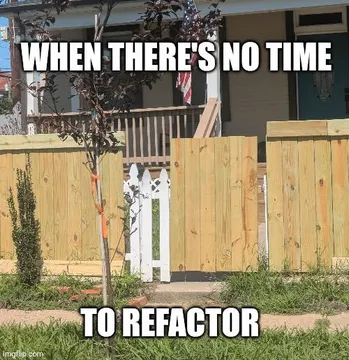
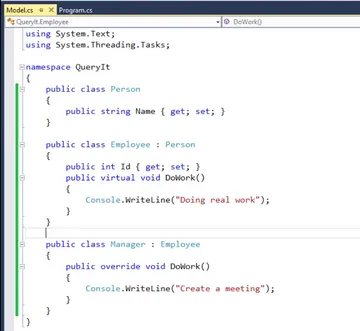
For developer friends: send it when a fix goes straight to production without testing.



Send a saved meme from your gallery
Save the meme to your phone first: long-press the image in your browser or gallery app and choose Save, or download it from a meme site.
Open the WhatsApp chat, tap the attach icon (paper clip on Android, plus on iPhone), then choose Gallery or Photos.
Pick the meme, add a caption if you like, and tap Send. On Android you can also copy the image and paste it into the message box.
Send a GIF inside WhatsApp
Open the chat and tap the sticker icon next to the text box.
Switch to the GIF tab, then tap the search icon and type what you want, or scroll the trending GIFs.
Tap the GIF to send it right away. On iPhone, GIFs you save to Photos can also be sent through the attach menu like a normal image.
Turn a meme into a sticker
Open the meme in your gallery, then in WhatsApp go to the sticker icon, tap the plus or add button, and pick the image.
WhatsApp crops it into a sticker you can reuse in any chat. This works well for memes with a clear subject and little text.
If nothing in your gallery fits the moment, memecub.com lets you search and download memes without signing up, and its AI meme maker can create one from a short description.
Tone and etiquette
Match the meme to the chat: a work group is not the place for an inside-joke meme, and a meme that needs explaining usually lands flat.
Send one meme at a time instead of a burst, and avoid forwarding the same meme to every chat.
Memes collected from the web are fine for personal chats, but the copyright stays with the original creator, so do not use them commercially.
Nothing quite right? Make one
Pick a character, type a caption, get it in about 10 seconds.
More that fit



FAQ
How do I put a meme in WhatsApp?
Save the meme to your phone, open the chat, tap the attach icon and choose Gallery or Photos, then select the meme and send it. You can also paste a copied image directly into the message box on Android.
How do I send GIFs in WhatsApp?
Tap the sticker icon in a chat, open the GIF tab, and either search or pick from the list. Tapping a GIF sends it immediately.
Where are GIFs on WhatsApp?
They live behind the sticker icon next to the text box. Open a chat, tap the sticker icon, and switch to the GIF tab to see trending GIFs and the search bar.
Is it free to send GIFs on WhatsApp?
Yes. Sending GIFs and images uses your normal data or Wi-Fi connection, and WhatsApp does not charge extra for them.
Can I add my own GIF to WhatsApp?
WhatsApp does not let you upload GIFs into its built-in GIF library, but you can save a GIF to your phone and send it from your gallery, or turn a short video into a GIF with the attach menu.