How do I make a meme with my own photo?
To make a meme with your own photo, choose a format (top/bottom text, a reaction face, or a two-panel expectation vs reality), crop the photo so the face or action is clear, and add a short caption that names the situation. You can do this in any basic image editor or meme generator on your phone or in a browser, then save and share the image. If you want a caption idea first, browse memecub.com for a matching format, or use the AI meme maker at /generate to describe the scene and get a fresh image.
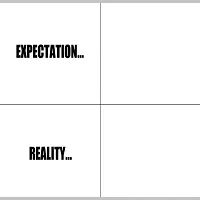
A blank expectation vs reality template — drop your own before and after photos into the two rows.
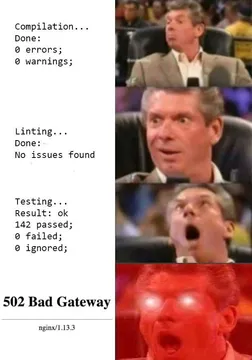
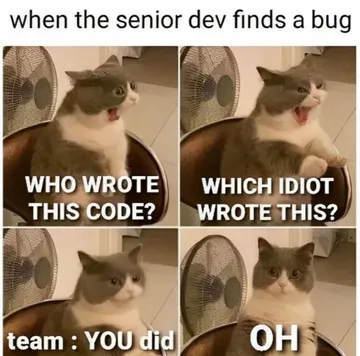
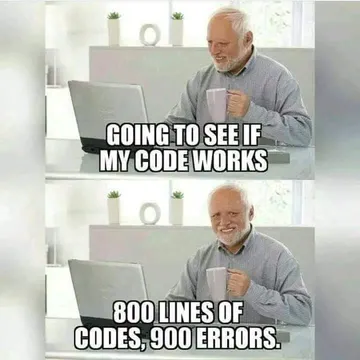
Send it when your own photo shows the calm face first and the shock face after.
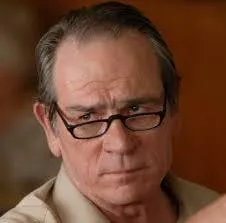
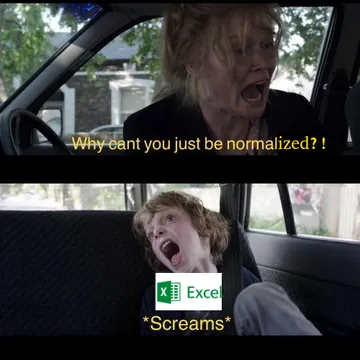
The look to caption your photo with when someone asks a question you already answered.
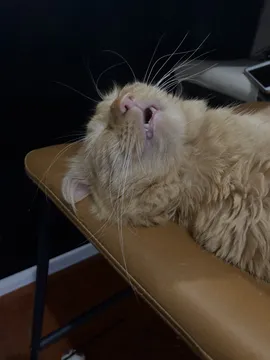
Pair your selfie with this caption when the photo is doing its best to look composed.
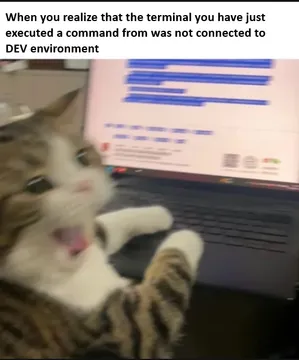
Use it when your photo is a screenshot of you realizing the bug was live all along.
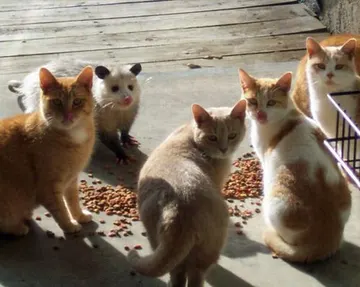
For a group photo where everyone is clearly trying to fit in.
Four panels of escalating regret — good structure if you have a sequence of photos.
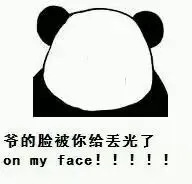
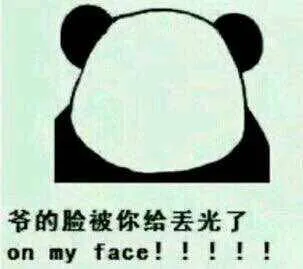
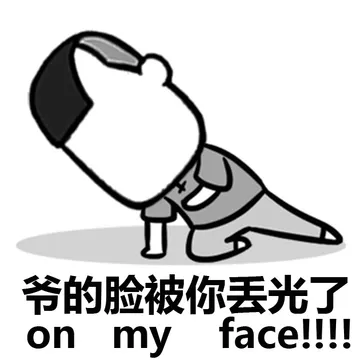
A blank panda face you can caption with your own on-my-face moment.
Pick the format before you edit
Most photo memes fall into three shapes: one image with top and bottom text, one image with a single caption line, or two to four panels that show a change (expectation vs reality, calm vs panic). Decide which one fits your photo before you open an editor — it tells you how to crop.
If your photo has a clear face or reaction, a single-panel caption works best. If you have two photos of the same person or situation, a two-panel comparison is stronger than one crowded image.
Make it on your phone or in a browser
On iPhone or Android, open the photo in your gallery or a free editor, crop it to a square or 4:5, then add text with a bold font and a white outline so it reads on any background. Keep the caption to a few words and place it where it does not cover the face.
In a browser, any free meme generator lets you upload a JPG, PNG or GIF, add resizable text, and download the result. No sign-up is needed for most of them, and the same steps work on a laptop.
Caption and tone
The caption is the joke: name the exact situation (“me when the deploy fails at 5pm”) rather than describing the photo. Short beats long, and lowercase often reads funnier than title case.
Keep it kind. If the photo shows other people, ask before posting, and avoid captions that punch down. Memes collected from the web on memecub are fine for personal chats; copyright stays with the original creators, so do not use them commercially. If you need something commercially usable, use the openly licensed filter or generate a new image.
When nothing fits, generate one
If you cannot find a template that matches your photo, the AI meme maker at memecub.com/generate takes a description of a character, an action and a caption, or a reference meme, and returns an image in about ten seconds. It refuses real people, so describe a character instead of uploading a friend's face.
You can also paste an article into /match and let the AI pick a fitting meme for each paragraph — useful when you are writing rather than posting.
Nothing quite right? Make one
Pick a character, type a caption, get it in about 10 seconds.
More that fit
FAQ
Can I create a meme using my own photo?
Yes. Upload or open the photo in any editor or meme generator, crop it so the subject is clear, add a short caption, and save the image. No account is required for most tools.
How do I turn a photo into a meme on iPhone?
Open the photo in Photos, tap Edit, crop it, then use Markup to add text. Or upload it to a browser-based meme generator and download the finished image to your camera roll.
Can ChatGPT create memes?
ChatGPT can suggest captions and formats, but it does not reliably output a finished meme image. For an actual image, use a dedicated meme generator or an AI meme maker such as the one at memecub.com/generate.
Can a photo be a meme?
Any photo can become a meme once it is paired with a caption that names a relatable situation. The photo supplies the reaction; the text supplies the context.
Is it free to make a meme with my own photo?
Yes — free online meme generators and phone editors cover the basic steps of cropping, adding text and saving. On memecub, browsing, searching, copying and downloading memes is free with no sign-up.