How do I make an animated GIF not play until I click in Google Slides?
Google Slides does not support click-to-play GIFs. GIFs always start playing when the slide appears. To get a click-triggered animation, convert your GIF to MP4 and insert it as a video, then set it to play on click. Use a tool like Ezgif or CloudConvert for the conversion.
Send when you finally get the click-to-play to work after many tries.
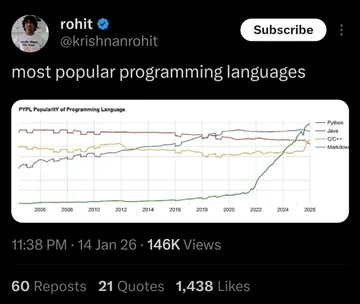
Use when you realize Google Slides just doesn't support click-to-play GIFs.
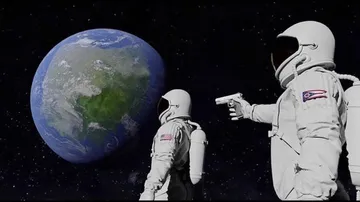
React when someone insists their GIF should play on click in Slides.
When you right-click the GIF for the tenth time looking for a play option.
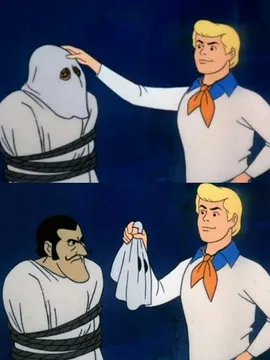
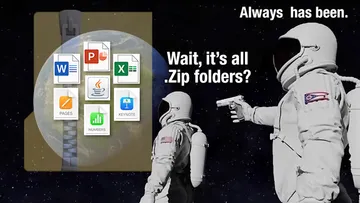
For when you discover the workaround is just wrapping it in a video element.
When you confidently say you can make a GIF play on click, then realize you can't.
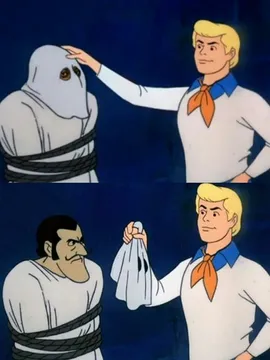
When you reveal to your team that the GIF was actually an MP4 all along.




Why GIFs don't wait for a click
Google Slides treats GIFs as images, not media. Images have no play or pause control, so the GIF starts animating as soon as the slide loads.
There is no built-in setting to delay or trigger a GIF. The only reliable workaround is to use a video format instead.
Convert GIF to MP4 and insert as video
Step 1: Download your GIF and convert it to MP4 using a free online tool like Ezgif, CloudConvert, or Adobe Express.
Step 2: In Google Slides, go to Insert > Video and upload the MP4 from Google Drive or search for it on YouTube (if you uploaded it there).
Step 3: With the video selected, click Format options > Video playback. Set 'Start playing' to 'On click' and choose whether to play once or loop.
Step 4: Resize and position the video like any other object. During the presentation, click the video to start it.
Tone and etiquette for sharing memes
When you send memes in chats or presentations, keep it friendly and context-aware. Avoid using copyrighted memes for commercial purposes.
If you need a custom meme, memecub's AI meme maker can generate one from a description in about 10 seconds.
Nothing quite right? Make one
Pick a character, type a caption, get it in about 10 seconds.
More that fit






FAQ
Why won't my GIF work on Google Slides?
GIFs may not play if the file is too large or has too many frames. Try reducing the size or converting to MP4.
How to get GIFs to play on Google Slides?
GIFs play automatically when the slide appears. To control playback, convert the GIF to MP4 and insert it as a video.
How to fix GIFs not playing?
Check the file size and frame count. If it's too large, compress or convert it. Also ensure your browser is up to date.
Why are my GIFs not animated?
The GIF might be static or corrupted. Try re-downloading it or using a different source.