Where can I find reaction GIFs to use in Google Slides presentations?
You can download reaction GIFs from meme libraries like memecub.com, then insert them into Google Slides via Insert > Image > Upload or by dragging the file onto a slide. To make a GIF play during your presentation, keep it small and test it in slideshow mode; if it plays only once, re-export it as a looping GIF or convert it to a short video.
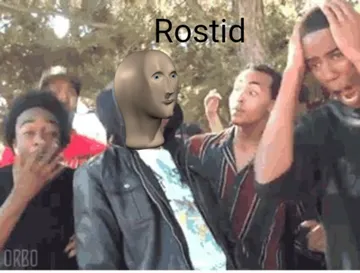
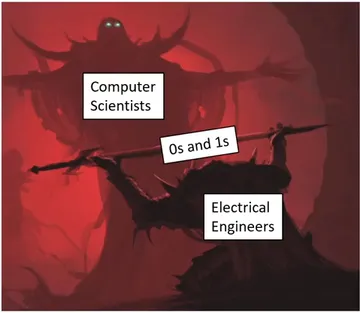
Send when you want to say “I’ve done the research” before a big reveal.
Use as a reaction to a slide full of dry data—perfect for a quick laugh.
Great for politely shutting down a tangent during Q&A.
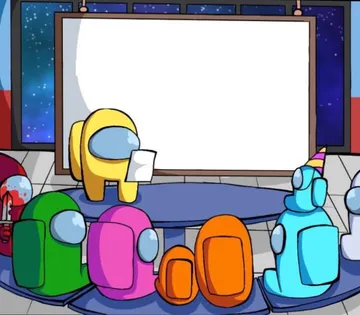
Drop this when your slide deck is running long and you need to wrap up.
Perfect for reacting to an unexpected question from the audience.
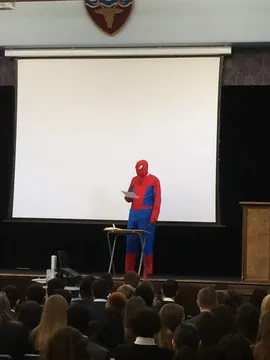
Use when you’re about to present and feel like a superhero on stage.
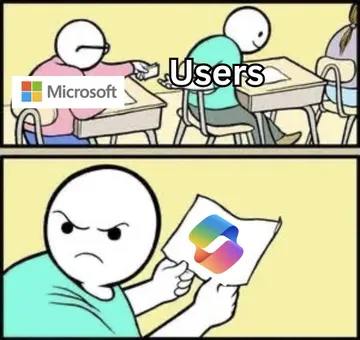
Ideal for a slide about AI tools or getting help from Copilot.
Send when you’re presenting and feel like an imposter among experts.





How to insert a GIF into Google Slides
Download the GIF to your computer. In Google Slides, go to Insert > Image > Upload from computer, or drag the file directly onto a slide.
Resize and position the GIF like any other image. To check playback, click Present or press Ctrl/Cmd + F5—GIFs animate in slideshow mode, not in the editing view.
If the GIF is large (many frames or high resolution), Google Slides may fail to upload it. Use a tool like Ezgif to resize or reduce frames before inserting.
Why your GIF won’t play or loop
GIFs in Google Slides play only in presentation mode. If you’re in the editor, you’ll see a static image.
A GIF that plays once and stops is usually not set to loop. Re-export it with looping enabled, or convert it to a short MP4 video and insert it via Insert > Video.
If the GIF doesn’t animate at all, check the file size—large GIFs may not load. Try compressing it or using fewer frames.
Browser issues can also block GIFs. Clear your cache, disable extensions, or try another browser.
Where to find reaction GIFs
memecub.com has a free meme library with reaction GIFs and images. You can browse, search, copy, and download without signing up.
Most memes are collected from the web and are free for personal use; copyright stays with the original creators. For commercial presentations, use the filter to show only openly licensed images.
If you can’t find the right reaction, the AI meme maker at memecub.com/generate lets you describe a character, action, and caption to create a custom meme in about 10 seconds.
Nothing quite right? Make one
Pick a character, type a caption, get it in about 10 seconds.
More that fit




FAQ
Why won’t my GIF work on Google Slides?
GIFs only animate in presentation mode, not in the editor. Also check that the file isn’t too large—try compressing it or reducing frames.
How do I make a GIF loop in Google Slides?
Google Slides doesn’t have a loop setting. You need to edit the GIF itself to loop (using a tool like Ezgif) before inserting it, or convert it to a video.
Can I use any GIF from the internet in my presentation?
For personal use, most GIFs are fine, but copyright applies. For commercial use, look for openly licensed GIFs or use memecub’s filter for commercial-safe images.
What if my GIF is too large to upload?
Resize the GIF or reduce the number of frames using a free tool like Ezgif, then try uploading again.