Why won't my GIF play in Google Slides?
Most GIFs fail in Google Slides for one of three reasons: the file is too big or has too many frames to upload cleanly, the GIF is set to play only once so it finishes before your slide appears, or the browser is caching an old version. Shrink or re-export the GIF (fewer frames, smaller canvas), re-insert it from Google Drive, and for one-shot GIFs convert to MP4 or re-insert the image right before presenting.
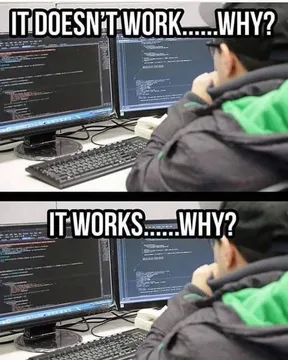
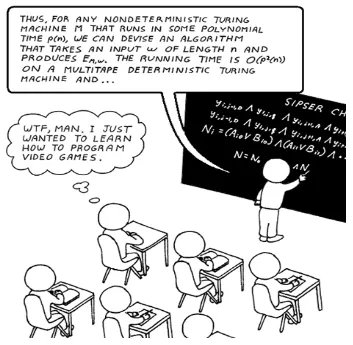
Send when the GIF just sits there frozen and you have no idea why.
The exact face for “it played once and now it's a still image.”
For the upload error dialog when the GIF is too large for Slides.
When a teammate insists the GIF works on their machine.
For the GIF that animates in edit mode but not in present mode.
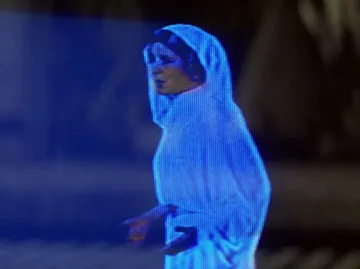
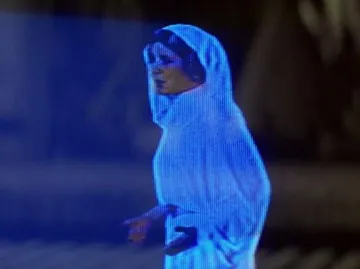
Posted in the team chat when you need someone to rescue the deck before the meeting.
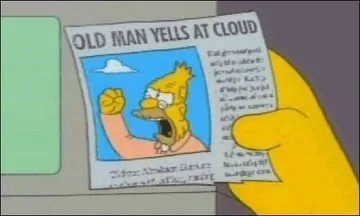
A flat stare for “why is it looping in the editor and dead on the projector.”





Check the three usual causes first
Size and frame count: a GIF with many frames or a large canvas can be too heavy to upload or render. Re-export it smaller with fewer frames, then insert the new file.
Play-once GIFs: a non-looping GIF starts playing as soon as the image loads, so by the time you reach the slide it is already finished. Slides has no built-in “play on click” for GIFs.
Browser cache and extensions: clear the cache, update Chrome, and disable extensions to rule out a rendering problem before you rebuild the slide.
Fix a GIF that only plays once
Convert the GIF to MP4 and insert it with Insert > Video, then set it to play automatically or on click. Video gives you playback control that GIFs never get in Slides.
If you must keep the GIF, re-insert the image on the slide just before you present, so it starts from frame one when the slide opens.
For a looping GIF that stops, check the source file actually loops. Many GIF makers export a single pass by default; re-save it as a looping GIF in a tool like Ezgif.
Upload and insert it the reliable way
Put the GIF in Google Drive first, then use Insert > Image > Drive so Slides pulls the stored file instead of a pasted copy.
Keep the canvas modest and trim frames you do not need; a shorter, lighter GIF uploads and animates more consistently.
If you need a reaction image for a slide and nothing in your files fits, memecub's AI meme maker can generate one from a description, and the library at memecub.com is free to browse and download for personal use.
Nothing quite right? Make one
Pick a character, type a caption, get it in about 10 seconds.
More that fit




FAQ
Why are my GIFs not animated in Google Slides?
The GIF is probably set to play once and has already finished, or the file is too large to render properly. Re-export it smaller and check whether it loops.
How do I get a GIF to play when I reach the slide?
Slides cannot trigger a GIF on click. Convert the GIF to MP4, insert it as a video, and set playback to automatic or on click.
Why does my GIF play in edit mode but not in present mode?
A one-shot GIF starts when the image loads, which happens in the editor. By presentation time it is done. Use a looping GIF or an MP4 instead.
Does Google Drive affect GIF playback in Slides?
Inserting from Drive keeps the original file intact and avoids pasted or compressed copies, which is the more reliable route.
Can I make a GIF smaller for Google Slides?
Yes. Reduce the canvas size and drop frames in a GIF editor such as Ezgif, then upload the lighter file.