How do I reply to a tweet with a meme or GIF?
To reply to a tweet with a meme or GIF, tap the reply icon, then the image or GIF button in the composer. Choose a saved meme from your camera roll or search Twitter's GIF library. For a fast meme, download one from memecub.com and attach it to your reply.
Send when someone tweets something so wrong you need to scream — Doctor Strange shouting captures the mood.
Use when a reply deserves a sarcastic “How do you do, peasants?” energy.
Reply with this when you’re watching others get the joke but you can’t join in.
A friendly “take a break” reply for when someone posts about a long day.
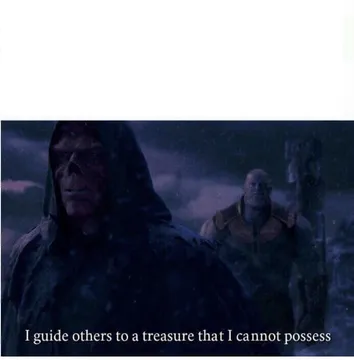
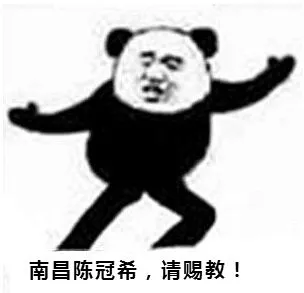
Perfect for clinging to someone’s joke and begging for the tutorial.
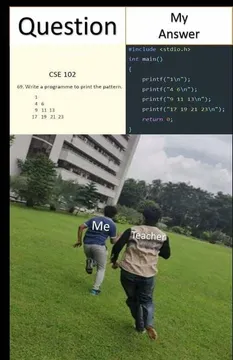
When a reply thread turns into playful threats, this comic trio says it all.
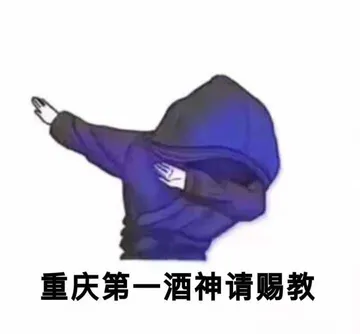
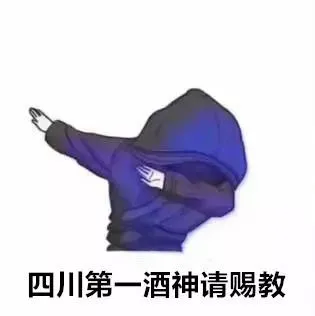
Use for a boastful tweet that needs an exaggerated dance-off response.
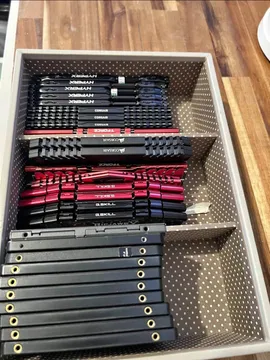
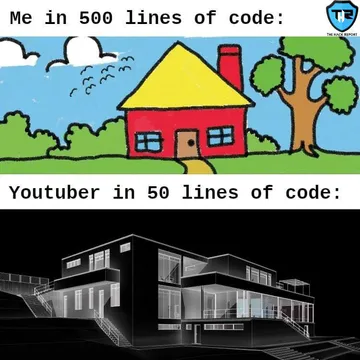
Reply with this when someone tries to explain compression or anything confusing.



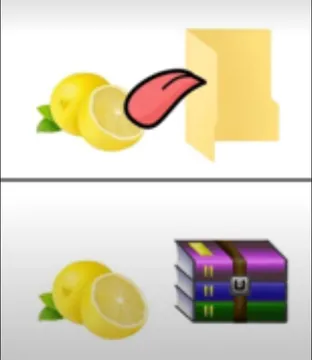
How to attach a meme or GIF in a Twitter reply
Open the tweet you want to reply to and tap the reply icon. In the reply composer, tap the image icon to attach a photo from your device, or tap the GIF icon to search Twitter's built-in GIF library.
If you're using a meme you saved from memecub.com, download it first, then attach it like any other photo. On desktop, drag and drop the file into the reply box.
You can add text to your reply along with the meme, but keep it short — the image does most of the talking.
Finding the right meme fast
Search memecub.com by keyword or browse categories to find a reaction that fits the tweet. Copy or download the image directly — no sign-up needed.
For a custom meme, use the AI meme maker at memecub.com/generate: describe a character, action, and caption, and get an image in about 10 seconds. It refuses real people, so stick to fictional or original characters.
If you're replying to a long thread, the AI meme placement tool at memecub.com/match can pick a fitting meme for each paragraph of an article you paste.
Tone and etiquette for meme replies
Match the tone of the original tweet. A lighthearted joke calls for a playful reaction; serious news usually doesn't need a meme.
Avoid memes that punch down or target real people. Most memes on memecub are collected from the web and are for personal chats — check the license if you plan to use them commercially.
If you're unsure, reply with text first and add the meme only if it adds to the conversation.
Nothing quite right? Make one
Pick a character, type a caption, get it in about 10 seconds.
More that fit

FAQ
Can I reply with a GIF on Twitter?
Yes. Tap the GIF icon in the reply composer and search Twitter's GIF library, or attach a GIF file from your device like a photo.
Where can I find memes for Twitter replies?
You can search memecub.com for reaction memes, or browse Twitter's built-in GIF library. memecub is free to browse and download, no sign-up needed.
How do I save a meme from memecub to use in a reply?
Open the meme on memecub.com and use the download or copy button. Then attach the saved image to your Twitter reply.
Can I use memes from memecub commercially?
Most memes are collected from the web and are for personal use only; copyright stays with the original creators. Use the filter to show only openly licensed images if you need commercial use.
What if I can't find the right meme?
Try the AI meme maker at memecub.com/generate — describe the character, action, and caption, and it creates a custom meme in about 10 seconds.