How do I add text to a GIF to make a reaction meme?
Open a GIF editor that supports text layers (most free online GIF makers do), upload or paste your GIF, add a text layer, type your caption, then position it and set how long it stays on screen before exporting. Keep the caption short, put it in the top or bottom band where the GIF has empty space, and use a bold font with a thin outline so it stays readable on any background. If you just need a reaction and not a custom edit, grab a ready meme from memecub and send it as is.
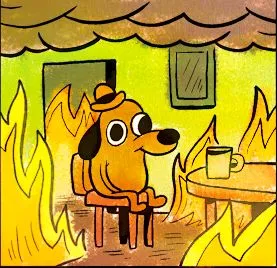
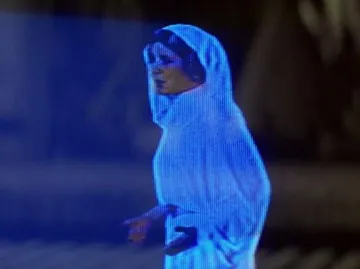
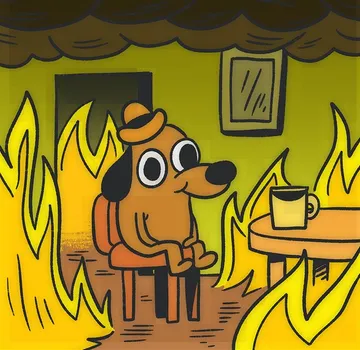
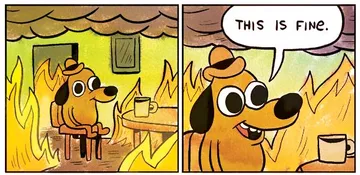
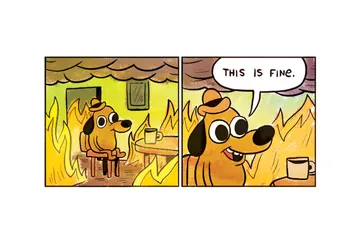
Send it when the situation is clearly going wrong and you are pretending everything is normal.
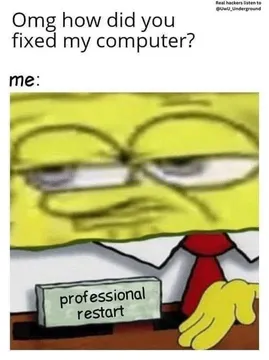
The flat, unimpressed look for a message that deserves no more than a sigh.
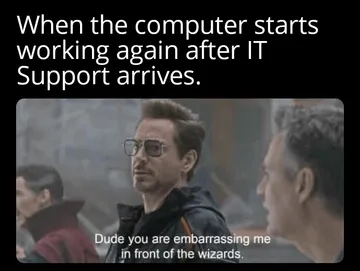
Use it when someone explains something obvious and you cannot hide the secondhand embarrassment.
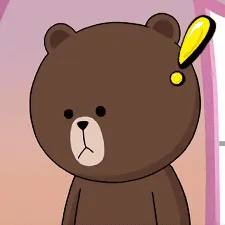
A one-word reaction for a message that is strange enough to leave you speechless.
Send it when you are out of ideas and asking a friend to step in.
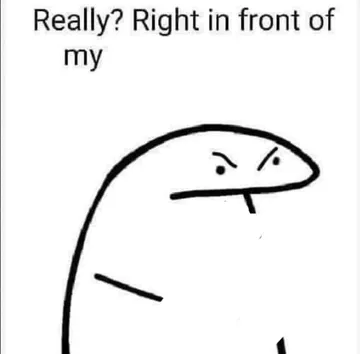
The sideways glare for when something awkward happens right in front of you.
A blank stare that works as a caption-free reply to a confusing question.
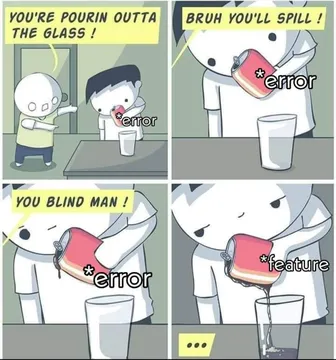
For the moment someone ignores your warning and the predictable thing happens.
Add the caption in four steps
1. Open a GIF editor that supports text layers and animated export. Free online GIF makers and most phone GIF apps have this; a plain image editor will flatten the animation.
2. Upload the GIF or paste its URL. If you are building the GIF from images or a video clip, add the frames first and add text after, so the caption sits on the finished timeline.
3. Add a text layer, type the caption, and drag it into place. Pick a bold sans-serif font, white fill with a dark outline or a solid caption bar, so it reads over any frame.
4. Set the text to show for the whole loop or only part of it, then export as GIF. Check the file size before sending, since long GIFs with heavy text can get compressed by chat apps.
Make the caption land
Short beats clever. Two to five words in the top or bottom band reads instantly on a phone; a full sentence gets skipped.
Match the caption to the reaction, not the other way round. A calm face plus “this is fine” works because the text contradicts the scene; a caption that just describes the image adds nothing.
Keep the original loop intact. Do not cut frames just to fit text; place the caption where the GIF already has empty space.
If you are making a GIF from scratch, a still image plus one line of text is often enough. You can also describe a character, action and caption to the AI meme maker on memecub when nothing in the library fits.
When a ready-made meme is faster
Most reaction moments already have a meme. Searching memecub by mood or phrase and sending the result takes seconds and needs no editing.
Ready memes are collected from the web, so they are fine for personal chats and the copyright stays with the original creators; do not use them commercially. If you need something you can use commercially, turn on the filter that shows only openly licensed images.
Custom text is worth the effort when the joke depends on your own words, an inside reference, or a specific name. Otherwise the unedited GIF usually reads faster.
Nothing quite right? Make one
Pick a character, type a caption, get it in about 10 seconds.
More that fit

FAQ
How do I put a caption on a GIF?
Use a GIF editor with a text layer, place the caption in an empty band of the frame, and export as GIF. Keep it to a few words and add an outline so it stays readable.
Can I add text to an animated GIF online for free?
Yes. Several free online GIF makers let you upload a GIF, add text and export the animation without installing anything. Check the export size limit before you start.
How do I make a reaction GIF with text on my phone?
Use a GIF or video editing app that supports text overlays, import the GIF, add the caption, and save as GIF. The steps are the same as on desktop, just with touch controls.
How can I create a GIF from images?
Combine the images as frames in a GIF maker, set the frame delay, then add your text layer on top and export. Two or three frames are usually enough for a reaction.
Where can I find reaction memes without editing one?
Browse or search memecub and copy or download the meme you want; no sign-up is needed. For a custom line, the AI meme maker can generate one from a description.