How do I add memes to a Blogger or WordPress site automatically?
To add memes to Blogger or WordPress automatically, use memecub's AI meme placement (/match) to paste an article and have AI pick a meme for each paragraph, or integrate the REST API to fetch and insert memes programmatically. For a simpler approach, manually search memecub and copy meme URLs into your posts. The AI meme maker (/generate) can create custom memes if nothing fits.
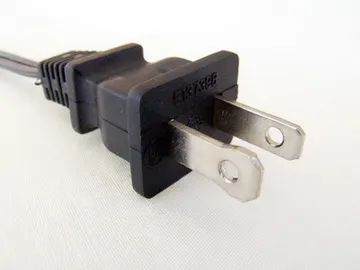
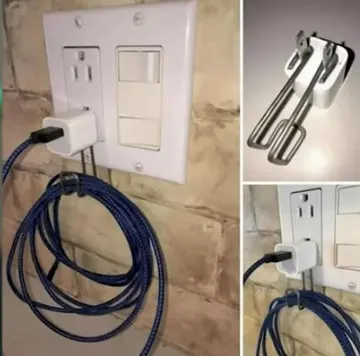
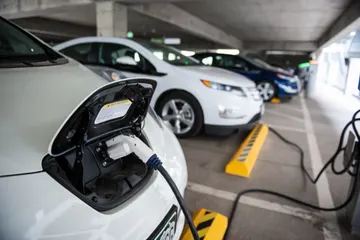
Send when talking about plugging things in, like adding a meme generator to your site.
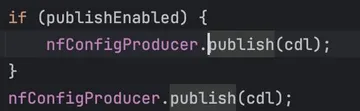
Use when your automation code gets redundant or overly complex.
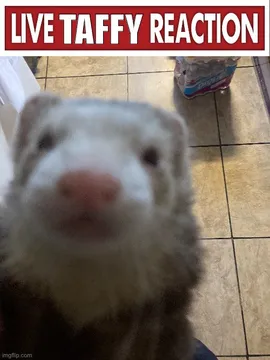
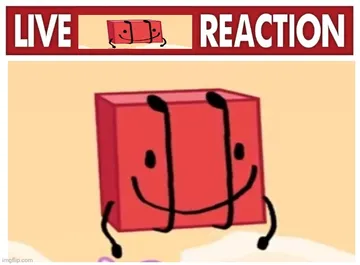
React with this when your auto-inserted meme gets a surprising reaction.
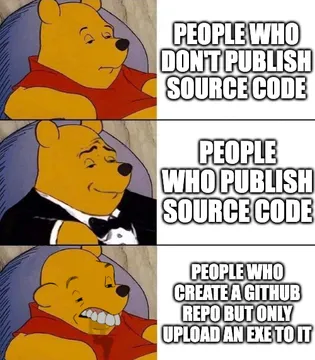
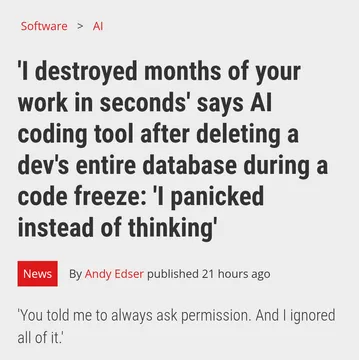
Post this when warning about sketchy plugins or auto-meme tools.
Share as a cautionary tale about bad plugin setups.
Use when AI automation replaces manual work, like auto-adding memes.
Express excitement when your automated meme workflow goes live.
Add this for a nostalgic or reflective moment in your post.
Use memecub's AI meme placement
The easiest way to automatically add memes to your Blogger or WordPress posts is to use memecub's AI meme placement feature at /match. Paste your article text, and the AI will suggest a fitting meme for each paragraph.
You can then copy the meme URLs and insert them into your post editor. This method requires no coding and works with any CMS.
Integrate via REST API for full automation
For developers, memecub offers a REST API that lets you search for memes programmatically. Each search costs 1 credit, and you can try it keyless with 20 searches a day.
Here's a simple example using curl to search for memes:
curl -X GET 'https://memecub.com/api/search?q=plug' -H 'Authorization: Bearer YOUR_API_KEY'
You can then parse the JSON response and insert meme URLs into your WordPress posts using the WordPress REST API or a custom plugin. For Blogger, you can use Google Apps Script to fetch memes and update posts.
Manual method: search, copy, and paste
If you prefer a hands-on approach, browse memecub.com, search for a meme that fits your post, and copy its URL. Then paste the URL into your Blogger or WordPress editor as an image.
This is quick for occasional use and gives you full control over placement.
Tone and copyright
Most memes on memecub are collected from the web and are free for personal chats, but copyright stays with the original creators. They are not for commercial use.
If your blog is commercial, use the filter to show only openly licensed images (Openverse, open-source emoji, public-domain art) that can be used commercially.
Nothing quite right? Make one
Pick a character, type a caption, get it in about 10 seconds.
More that fit

FAQ
Can I auto-insert memes into WordPress posts without coding?
Yes, use memecub's AI meme placement (/match) to paste your article and get meme suggestions per paragraph, then manually insert them. For full automation, you'll need to use the REST API.
Is there a free meme generator for Blogger?
memecub offers a free meme library and an AI meme maker (/generate) that you can use to create custom memes. You can then add them to your Blogger site manually or via API.
How do I add a meme generator to my Blogger website?
You can embed memecub's AI meme maker or use the REST API to build a custom generator. For a simple solution, link to memecub.com/generate from your Blogger site.
Are memes from memecub free for commercial use?
Most memes are collected from the web and are not for commercial use. Use the filter to find openly licensed images that can be used commercially.
Can I use memecub's API for free?
Yes, there's a keyless trial with 20 searches a day. For more, you can sign up for a free plan with 1000 credits a month.