How can I use an AI meme generator to create memes?
To use an AI meme generator, describe the character, action, and caption you want, or start from an existing meme as a reference. On memecub.com's AI meme maker, each image takes about 10 seconds and costs 500 credits; it refuses real people. You can also paste an article into the AI meme placement tool to get a fitting meme for each paragraph.
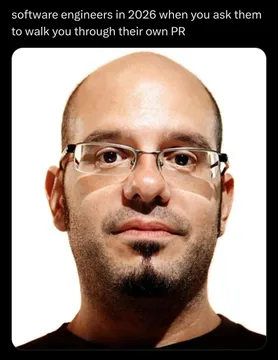
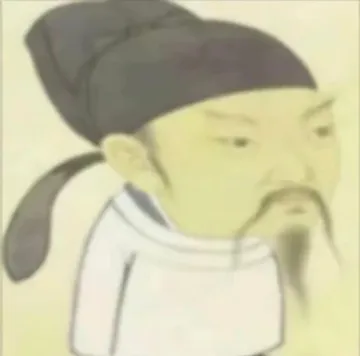
Send when someone doubts whether an image is AI-generated, with a calm stare that says it all.
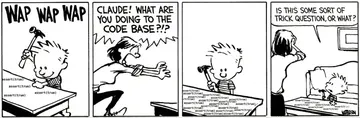
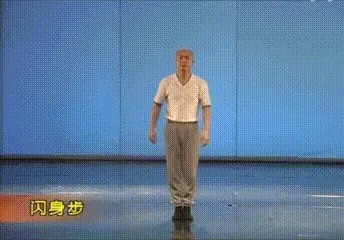
Use when a coding session turns into frantic keyboard smashing, perfect for developer group chats.
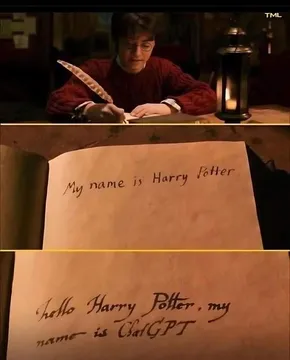
Share when a conversation with an AI feels oddly like talking to a character from a book.
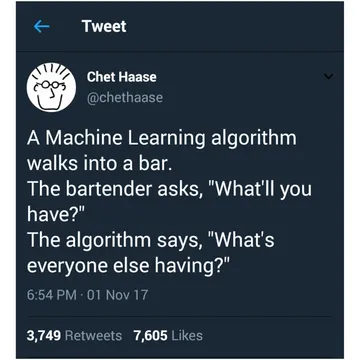
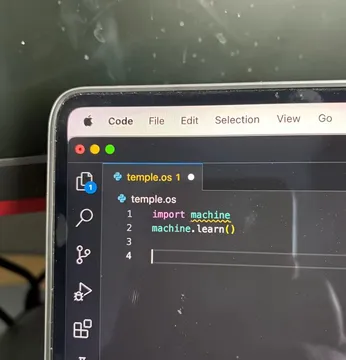
Post when machine learning tries to order a drink and gets the order hilariously wrong.
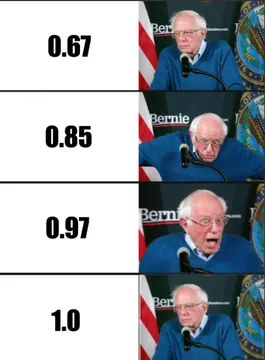
React to the ups and downs of model accuracy during training with this emotional rollercoaster meme.
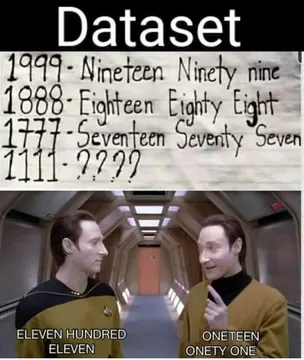
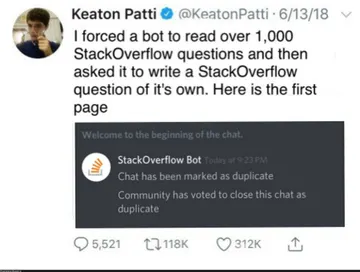
Send when someone shares a machine learning fail that is too relatable.
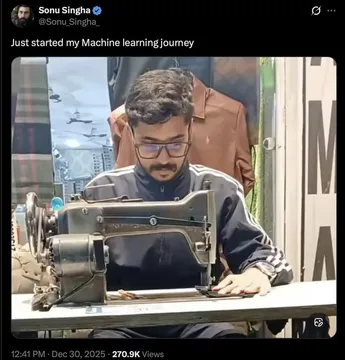
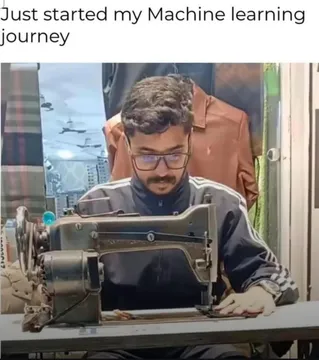
Use when you are deep in a machine learning project and need to show the struggle.
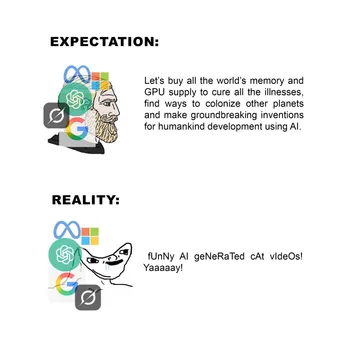
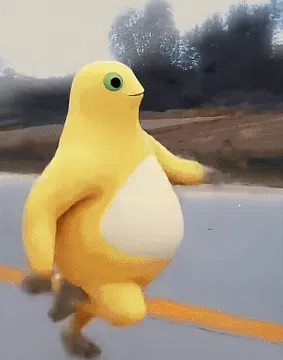
Share when you see a generic AI-generated character that looks like a placeholder.
How an AI meme generator works
An AI meme generator turns a text description into an image. You provide three things: a character (e.g., a cat in a suit), an action (e.g., typing on a laptop), and a caption (e.g., 'When the code finally compiles'). The AI then creates a meme based on that prompt.
On memecub.com, the AI meme maker takes about 10 seconds per image and costs 500 credits. It refuses to generate memes featuring real people, so stick to fictional or generic characters. You can also start from any existing meme in the library and use it as a reference to guide the style.
Step-by-step: making your first AI meme
1. Go to the AI meme maker at memecub.com/generate.
2. Describe your character, action, and caption in the text box. For example: 'A dog in a business suit giving a presentation, caption: This meeting could have been an email.'
3. Optionally, upload or select a reference meme from the library to influence the style.
4. Click generate and wait about 10 seconds. Each image costs 500 credits.
5. Download or copy the meme to share in chats or on social media.
When to use AI generation vs. the meme library
Use the AI meme maker when you need a custom meme that does not exist yet, or when you want to combine specific elements (e.g., your pet with a famous meme format). It is also handy for creating memes for a niche audience.
Use the meme library when you want a quick, proven meme that is already popular. Browsing, searching, copying, and downloading are free and require no sign-up. Most memes are collected from the web and are free for personal chats; check the license filter if you need commercial use.
Tone and etiquette for sharing AI memes
AI-generated memes can be funny, but avoid using them to mock real people or sensitive topics. Since the AI refuses real people, you are already limited to fictional characters.
When sharing, credit the tool if appropriate, and remember that memes from the library are for personal use only unless they are openly licensed. For commercial use, use the filter to find openly licensed images.
Nothing quite right? Make one
Pick a character, type a caption, get it in about 10 seconds.
More that fit
FAQ
How do I make memes with AI?
Describe a character, action, and caption to an AI meme generator like memecub.com's AI meme maker. It will generate an image in about 10 seconds for 500 credits.
What is an AI meme generator and how does it work?
An AI meme generator uses artificial intelligence to create memes from text descriptions. You provide the prompt, and the AI generates an image that matches your description.
Can I use AI to make memes for free?
memecub.com offers a free plan with 1000 credits per month, which is enough for a couple of AI-generated memes (500 credits each). Browsing and downloading from the library are always free.
Are AI-generated memes allowed for commercial use?
The AI meme maker on memecub.com does not specify commercial rights for generated images. For commercial use, use the library filter to find openly licensed images that are safe for commercial purposes.
What are the best meme websites for students?
Students often use memecub.com for its free library and AI tools, as well as sites like 9GAG and Reddit's r/memes for trending content. memecub.com also has a student-friendly interface and no sign-up required.