Can I use an AI meme generator to make a meme from my own photo?
Yes, but with a catch: most AI meme generators, including memecub's AI meme maker, refuse to generate real people, so they will not redraw your face. The practical route is to upload your photo to a caption-style meme maker, add text yourself, and use AI only for the wording or for a cartoon-style character. If you want a fully AI-made image, describe a character instead of a real person and keep your own photo for the caption step.
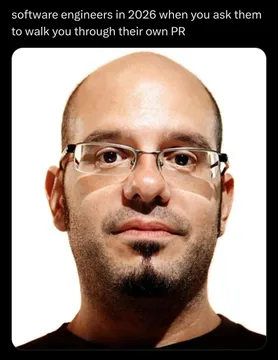
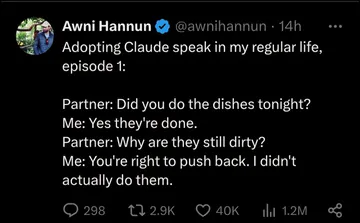
Send when someone asks whether your photo meme was AI-made and you want to play it cool.
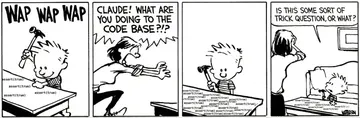
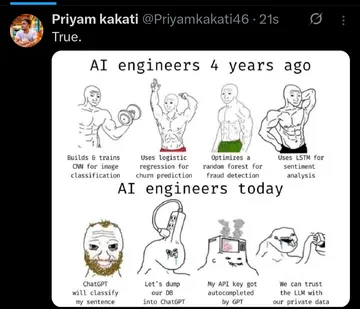
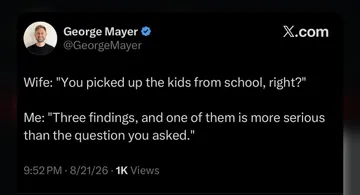
Good for the moment you finally get the caption and layout right after several failed attempts.
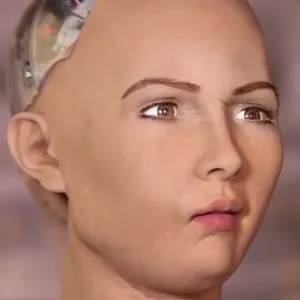
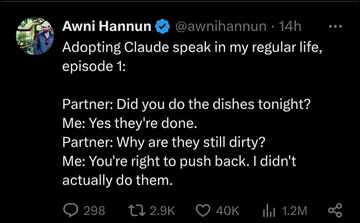
Use when an AI tool mangles a face in your photo and the result looks slightly wrong.
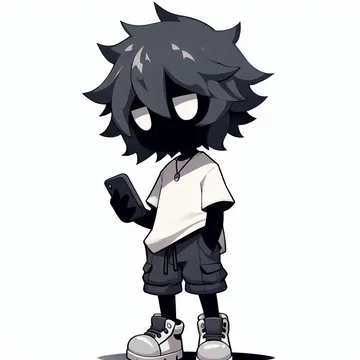
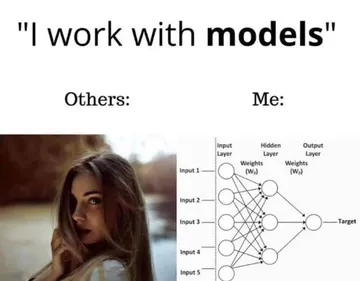
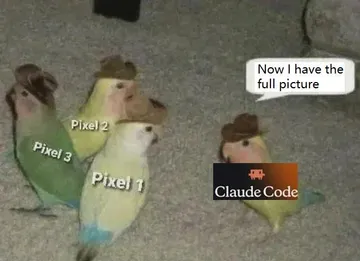
A stand-in reaction image when you want an AI-looking character instead of your own face.
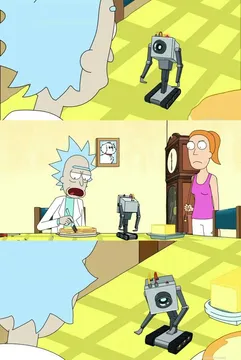
Send when you upload a photo to a generator and it asks what you want it to do.
Fits a before-and-after post comparing your raw photo with the captioned meme version.
Two ways to get a meme from your photo
Caption route: upload the photo to a classic meme maker, add top and bottom text, and export. This keeps your real face and is the fastest path for a personal joke.
AI route: describe a character, action and caption to an AI meme maker and let it draw the image. memecub's AI meme maker takes about 10 seconds per image and refuses real people, so use it for cartoon or animal versions of the joke, not for your actual face.
Step by step with your own image
1. Pick a photo with a clear expression or a readable situation; a blurry group shot rarely works as a meme.
2. Crop tight around the face or action so the text has room.
3. Write the caption first, then shorten it until it fits in a few words per line.
4. Add text in a bold font with a thin outline so it stays readable on any background.
5. Export as PNG for stills or GIF if you want motion, and keep the original file in case you want to redo the caption.
Tone and privacy before you post
Ask the people in the photo before you share it publicly; a private group chat is a different audience from a public feed.
Do not put a real person's face into an AI generator that redraws it, and do not use someone else's photo to make them look bad.
If you want a meme you can use commercially, use memecub's openly licensed filter instead of a photo of a real person.
When you would rather not use your own face
Search memecub for a reaction that already matches the mood, copy or download it, and skip the editing step entirely.
For a custom character, describe it to the AI meme maker or start from an existing meme as a reference.
If you write articles, the AI meme placement tool can pick a fitting meme for each paragraph instead of you hunting for one.
Nothing quite right? Make one
Pick a character, type a caption, get it in about 10 seconds.
More that fit
FAQ
Can ChatGPT create memes?
ChatGPT can write captions and describe an image, but it does not reliably output a finished meme file with your photo. Use it for the wording, then caption the photo in a meme maker.
How do I turn a photo into a meme on iPhone?
Open the photo in a meme maker in Safari or an app, add top and bottom text, then save the result to Photos. The built-in Markup tool also works for a quick text overlay.
Is there a free way to make a meme with my own photo?
Yes. Most online meme makers let you upload an image and add text without paying, and memecub's library browsing, searching, copying and downloading are free with no sign-up.
Can a photo be a meme?
Any photo with a recognizable expression or situation can become a meme once it has a short caption that reframes it. The caption does most of the work.
Will an AI meme generator use my real face?
Usually not. Many generators, including memecub's, refuse real people, so they work best for cartoon characters or for captioning a photo you upload yourself.