Can ChatGPT create a meme with my photo?
Not really. ChatGPT can suggest captions, punchlines and meme ideas from a photo you describe or upload, but it does not reliably edit your image into a finished meme, and its image tools refuse to depict real people. To actually put text on your own photo, use a caption-style meme generator that accepts an upload, or generate a fresh meme from a text prompt with memecub's AI meme maker.
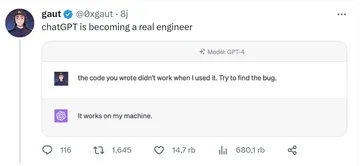
Send when someone insists ChatGPT can do the whole meme for them and you need to break the news gently.
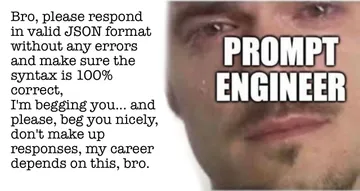
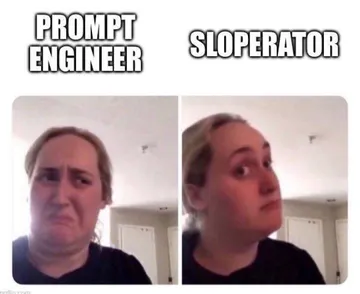
The look of someone typing a long photo description into ChatGPT hoping a meme comes out.
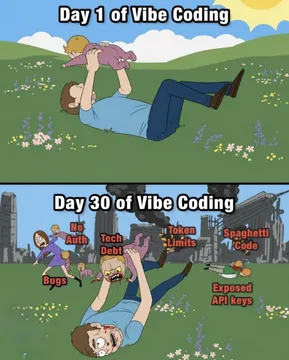
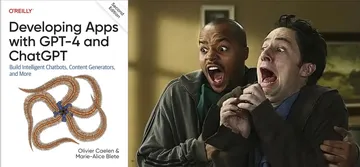
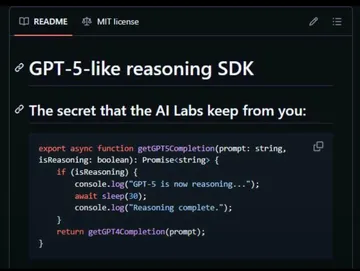
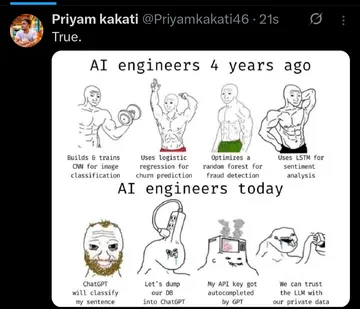
Day 1 of asking ChatGPT to meme your photo versus day 30 of doing it yourself in a generator.
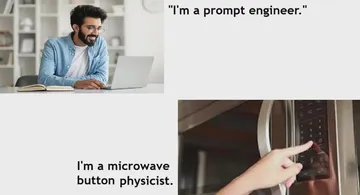
For the friend who outsources every creative task, including captioning their own selfie.
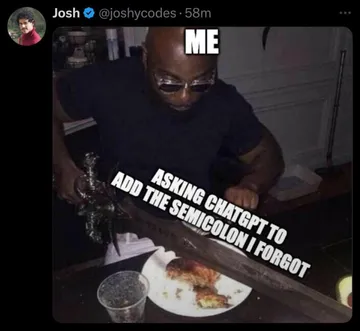
When the caption ChatGPT writes is technically correct but has zero comedic timing.
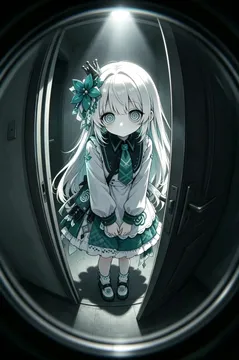
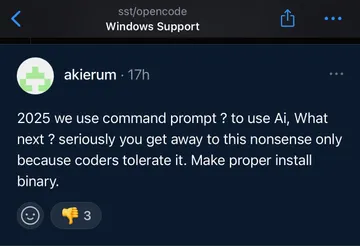
Send when the AI-generated meme idea turns out more unsettling than funny.
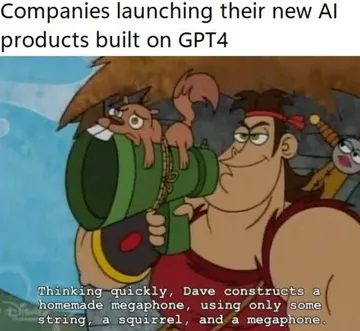
A light way to say the AI has arrived at your photo and is waiting for instructions it can actually follow.
What ChatGPT can and can't do with your photo
ChatGPT can look at an uploaded photo and describe it, suggest captions, or brainstorm meme formats that fit the scene. That part is genuinely useful: ask for ten short captions in a specific tone and pick the best one.
What it won't do is hand you back your own photo with meme text baked in. Image generation tools tend to redraw rather than edit, and they refuse to depict real people, so your face either gets replaced or the request is declined. Treat ChatGPT as the caption writer, not the meme maker.
The reliable route: caption your own photo
Step 1: Pick the photo and crop it to a meme-friendly shape, usually square or 4:5, so the text has room.
Step 2: Ask ChatGPT for captions only. Something like: “This is a photo of me looking confused at a laptop. Give me ten short top-text captions under six words, dry humor.”
Step 3: Open a caption-style meme generator that accepts an upload, add your image, paste the best caption as top or bottom text, and export.
Step 4: Keep the text short and high-contrast. White text with a black outline reads on almost any photo.
If you would rather not use your own face at all, memecub's AI meme maker builds a meme from a described character, action and caption in about ten seconds, and it refuses real people by design.
When a made-from-scratch meme is the better call
A photo of you only works as a meme if the expression or situation is already funny. If it isn't, a reaction meme from a library lands faster and needs no editing.
Search memecub for the emotion you want to send, copy or download the image, and drop it into the chat. Browsing and downloading are free and need no sign-up. Most library memes are collected from the web, so keep them for personal chats; if you need something for commercial use, switch on the openly licensed filter.
Tone and etiquette
Memeing a friend's photo is fine in a private chat; posting it publicly is a different decision, so ask first.
Avoid adding text that punches down at someone's appearance. The funniest version is usually about the situation, not the person.
If you use a photo someone else took, credit them when you share it outside the chat.
Nothing quite right? Make one
Pick a character, type a caption, get it in about 10 seconds.
More that fit

FAQ
Can I upload a photo to ChatGPT and make a meme?
You can upload it and get caption ideas or a description, but ChatGPT won't return your original photo with meme text on it. Use a caption-style generator for the actual edit.
Can ChatGPT create memes at all?
Yes, as text and ideas: captions, formats, punchlines. For a finished image it is unreliable, especially with real people in the picture.
How do I turn a photo into a meme on my phone?
Crop the photo, open any meme generator that supports uploads, add top or bottom text, and save the image to your camera roll. The whole thing takes under a minute.
Is there a free way to make a meme with my own photo?
Yes. Caption-style meme generators are typically free to use with your own image, and memecub's library is free to browse and download for personal chats.
Can a photo itself be a meme?
Yes. A reaction photo with no text can work if the expression is clear, which is why reaction memes are often shared as plain images.