How do I add a GIF search box to my app?
To add a GIF search box, pick a GIF API (GIPHY, Tenor, KLIPY, or memecub's REST API), get an API key or use a keyless trial, then build a search input that calls the API's search endpoint and renders the returned GIF URLs in a grid. Add debounce on typing, a loading state, and a click handler that inserts the chosen GIF into your message or post. If you only need reaction memes rather than GIFs, memecub's API and MCP server can serve that role with a keyless trial of 20 searches a day.
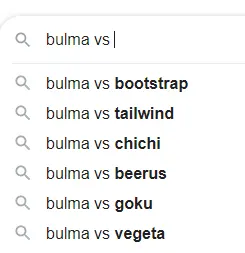
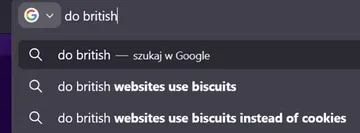
Send when a teammate is comparing GIF or UI libraries and the autocomplete is doing the arguing.
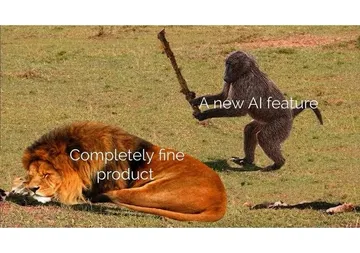
The calm lion for the moment someone asks for a small feature that is actually a whole API integration.
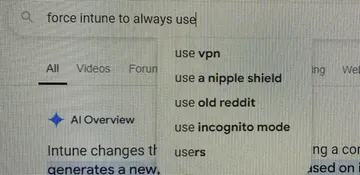
When a search box in your app returns something far too personal to be a GIF query.
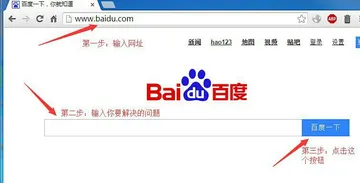
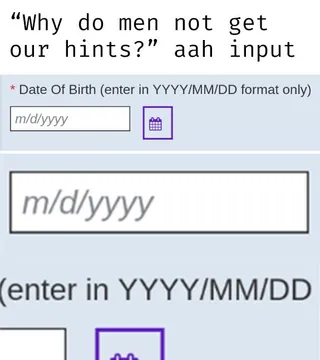
For the reply to “how do I search for this” — three arrows, one search box, done.
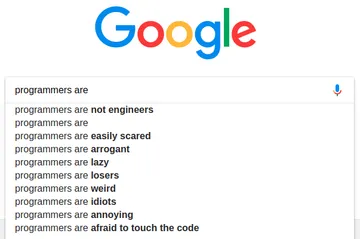
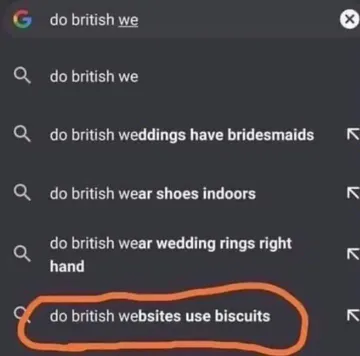
When you type “gif api” into Google and the autocomplete suggests something cursed.
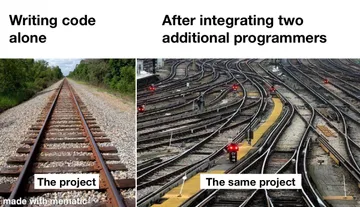
Send when someone wants to bolt on a third GIF provider instead of fixing the picker you have.
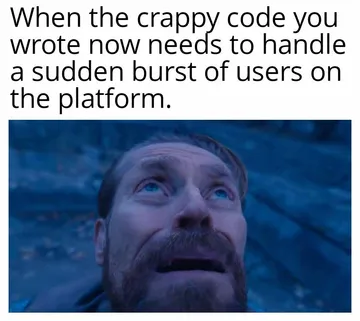
For the standup where “add more resources” is proposed as the fix for a slow search box.
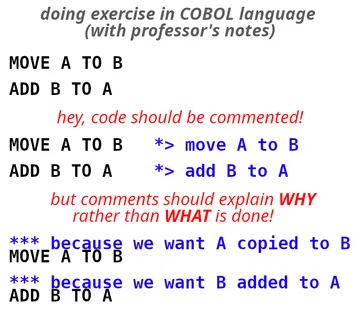
When the GIF picker code ships with no comments and the next dev has to guess the API flow.
Pick a GIF API first
The search box is only as good as the endpoint behind it. GIPHY offers search, trending, translate and random endpoints plus SDKs; Tenor markets a free GIF API; KLIPY provides GIFs, stickers and memes through one API. All of them require you to register and get a key.
If your app is a chat or reaction feature, a meme-focused API can be a better fit than a general GIF library. memecub exposes a REST API (search costs 1 credit per call), a remote MCP server at https://memecub.com/mcp, a CLI via npx memecub, and a skill you can install with npx skills add https://memecub.com into Claude Code, Codex or Cursor. A keyless trial gives you 20 searches a day, which is enough to prototype the UI before committing to a plan.
Build the search box UI
Start with a plain text input and a results grid. Debounce keystrokes by roughly 300 ms so you do not fire a request per character, show a spinner while the request is in flight, and render each result as a fixed-size tile with the GIF's URL, width and height from the response.
On click, hand the selected GIF back to your composer: insert the URL into the message payload, or store the asset ID if your backend resolves it later. Keep an empty state and an error state — a search box that silently shows nothing looks broken.
Cache recent queries and trending results in memory or local storage so reopening the picker feels instant and you spend fewer API credits.
A minimal request example
A search call is just an authenticated GET with a query and a limit. With memecub's REST API the shape is: GET https://memecub.com/api/search?q=reaction with your key in the Authorization header. The response gives you meme entries you can render directly.
For an AI agent or an editor plugin, skip the HTTP plumbing and point the client at the MCP server https://memecub.com/mcp, or install the skill so the assistant can search and place memes itself.
Tone, licensing and etiquette
Check the license before you ship. Most memes collected from the web are fine for personal chats, but copyright stays with the original creators and they are not for commercial use. memecub has a filter that shows only openly licensed images (Openverse, open-source emoji, public-domain art) that can be used commercially — use it if your app is a product.
Attribute the source in your UI where the API requires it, and do not strip watermarks. If nothing in the library fits a request, memecub's AI meme maker at /generate can create one from a character, action and caption in about 10 seconds per image.
Nothing quite right? Make one
Pick a character, type a caption, get it in about 10 seconds.
More that fit
FAQ
How do I build a GIF picker UI?
Use a debounced text input, a grid of fixed-size tiles fed by a search endpoint, a loading state, and a click handler that inserts the chosen GIF into your composer. Cache trending results so the picker opens instantly.
How do I integrate GIF search into a chat app?
Call the GIF API from your backend rather than the client so your key stays private, return a short list of URLs and dimensions, and insert the selected URL into the message payload. Add a small attribution line if the provider requires it.
Do I need an API key for GIF search?
GIPHY, Tenor and KLIPY all require registration and a key. memecub offers a keyless trial of 20 searches a day, and paid plans start from a free tier of 1000 credits a month.
Is there a free GIF API?
Tenor describes its GIF API as free, and memecub's free plan includes 1000 credits a month with search at 1 credit per call. Check each provider's terms for commercial use before shipping.
Can I get a random GIF instead of a search box?
Yes. GIPHY exposes a random endpoint alongside search and trending, so you can add a “surprise me” button next to the search input without building a separate flow.