Where can I find free GIFs to use in Google Slides?
Google Slides has a built-in GIF picker: go to Insert > Image > GIFs and stickers, search, and click the one you want. For reaction GIFs and meme-style images, memecub.com lets you browse, search, copy and download without signing up. If nothing fits, the AI meme maker at memecub.com/generate creates a custom image from a character, action and caption.
Send when the slide finally works and you want a loud, wordless celebration.
A big open-mouthed reaction for the moment a GIF starts playing in slideshow mode.
Arms-wide cartoon thank-you for a closing slide after a team presentation.
A cheering crowd for a launch or results slide that needs energy.
Use as a reaction to a surprising stat or a slide that got a big reaction.
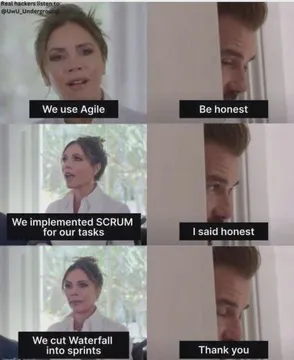
A flat, stern thank-you for the last slide when you want dry humor.
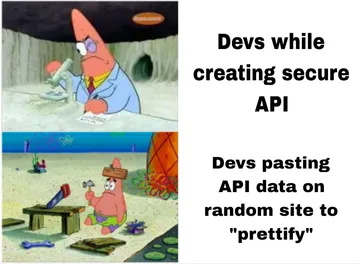
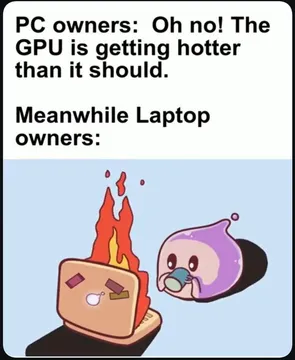
Fits a slide about being busy, deadlines or having no spare time.
Two-panel before-and-after for a comparison slide.







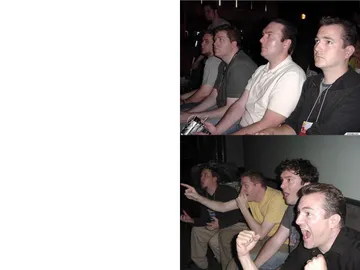
Add a GIF on desktop
Open your presentation and click Insert in the top menu. Choose Image, then GIFs and stickers. A panel opens where you can search and click a GIF to drop it on the slide.
If you already downloaded a GIF, use Insert > Image > Upload from computer and pick the file. You can also drag the file onto the slide or paste an image URL with Insert > Image > By URL.
Resize by dragging a corner handle. The GIF keeps animating in edit view and in slideshow mode.
Add a GIF on iPhone, iPad or Android
The mobile Slides app has no GIFs and stickers picker. Download the GIF on your phone first, then in the app tap Insert (the plus icon), choose Image and pick it from your photos or files.
On iPhone and iPad, save the GIF to Photos or Files before inserting. If the app only offers a still frame, add the GIF from a computer instead.
The same rule applies on iPad: the file has to be saved locally first, then inserted as an image.
Where to get GIFs and meme images
The built-in picker is the fastest route for generic reaction GIFs and stickers.
memecub.com is a free meme library you can browse and search without an account; copying and downloading are free. Most images are collected from the web, so they are fine for personal chats and internal fun slides, but copyright stays with the original creators and they are not for commercial use.
If your deck is commercial, turn on the openly licensed filter, which shows images from Openverse, open-source emoji and public-domain art that can be used commercially.
When nothing fits, describe a character, an action and a caption in the AI meme maker at memecub.com/generate. It takes about 10 seconds per image and refuses real people.
Why a GIF won't play
A GIF that shows only one frame is usually not a real GIF. Check the file extension and re-download it as .gif.
Very large GIFs can stutter or fail to load. Try a smaller file or a shorter loop.
On mobile, a GIF inserted from a photo library may be flattened to a still image. Insert it from a computer if animation matters.
If the GIF plays in edit view but not in Present mode, reload the presentation and check your connection.
Nothing quite right? Make one
Pick a character, type a caption, get it in about 10 seconds.
More that fit



FAQ
Can you put GIFs in Google Slides?
Yes. Use Insert > Image > GIFs and stickers, or upload a GIF file from your computer. The animation plays in edit view and in slideshow mode.
Why won't GIFs work on Google Slides?
Usually the file is not a real animated GIF, is too large, or was inserted on mobile from a photo library that saved only a still frame. Re-download the GIF and insert it from a computer.
How do I insert a GIF in a slide?
Click Insert, choose Image, then GIFs and stickers and pick one. For your own file, choose Upload from computer or paste an image URL.
How do I add GIFs on Google Slides mobile?
The mobile app has no GIF picker. Save the GIF to your phone, then tap Insert > Image and select it from Photos or Files.
How do I create a GIF for Google Slides?
You can make a custom meme image with the AI meme maker at memecub.com/generate by describing a character, action and caption, then download and insert it as an image.