How do I add a meme to a Notion page?
Save the meme image to your device, then in Notion type /image, choose Upload, and pick the file; or paste an image URL and Notion embeds it. For a page cover, open the page menu, choose Custom, and upload the meme there. If you want a reusable stash, keep a Notion page of memes you can copy from, and grab new ones from a meme library like memecub.com.
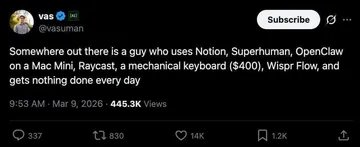
Send when you are 90 percent done formatting a Notion page and still have not written the actual content.
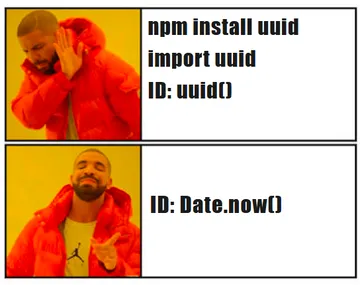
The Drake format for choosing between a tidy Notion database and a folder of screenshots you never open.
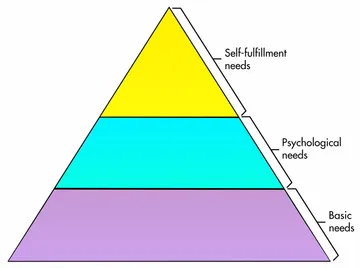
Drop it on a goals or life-planning page when the pyramid of needs turns into a pyramid of databases.
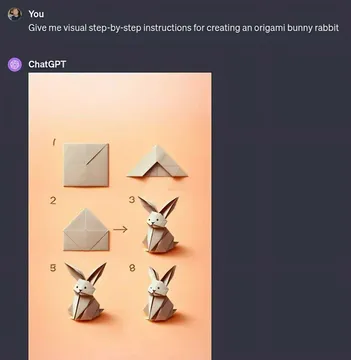
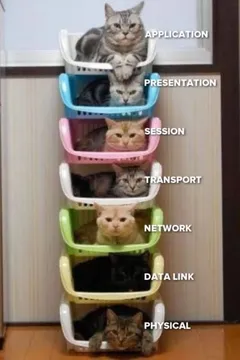
Fits a page about following step-by-step instructions that quietly fall apart halfway through.
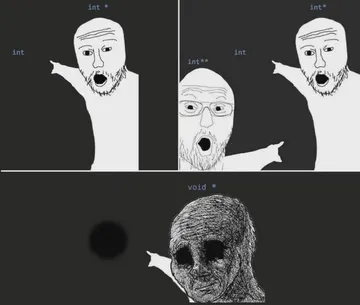
A small ASCII cat that works as a lightweight inline image on a text-heavy page.
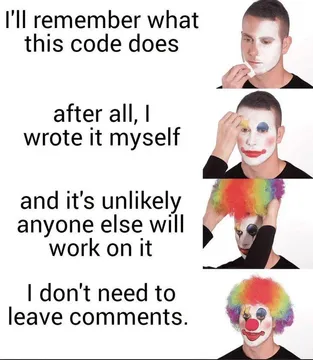
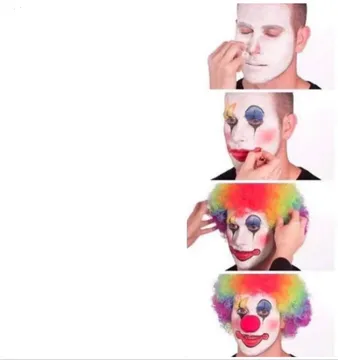
Use it on a page about feedback or comments, where every note turns into a full clown routine.
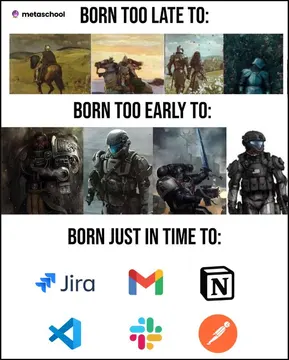
For a page about admin work: born just in time for digital paperwork.
A reaction image for the moment a simple Notion setup turns into a week-long project.


Three ways to put a meme on a Notion page
Upload a file: type /image, press Enter, choose Upload, and select the meme from your downloads. This is the most reliable option because the image lives inside Notion.
Paste a link: type /image, choose Link, and paste a direct image URL. Notion shows the image inline, but if the link breaks the image disappears.
Embed a page: type /embed and paste a URL to a page that hosts the meme. Use this for a whole meme gallery rather than a single picture.
Memes as covers and icons
For a cover, hover over the top of the page, click Change cover, then Custom, and upload the meme. Covers are cropped wide, so pick an image with space in the middle.
For an icon, click the icon area, choose Custom, and upload a small square crop. Simple reaction faces and single-character memes read best at icon size.
Keep the original file too. Notion compresses uploads, so the version on the page may look softer than the one you saved.
Build a meme stash you can reuse
Make one Notion page called Memes and paste your favorites there as a gallery. When you need one, open the page, right-click the image, and copy it into any other page.
Group the stash by mood or use case, for example reactions, work, and celebrations, so you can find the right one quickly.
To fill the stash, search memecub.com and download what fits; browsing and downloading are free and need no sign-up. Most memes there are collected from the web, so keep them for personal chats and credit the original creators.
If nothing in the library fits, the AI meme maker at memecub.com/generate builds one from a character, action, and caption, or from an existing meme as reference.
Tone and etiquette
Match the meme to the audience. A reaction image in a personal page is fine; in a shared team wiki, keep it small and relevant to the section.
Check licensing before using a meme in anything public or commercial. memecub has a filter that shows only openly licensed images, which is the safer choice for published pages.
Do not let memes replace the content. One image per section is usually enough; a page of nothing but memes is hard to search later.
Nothing quite right? Make one
Pick a character, type a caption, get it in about 10 seconds.
More that fit


FAQ
How do I insert a meme in Notion without uploading a file?
Use /image and choose Link, then paste a direct image URL. Notion embeds it inline. If the host removes the image, the block will show as broken, so uploads are safer for long-term pages.
Can I use a meme as a Notion cover?
Yes. Hover over the top of the page, click Change cover, choose Custom, and upload the image. Wide images with the subject in the center crop best.
Where can I find memes for Notion pages?
Search a meme library such as memecub.com, download the ones you like, and keep them on a Notion page for reuse. For published or commercial pages, use the openly licensed filter.
Is it okay to put memes in a shared Notion workspace?
Usually yes, if they are relevant and small. Avoid memes that target people or rely on inside jokes, and check the license before anything goes public.
Can I make a custom meme for a Notion page?
Yes. Describe a character, an action, and a caption in the AI meme maker at memecub.com/generate, or start from an existing meme as reference. It refuses real people.