How do I let ChatGPT find and place memes automatically?
To let ChatGPT find and place memes automatically, connect it to a meme library through an MCP server or REST API. For memecub, add the remote MCP server at https://memecub.com/mcp to ChatGPT (or use the REST API for custom integrations). Then ChatGPT can search memes by keyword and use the AI meme placement endpoint (/match) to pick a fitting meme for each paragraph of your article.
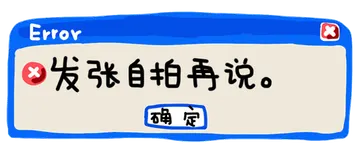
Send when a search returns an error or nothing found, as a playful reaction.
Use when ChatGPT picks a meme that misses the mark and you want to say “find me the right one or I'm out”.
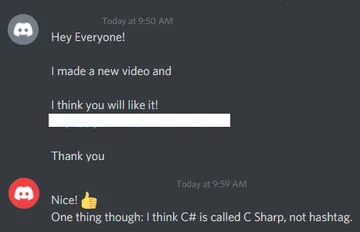
Post in a group chat when someone sends a meme that doesn't fit the conversation.
Share when explaining that AI can now place memes automatically, not just humans.
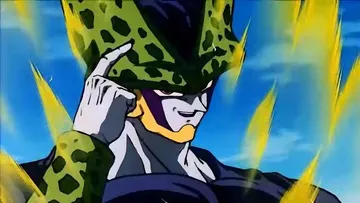
A funny way to ask for a meme match when ChatGPT is being too serious.
Use when someone struggles to place memes manually and you want to show the automated way.
Send when you have the perfect meme but want to tease before sharing it.
React when a friend replies too quickly to a long video, as if they didn't watch it.
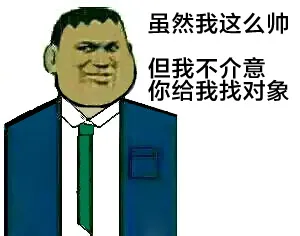
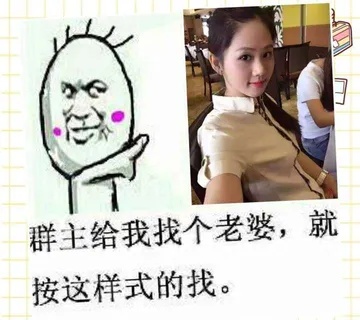
A playful demand for a meme or a match, with a cheeky condition.
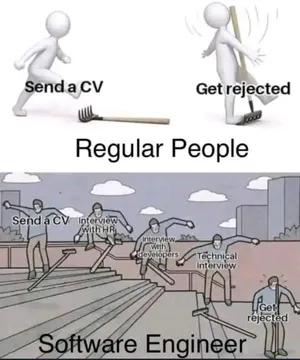
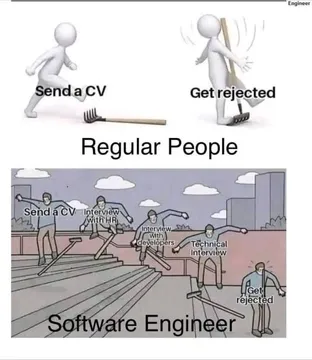
Use when job hunting or any task feels like throwing a fork and getting nothing back.





How to connect ChatGPT to a meme library
ChatGPT can use external tools via the Model Context Protocol (MCP). memecub provides a remote MCP server at https://memecub.com/mcp. Add this server to ChatGPT's MCP settings (or to any MCP-compatible client like Claude Code, Codex, or Cursor) to let ChatGPT search memes directly.
Alternatively, use the REST API for custom integrations. The search endpoint costs 1 credit per call, and a keyless trial allows 20 searches a day. For automatic placement, the /match endpoint takes an article and returns a fitting meme for each paragraph.
Example: using the MCP server with ChatGPT
Once the MCP server is added, you can ask ChatGPT: “Find a meme about job hunting” or “Place memes in this article.” ChatGPT will call the search or match tool and return meme URLs or IDs.
For developers, here's a minimal config example for an MCP client (e.g., Claude Code or Cursor):
json
{
  "mcpServers": {
    "memecub": {
      "url": "https://memecub.com/mcp"
    }
  }
}
Then ChatGPT can use the search and match tools automatically.
When to use search vs. match
Use search when you need a specific meme by keyword (e.g., “error”, “job hunt”, “red packet”). Use match when you have a full article and want memes placed paragraph by paragraph without manual picking.
Both are available via the MCP server and the REST API. The AI meme maker (/generate) is for creating custom memes from a description, not for finding existing ones.
Tone and etiquette
Memes from the web are for personal chats only; copyright stays with original creators. For commercial use, enable the filter for openly licensed images (Openverse, open-source emoji, public-domain art).
When placing memes automatically, check that each one fits the context. A meme that's off-topic can confuse readers. Use the /match endpoint or review picks manually.
Let your AI find the memes
REST API, remote MCP, CLI and a skill. Try 20 searches a day without a key.
More that fit


FAQ
Can ChatGPT pull memes from a meme library?
Yes, if the library provides an API or MCP server. memecub offers both: a remote MCP server at https://memecub.com/mcp and a REST API for search and match.
How do I connect a meme MCP server to ChatGPT?
Add the MCP server URL to ChatGPT's MCP configuration. For memecub, use https://memecub.com/mcp. Then ChatGPT can call the search and match tools.
Is there a free way to let ChatGPT find memes?
memecub offers a keyless trial with 20 searches a day, and the free plan includes 1000 credits a month. Browsing and downloading on the website are free without sign-up.
Can ChatGPT place memes in my article automatically?
Yes, using the /match endpoint. Paste your article, and the AI picks a fitting meme for each paragraph. This is available via the API and MCP server.
What if ChatGPT can't find a meme I want?
You can use the AI meme maker (/generate) to create a custom meme from a description. It takes about 10 seconds per image and costs 500 credits each.