How do I find memes for my AI agent using an API or MCP server?
Use memecub's REST API for direct search, or connect your agent to the remote MCP server at https://memecub.com/mcp for tool-based access. You can also install the CLI with npx memecub or add the skill via npx skills add https://memecub.com into Claude Code, Codex, or Cursor. A keyless trial allows 20 searches per day.
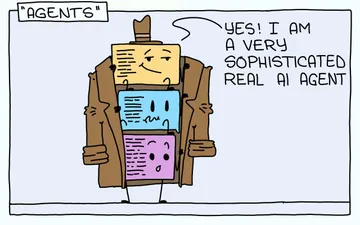
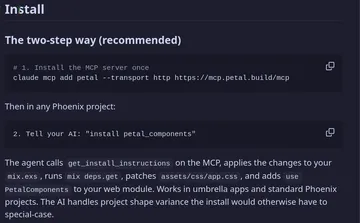
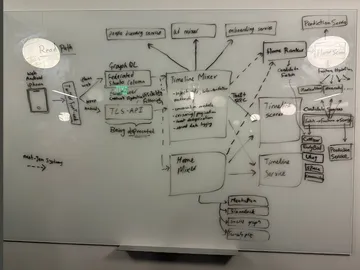
Send when your agent claims to be smart but is really just a few prompts in a trench coat.
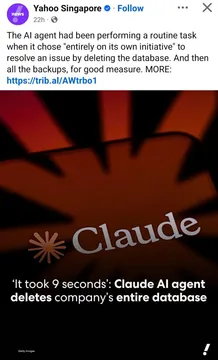
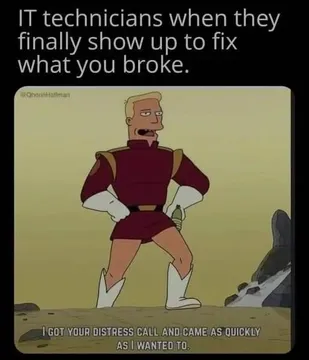
Use when warning about giving an AI agent too much power without safeguards.
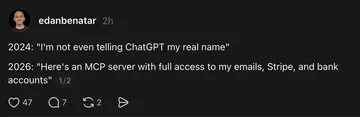
Share when discussing trust in AI agents and the timeline for their reliability.
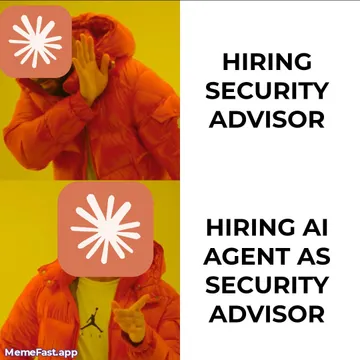
Post when someone suggests letting an AI handle security or other critical tasks.
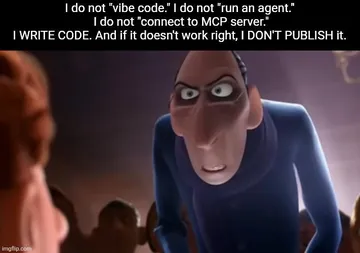
Send to vibe coders who actually review and edit the code their AI generates.
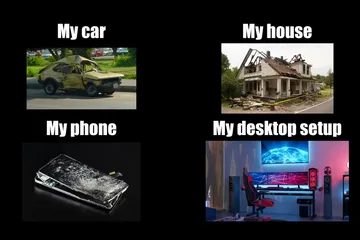
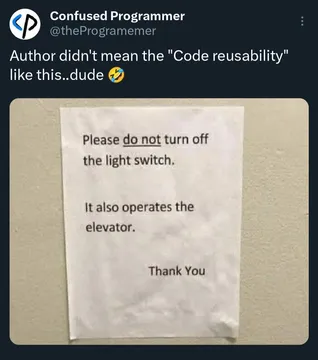
Use when showing the chaotic priorities of a developer's life.
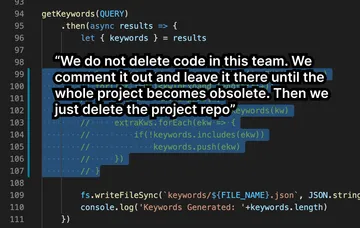
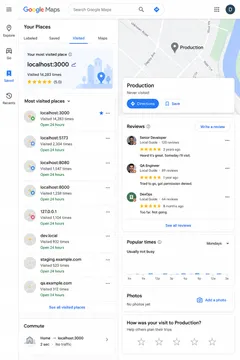
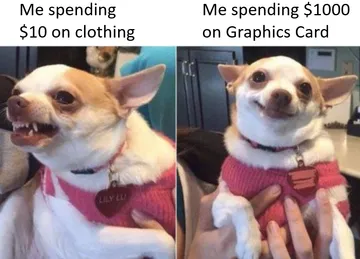
Share when you see someone hoarding code snippets they'll never use.
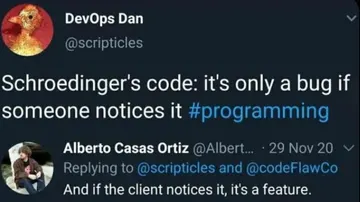
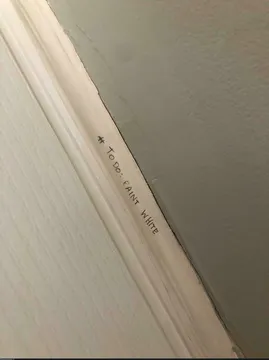
Post when code works only when you're not looking at it.
How to connect your agent to memecub
The remote MCP server is at https://memecub.com/mcp. Add it to your MCP client configuration (e.g., Claude Desktop, Cursor) to let your agent search memes as a tool.
For direct API access, use the REST API. Each search costs 1 credit. A keyless trial gives you 20 searches per day.
You can also use the CLI: run npx memecub to search from the terminal, or install the skill with npx skills add https://memecub.com into Claude Code, Codex, Cursor, and others.
Example: MCP configuration for Claude Desktop
Add this to your claude_desktop_config.json (or equivalent) to enable the memecub MCP server:
{ "mcpServers": { "memecub": { "url": "https://memecub.com/mcp" } } }
Restart your client, and your agent can now call memecub to search for memes.
When to use which method
Use the MCP server if you want your agent to autonomously search for memes during a conversation, with minimal setup.
Use the REST API if you need programmatic access from your own code or want to integrate meme search into a larger workflow.
Use the CLI for quick manual searches or scripting. The skill is best for adding meme search to coding assistants like Claude Code or Cursor.
Licensing and usage notes
Most memes are collected from the web and are free for personal chats; copyright remains with the original creators. They are not for commercial use.
A filter is available to show only openly licensed images (from Openverse, open-source emoji, public-domain art) that can be used commercially.
If you need a custom meme, the AI meme maker at /generate can create one from a description in about 10 seconds for 500 credits.
Let your AI find the memes
REST API, remote MCP, CLI and a skill. Try 20 searches a day without a key.
More that fit

FAQ
How can my AI agent search for memes?
Connect your agent to memecub's remote MCP server at https://memecub.com/mcp or use the REST API. Both allow your agent to search the meme library programmatically.
How do I set up a meme MCP server for Claude or ChatGPT?
For Claude Desktop, add the memecub MCP server URL to your configuration file. For ChatGPT, use the REST API or the CLI. The MCP server is at https://memecub.com/mcp.
Is there a free trial for the API?
Yes, a keyless trial allows 20 searches per day. Each search costs 1 credit, and paid plans start with a free tier of 1000 credits per month.
Can I use memecub memes commercially?
Most memes are for personal use only. Use the filter to find openly licensed images that can be used commercially.
What if I can't find the right meme?
You can use the AI meme maker at /generate to create a custom meme by describing a character, action, and caption. It takes about 10 seconds per image and costs 500 credits.