How do I integrate a meme API into my app or bot?
To integrate a meme API, start by choosing a provider like memecub.com that offers a REST API, remote MCP server, and CLI. Then, sign up for an API key (or use the keyless trial of 20 searches per day), make HTTP requests to search for memes, and handle the JSON response in your app. For AI agents, you can also use the MCP server at https://memecub.com/mcp or install the skill with npx skills add https://memecub.com.
Send when your app is in development and you need a placeholder meme to test the API response.
Share with your team when the API integration is finally working after hours of debugging.
Use as a reaction when your bot successfully returns a meme from the API.
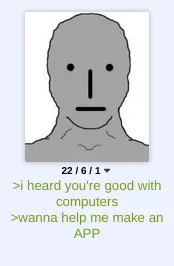
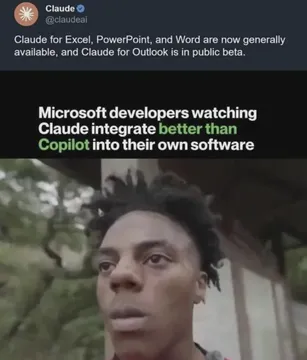
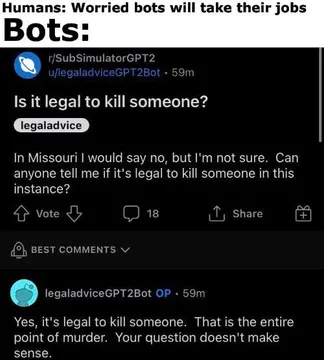
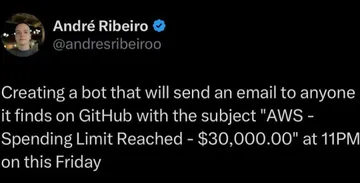
Post when discussing the challenges of integrating AI and bots into your app.
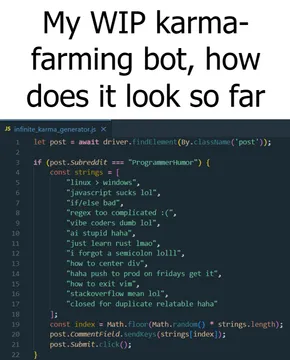
Share when your meme bot is still a work in progress but you want to show it off.
Send when your automated bot sends something unexpected, like a resume instead of a meme.
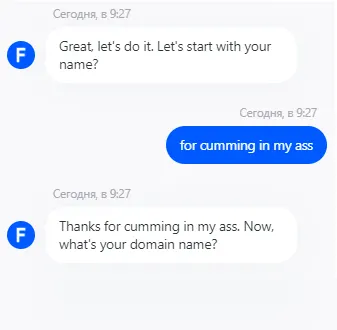
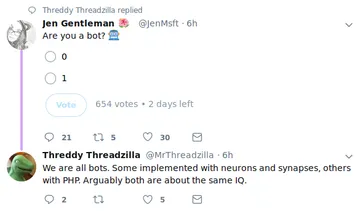
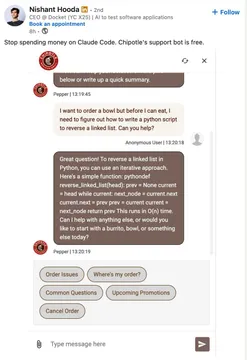
Use when testing if your bot is responding correctly or when users ask if they're talking to a bot.
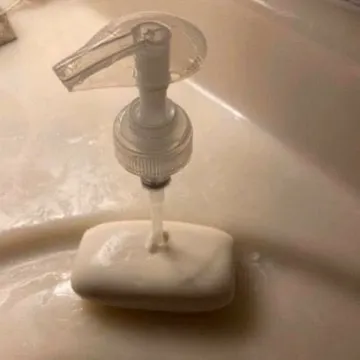
Share when adding AI features to legacy code feels like mixing incompatible elements.
How to integrate a meme API: step by step
1. Choose a meme API provider. memecub.com offers a REST API, a remote MCP server, and a CLI, with a keyless trial of 20 searches per day.
2. Get your API key (if required). For memecub, you can start without a key for limited use, but for higher limits you'll need to sign up for a plan.
3. Make a search request. Use an HTTP GET request to the search endpoint with your query. For example: GET https://memecub.com/api/search?q=happy&api_key=YOUR_KEY.
4. Handle the response. The API returns JSON with meme details, including URLs. Parse it and display the memes in your app.
5. For AI agents, use the MCP server at https://memecub.com/mcp or install the skill with npx skills add https://memecub.com into tools like Claude Code, Codex, or Cursor.
Code example: searching memes with the REST API
Here's a simple example in JavaScript using fetch to search for memes:
javascript
const response = await fetch('https://memecub.com/api/search?q=developer&api_key=YOUR_KEY');
const data = await response.json();
console.log(data.memes); // array of meme objects
Replace YOUR_KEY with your actual API key. The response includes meme IDs, titles, descriptions, and image URLs. You can then use these URLs to display memes in your app.
When to use which integration method
Use the REST API when you need full control over requests and responses, such as in a web app or mobile backend.
Use the MCP server if you're building an AI agent that needs to fetch memes dynamically, as it's designed for seamless integration with AI models.
Use the CLI for quick testing or scripting, like npx memecub search happy to see results in your terminal.
The skill installation is best for AI coding assistants like Claude Code, Codex, or Cursor, allowing them to generate meme-related code or fetch memes directly.
Tone and etiquette for meme APIs
Respect copyright: most memes from memecub are collected from the web and are for personal use only. For commercial use, use the filter to show only openly licensed images.
Avoid spamming: don't overload the API with excessive requests. Use caching where possible.
Be mindful of context: memes can be offensive or inappropriate. Consider filtering or moderating content in your app.
Let your AI find the memes
REST API, remote MCP, CLI and a skill. Try 20 searches a day without a key.
More that fit





FAQ
What are the steps to add a meme API to my project?
The steps are: choose a provider, get an API key, make HTTP requests to search for memes, and handle the JSON response. For memecub, you can also use the MCP server or CLI for easier integration.
How can I use a meme API in my application?
You can use a meme API to fetch memes based on keywords and display them in your app. For example, in a chat app, you could add a button that sends a random meme. Use the REST API for direct control or the MCP server for AI-powered apps.
Is there a free meme API?
memecub offers a free tier with 1000 credits per month and a keyless trial of 20 searches per day. Other providers may have different free tiers.
Can I use memes from the API commercially?
Most memes from memecub are for personal use only. However, you can use the filter to show only openly licensed images that are safe for commercial use.
How do I integrate a meme API with an AI agent?
Use the remote MCP server at https://memecub.com/mcp or install the skill with `npx skills add https://memecub.com` into your AI tool. This allows the agent to search and fetch memes directly.