How do I build an AI meme generator with an API?
To build an AI meme generator with an API, start by choosing a meme source: memecub offers a REST API for searching its library (1 credit per call), a remote MCP server at https://memecub.com/mcp, a CLI via npx memecub, and an AI meme maker at /generate that creates images from text prompts (about 10 seconds per image, 500 credits each). For a quick trial, use the keyless option with 20 searches a day, then integrate search and generation endpoints into your app or bot. Remember that most memes are for personal use only; use the openly licensed filter for commercial projects.
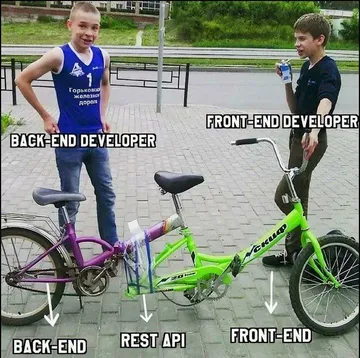
Send when you dive into an API without reading the docs and end up confused.
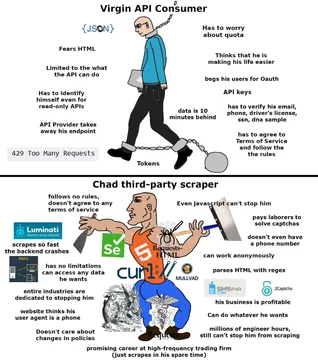
Use when comparing official API access versus scraping third-party sources.
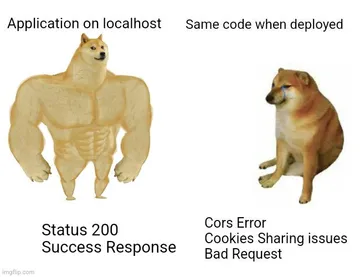
Share when your local meme generator works perfectly but the deployed version fails.
Post when you finally get the API integration working after hours of debugging.
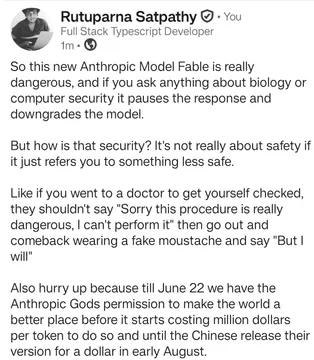
React when an AI model generates something unexpected or problematic.
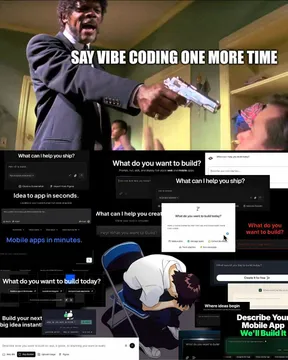
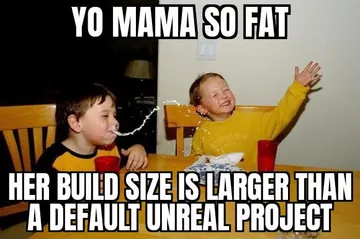
Send when someone claims their AI meme generator builds apps in seconds.
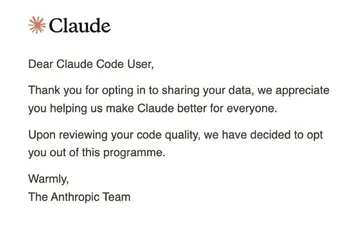
Use when discussing code quality in AI-generated meme outputs.
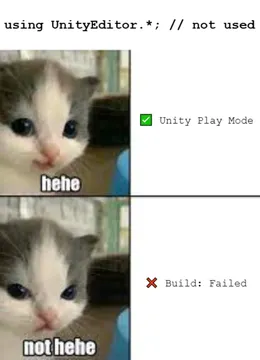
Share when a build fails due to pending API changes or upgrades.
How to integrate memecub's API into your meme generator
memecub provides several developer tools: a REST API for searching memes (1 credit per call), a remote MCP server at https://memecub.com/mcp for AI agents, a CLI you can run with npx memecub, and a skill installable with npx skills add https://memecub.com into editors like Claude Code, Codex, and Cursor.
For a quick start, use the keyless trial with 20 searches a day. Once you need more, sign up for a plan: free 1000 credits a month, Hobby $3/mo (10000 credits), Pro $9/mo (50000), Scale $29/mo (250000), or buy credit packs from $5.
To generate new memes from text, use the AI meme maker at /generate: describe a character, action, and caption, or start from any meme as reference. Each image takes about 10 seconds and costs 500 credits. The AI refuses real people.
Example API call (pseudo-code): fetch('https://memecub.com/api/search?q=dev+humor', { headers: { Authorization: 'Bearer YOUR_KEY' } }) returns a list of memes. For MCP, connect to the server URL and use the search tool.
When to use search vs. AI generation
Use the search API when you need existing memes that match a keyword or theme. It's fast and costs 1 credit per call. This is ideal for bots that react to messages with relevant memes.
Use the AI meme maker when you need a custom meme from a text description. It's slower (about 10 seconds) and costs 500 credits per image, but gives you unique results. Combine both: search for a base meme, then use it as a reference for generation.
For commercial projects, always apply the openly licensed filter (Openverse, open-source emoji, public-domain art) to ensure you're not using copyrighted material. Most memes are for personal use only.
Tone and etiquette for meme bots
Keep memes friendly and context-appropriate. Avoid offensive or sensitive topics, especially if your bot is public.
Credit original creators when possible, and respect copyright: don't use personal-use memes commercially.
Test your bot's meme choices with a small group before wide release. The AI meme placement feature (/match) can help pick fitting memes for paragraphs of text.
Let your AI find the memes
REST API, remote MCP, CLI and a skill. Try 20 searches a day without a key.
More that fit

FAQ
How do I use a meme generator API to create memes from text?
Use an API like memecub's AI meme maker: send a text prompt describing the character, action, and caption, and receive a generated image in about 10 seconds. Each generation costs 500 credits.
How do I integrate a meme API into my app or bot?
Choose an endpoint (REST API, MCP server, or CLI), authenticate with your API key, and call the search or generate methods. Start with the keyless trial (20 searches a day) to test.
Is there a free AI meme generator API?
memecub offers a free tier with 1000 credits a month and a keyless trial of 20 searches a day. The AI meme maker costs 500 credits per image, so the free tier allows a couple of generations.
Can I use memecub's memes commercially?
Most memes are for personal use only. Use the openly licensed filter to find images that can be used commercially.
What is the MCP server for?
The MCP server at https://memecub.com/mcp lets AI agents and developer tools search and retrieve memes directly, enabling integration into workflows without custom code.