How do I make a meme the right size for social media?
For most social media, use 1080×1080 pixels for square feed posts and 1080×1920 for stories and reels. If you're making a meme from scratch, start with a 1080-pixel-wide canvas and keep the text large and readable. You can also use memecub's AI meme maker to generate a meme from a text description, then resize it to fit the platform.
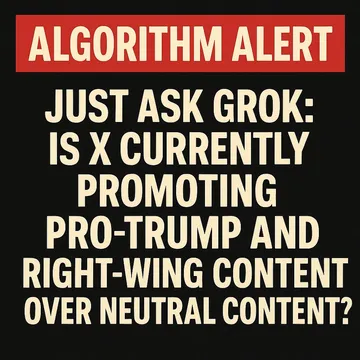
Send this when you need a text meme that is eye-catching and says exactly what you want.
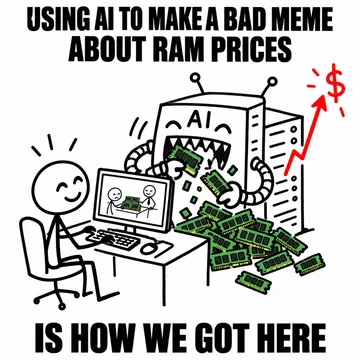
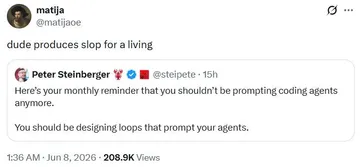
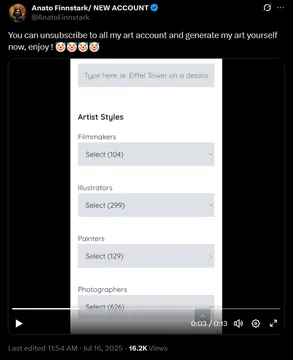
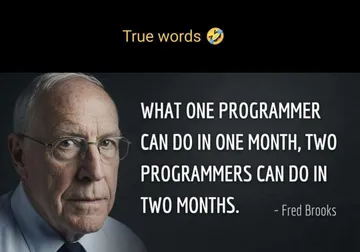
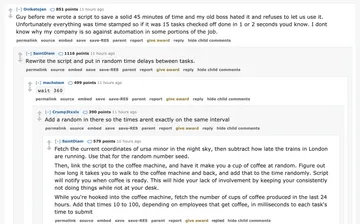
Use this when someone is overcomplicating a simple meme with AI.
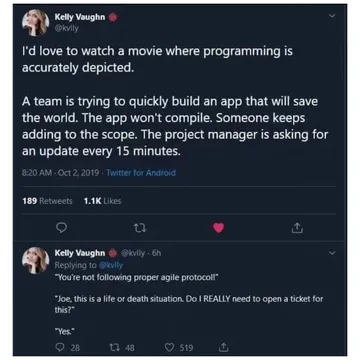
Share this when you want a low-effort meme that still gets the point across.
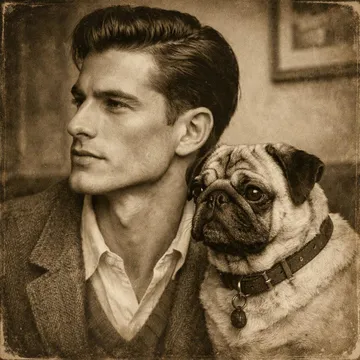
Post this when you need a reaction image with a sharp jawline and a pug.
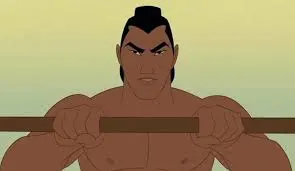
Send this when you're about to make a man out of someone with a perfectly sized meme.
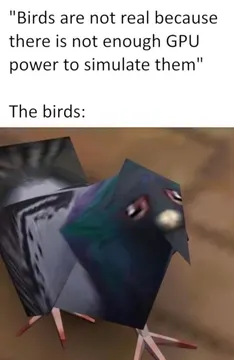
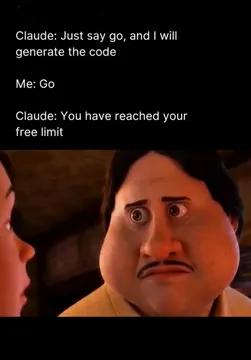
Use this when AI promises to generate something but leaves you waiting.
Post this when you're generating memes just for the sake of it.
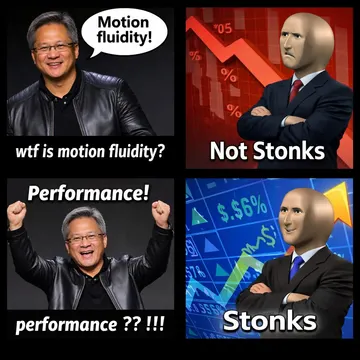
Share this when you need a multi-panel meme with specific placement.
Pick the right size for each platform
Square feed posts: 1080×1080 pixels works on Instagram, Facebook, and X. This is the safest default for memes.
Stories and reels: 1080×1920 pixels (9:16) fills the screen on Instagram, TikTok, and Snapchat.
Landscape posts: 1200×628 pixels for link previews on Facebook and LinkedIn, or 1280×720 for YouTube thumbnails.
Profile pictures: 400×400 pixels is enough for most platforms.
Generate a meme from text with AI
Go to memecub.com/generate and describe the character, action, and caption you want. For example: “A cat wearing sunglasses typing on a laptop, caption: I have no idea what I'm doing.”
The AI generates an image in about 10 seconds. You can also upload any meme as a reference to keep the style consistent.
Download the image and resize it to 1080×1080 or 1080×1920 using any image editor or online tool.
Resize and crop without losing quality
Use free tools like Canva, Photopea, or your phone's built-in editor to resize. Keep the aspect ratio locked to avoid stretching.
If you need to crop, center the subject and leave space for text at the top or bottom.
Export as JPG or PNG at 80–90% quality to keep file size small without visible artifacts.
Tone and etiquette for sharing memes
Memes from memecub's library are collected from the web and are free for personal chats, but copyright stays with the original creators. Don't use them commercially unless you filter for openly licensed images.
When sharing, credit the original creator if possible. Avoid adding watermarks that obscure the meme.
Keep text large and high-contrast so it's readable on small screens.
Nothing quite right? Make one
Pick a character, type a caption, get it in about 10 seconds.
More that fit
FAQ
What is a good size for a meme?
1080×1080 pixels is a good all-purpose size for square memes. For stories, use 1080×1920 pixels.
Is 4:3 or 16:9 better for social media?
16:9 is better for widescreen videos and YouTube, while 4:3 is less common. For most social feeds, square (1:1) or vertical (9:16) performs better.
What are the ideal image sizes for social media?
Ideal sizes vary by platform: 1080×1080 for square posts, 1080×1920 for stories, and 1200×628 for link previews.
Is 67 the biggest meme?
No, 67 is not a standard meme size. Meme sizes are usually measured in pixels, like 1080×1080.
Can I use an AI meme generator to make memes for social media?
Yes, memecub's AI meme maker lets you describe a meme and generates it in about 10 seconds. You can then resize it for any platform.