How do I send a meme on WhatsApp on iPhone?
Open the chat, tap the sticker icon and choose GIF to search WhatsApp's built-in GIF library, or tap the paperclip, choose Photos, and pick a meme or GIF saved on your iPhone. To send a meme you found elsewhere, save it to Photos first, then attach it from the library. WhatsApp sends GIFs as looping files and photos as normal images, and both go over your data or Wi-Fi like any other message.
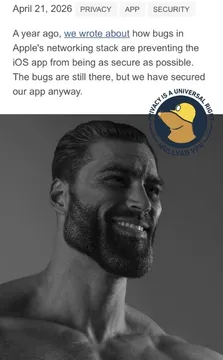
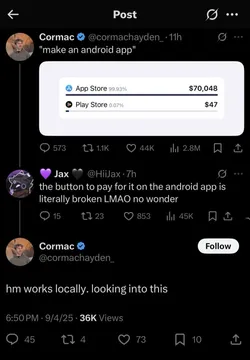
Send it when a friend shares a fix or feature that actually works and you want to nod approvingly.
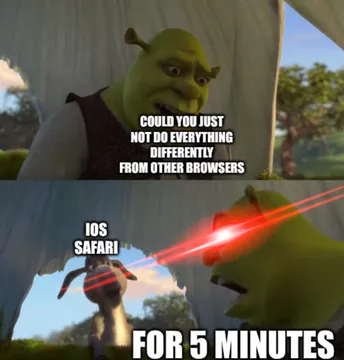
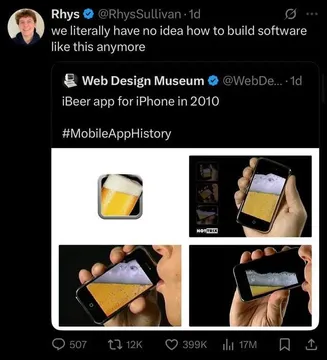
The reply when someone asks how hard a small task can be and you have seen every outcome.
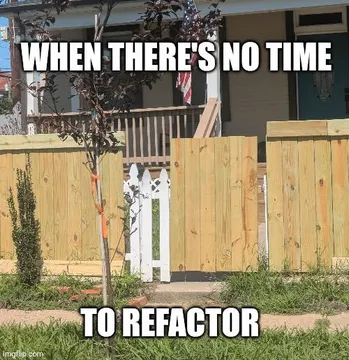
For the group chat moment when something is about to ship and everyone knows the risk.
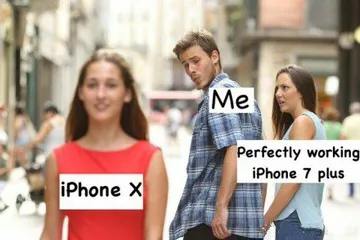
A light way to call out a friend's chaotic take in the chat.
Use it when a conversation suddenly escalates and you want to laugh at the drama.
Good for developer friends who send screenshots of code at odd hours.
Send it when you are logging off for the night and leaving the work to everyone else.
A fitting reply when someone in the chat brags about a tiny side project.



Send a GIF with WhatsApp's built-in search
Open the chat you want to post in and tap the sticker icon in the message bar.
Switch to the GIF tab, then tap the search field and type what you want, like happy, cat, or wow.
Tap a GIF to preview it, then tap Send. The GIF plays in the chat and loops for the other person.
This uses WhatsApp's own GIF library, so you do not need to save anything to your iPhone first.
Send a meme or GIF saved on your iPhone
Save the meme to your iPhone: long-press the image in Safari or another app and choose Save to Photos, or download it from a meme site.
In WhatsApp, open the chat and tap the paperclip (Attach) icon.
Choose Photos, select the meme, and tap Send. A still image arrives as a photo; an animated GIF usually arrives as a looping file.
If you want to send a short video as a GIF, attach it from Photos and use the GIF option when WhatsApp offers it.
Where to find memes worth sending
WhatsApp's GIF search is quick but limited to its own library. For a specific reaction, a saved meme from a meme library often lands better.
memecub.com lets you browse and search memes and download them without signing up, then you attach the file from Photos as above.
Most memes there are collected from the web, so keep them for personal chats and credit the original creator if you repost. A filter shows openly licensed images if you need something you can use commercially.
If nothing fits, the AI meme maker at memecub.com/generate builds one from a character, action, and caption in about ten seconds.
Tone and etiquette
Match the meme to the chat: a work group and a close friend group rarely want the same joke.
One meme per message is usually enough; a wall of them buries the actual reply.
Avoid memes that target real people in the chat, and check that a saved image is not something private before forwarding it.
Nothing quite right? Make one
Pick a character, type a caption, get it in about 10 seconds.
More that fit





FAQ
How do I put a meme in WhatsApp?
Save the meme to your iPhone Photos, open the chat, tap the paperclip, choose Photos, select the meme, and tap Send. For GIFs, you can also use the sticker icon and the GIF tab to search inside WhatsApp.
How do I send GIFs in WhatsApp on iPhone?
Tap the sticker icon in a chat, open the GIF tab, search or browse, and tap the GIF you want. It sends as a looping animation.
Is it free to send GIFs on WhatsApp?
Yes. Sending GIFs and memes in WhatsApp does not cost extra; it uses your normal data or Wi-Fi connection.
How do I add my own GIF to WhatsApp?
WhatsApp does not let you add files to its built-in GIF library. Save the GIF to Photos and send it as an attachment instead.
Where can I find memes to send on iPhone?
WhatsApp's GIF search is the fastest option. For something more specific, download a meme from a library like memecub.com and attach it from Photos.