How do I make a meme with my own photo on my iPhone?
Open your photo in the iPhone Photos app, tap Edit, then Markup, add a text caption with the T tool, and save. For classic top-and-bottom text, upload the same photo to a free browser-based meme generator on Safari, type your lines, and download the image. Either way the meme is just your picture plus a short caption that names the situation.
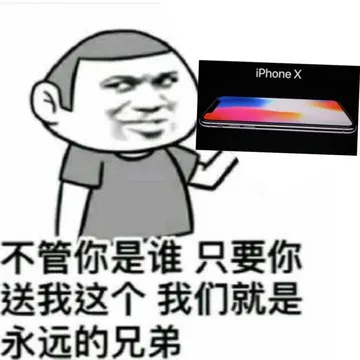
Send it when a friend asks to see the selfies on your phone and you go quiet.
A soft selfie-style doodle to pair with a caption about how you actually look today.
Same idea in a simpler doodle, good when you want the caption to carry the joke.
Use it as the reaction when someone asks for your selfie and you send something heroic instead.
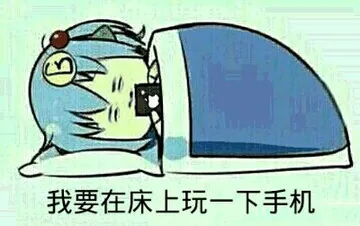
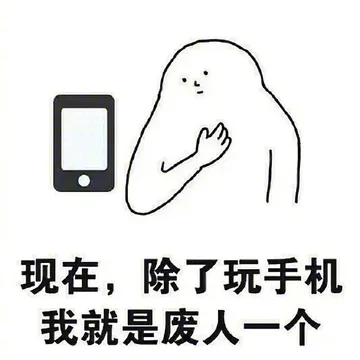
The face to send at midnight when you are still scrolling in bed.
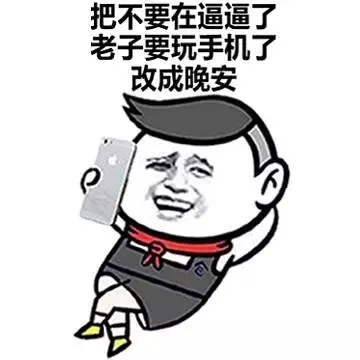
A cartoon version of the same bedtime phone moment, for group chats with friends.
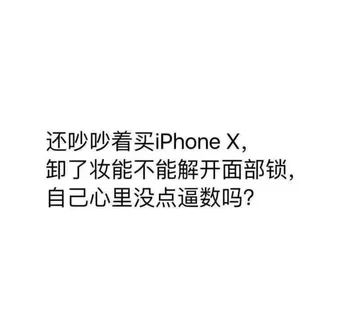
Plain text meme for the days it is too cold to take your phone out for a photo.
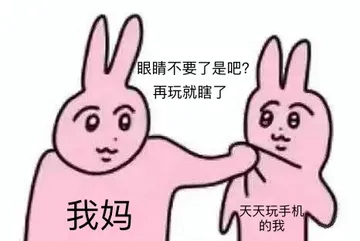
Send it to a parent or friend who keeps telling you to put the phone down.


Two ways to do it on an iPhone
Fastest: open the photo in Photos, tap Edit, tap the Markup icon (the pen), tap the text tool, type your caption, drag it where you want, then tap Done. This keeps everything on your phone and works offline.
Classic meme look: open Safari and go to a free meme generator, upload the photo from your library, add top and bottom text, then download the finished image back to Photos. No app install needed, and most generators work without an account.
What makes a photo work as a meme
One clear subject and one clear expression. A face mid-laugh, a pet staring at the camera, or a messy desk reads instantly at small size.
Keep the caption short. Two to six words per line is usually enough; the photo should carry the joke, not the text.
Crop tight before adding text so the caption does not cover the face. Leave a strip of empty space at the top or bottom for the words.
Tone and sharing etiquette
Memes made from your own photos are yours to share in personal chats. If the photo shows other people, ask before posting it publicly.
If you grab a template or a reaction image from a meme library, most are collected from the web and are fine for personal chats, but copyright stays with the original creator, so do not use them commercially.
When nothing in a library fits the moment, memecub's AI meme maker lets you describe a character, action and caption, or start from an existing meme as a reference. It refuses real people, so keep AI memes for drawn or fictional characters.
If you would rather not caption it yourself
Search a meme library for the feeling first: “selfie”, “phone”, “bed”, “cold”. A ready-made meme often lands faster than a custom one.
On memecub you can browse, search, copy and download memes for free without signing up. Use the openly licensed filter if you need an image you can use commercially.
Nothing quite right? Make one
Pick a character, type a caption, get it in about 10 seconds.
More that fit


FAQ
Can I create a meme using my own photo?
Yes. Any photo on your iPhone can become a meme once you add a short caption, either in the Photos app with Markup or in a free web meme generator.
How do I turn a photo into a meme on iPhone?
Open the photo in Photos, tap Edit, then Markup, add text with the T tool and save. For top-and-bottom text, upload the photo to a browser meme generator in Safari and download the result.
Can ChatGPT create memes?
ChatGPT can write captions and ideas, but it does not edit your photo into an image for you. You still add the text in Photos or a meme generator, or use a dedicated AI meme maker that generates the image.
Can a photo be a meme?
A photo becomes a meme when it is shared with a caption or context that makes people recognize a familiar situation. The same picture can be a plain photo or a meme depending on the text around it.
Is there a free way to make a meme with my own picture on iOS?
Yes. The Photos app is already on your iPhone and costs nothing, and free browser-based meme generators work in Safari without an account.