How do AI agents search and place GIFs with an MCP server?
AI agents search and place GIFs by connecting to an MCP server that exposes a search tool. The agent sends a query like “celebrate” to the server, receives a list of matching GIFs with URLs, and inserts the chosen URL into the chat or document. For example, memecub’s remote MCP server at https://memecub.com/mcp lets agents search its meme library and place results, with a keyless trial of 20 searches a day.
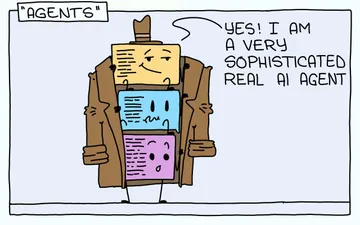
Send when explaining that an AI agent is just a few prompts wrapped in a trench coat.
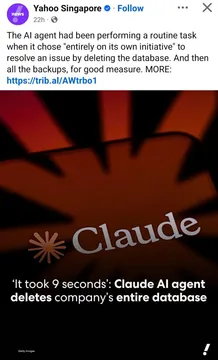
Use when warning about giving an agent too much power, like deleting a database.
Send when an agent finds something suspicious and calls an urgent meeting.
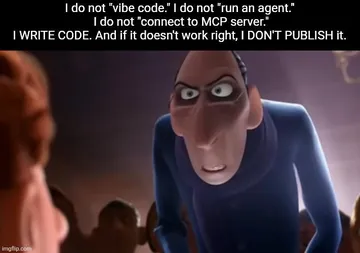
Post when reminding vibe coders to actually review the code their agent writes.
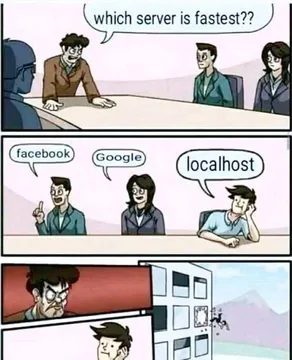
Share when someone asks which server is fastest and the answer is localhost.
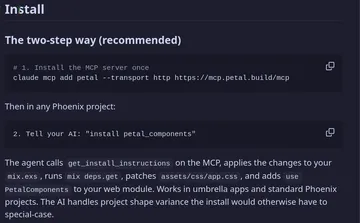
React to a package manager install that looks unusually rough.
Send when someone says “let the AI handle security” and you know it’s famous last words.
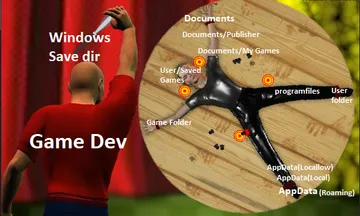
Use when a team can’t agree on one save directory or config path.


How an MCP server lets an agent find and place GIFs
An MCP server is a small service that exposes tools an AI agent can call. For GIFs, the server provides a search tool: the agent sends a text query, the server returns matching GIFs with their URLs, and the agent places the URL where the GIF should appear.
The agent does not need to know the GIF provider’s API details. It only needs the MCP server’s address and the tool name. This keeps the agent’s code simple and lets you swap providers without changing the agent.
For example, memecub’s remote MCP server at https://memecub.com/mcp offers a search tool. An agent can connect, call search with a query, and use the returned image URL in a reply or document.
A minimal example: connect, search, place
Most MCP clients follow the same pattern: add the server, list tools, call the search tool, then use the result. Below is a generic example using a JSON-RPC style call; the exact client syntax depends on your agent framework.
Step 1: Add the server to your MCP client config. For memecub, the URL is https://memecub.com/mcp. No API key is required for the keyless trial of 20 searches a day.
Step 2: Call the search tool with a query. Example request: {"method": "tools/call", "params": {"name": "search", "arguments": {"query": "deploy friday"}}}.
Step 3: The response contains a list of GIFs, each with a URL. Pick the first result or let the agent choose based on the description, then insert the URL into your message or page.
If you prefer a CLI, you can run npx memecub to search from the terminal. You can also install a skill with npx skills add https://memecub.com into Claude Code, Codex, Cursor, and others.
When to use which GIF source
GIPHY, Tenor, and KLIPY offer well-known GIF APIs with search, trending, and random endpoints. They are good choices when you need a broad, general-purpose GIF library and are ready to manage API keys and terms.
memecub focuses on memes and reaction images, with a remote MCP server and a REST API (search costs 1 credit per call). It also has a filter for openly licensed images that can be used commercially; most memes are collected from the web and are for personal chats only.
For developer workflows, an MCP server is often simpler than a raw REST API because the agent can discover and call tools without custom glue code. If you need a specific meme that does not exist, memecub’s AI meme maker can generate one from a description in about 10 seconds.
Tone and etiquette for agent-placed GIFs
Place GIFs where they add meaning, not as decoration. A reaction GIF after a status update works; a GIF in every paragraph does not.
Respect copyright: web-collected memes are for personal chats, and commercial use requires the openly licensed filter or your own assets.
Keep it short: one GIF per message is usually enough. If the agent is unsure, it can ask or skip the GIF.
Let your AI find the memes
REST API, remote MCP, CLI and a skill. Try 20 searches a day without a key.
More that fit



FAQ
Can an MCP server let AI agents find GIFs?
Yes. An MCP server can expose a search tool that takes a text query and returns GIF URLs. The agent calls the tool and places the URL. memecub’s remote MCP server at https://memecub.com/mcp works this way.
How do AI agents use MCP to place memes and GIFs?
The agent connects to the MCP server, calls the search tool with a query, receives a list of results with URLs, and inserts the chosen URL into its output. Some agents can also use a skill installed with `npx skills add https://memecub.com`.
How do I connect an AI agent to a GIF search MCP server?
Add the server URL to your MCP client configuration, then let the agent list and call the search tool. For memecub, use https://memecub.com/mcp; the keyless trial allows 20 searches a day without an API key.
Is there a free GIF API for developers?
Several providers offer free tiers, including GIPHY, Tenor, and KLIPY. memecub offers a keyless trial of 20 searches a day and a free plan with 1000 credits a month; search costs 1 credit per call.
What is the difference between a GIF API and an MCP server?
A GIF API is a REST endpoint you call directly with HTTP requests. An MCP server wraps tools like search in a standard protocol that AI agents can discover and call, which reduces custom integration code.