Where can I find free blank meme templates?
Most people get blank meme templates from meme template libraries and meme databases, then add their own caption in an editor. On memecub.com you can search, copy and download memes without signing up, and many entries are blank or near-blank formats you can caption yourself. If no template fits, the AI meme maker at /generate builds one from a short description of character, action and caption.
A truly empty frame with just a thin border — the cleanest base when you want to draw or caption from scratch.
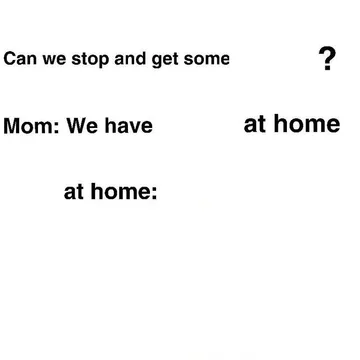
Classic white-background text template; send it when you want the joke to be pure caption with no image noise.
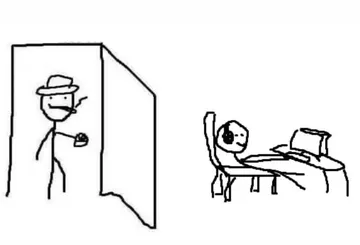
The “are you winning son” stick-figure format, ready for your own line in the doorway.
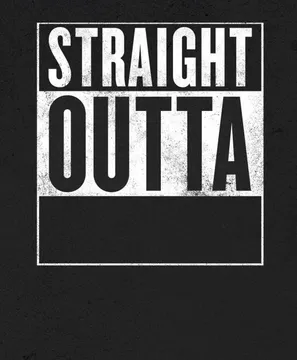
Straight Outta X layout — drop in a place, team or group name for instant parody.
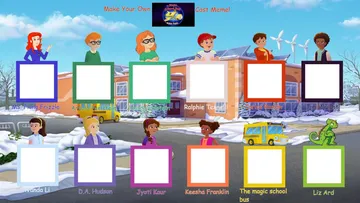
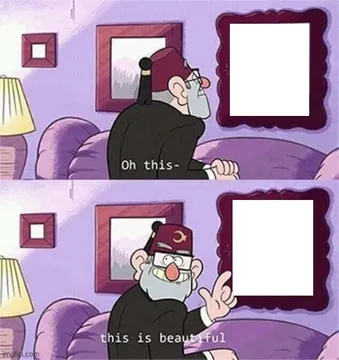
Cast meme with empty character slots; use it to label a group of friends, coworkers or OCs.
General Grievous “you are a bold one” frame, good for a confident bad take.
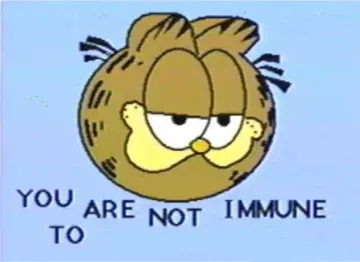
Garfield staring blankly — send it as a reaction when someone claims they are immune to a trend.
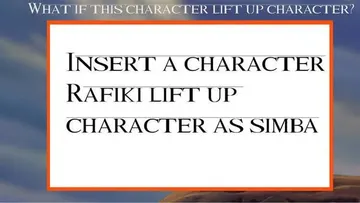
Sky-and-savanna background with an empty box; fill the box with whatever you want to lift up.

Where blank templates actually come from
Template libraries collect the original frames of popular formats — a movie still, a comic panel, a tweet screenshot — and strip the caption so you can add your own. Sites like meme template databases, design tools with template galleries, and shared folders of restored classics all work the same way: you pick a format, type your text, export.
Meme libraries such as memecub.com are another route. Search by name, emotion or situation, then copy or download the image and caption it in any editor. Browsing, searching and downloading on the site are free and need no account.
How to caption a blank template
1. Pick a format that matches the joke shape: two-panel for setup and punchline, single image for a reaction, cast layouts for labeling a group.
2. Keep the caption short. Top text sets the situation, bottom text lands the twist; if the template already has text, replace it rather than adding more.
3. Use a bold sans-serif font with a white outline so the text stays readable on any background.
4. Export as PNG for crisp text, or JPG if the file needs to be small for a chat app.
When no template fits
Sometimes the joke is specific enough that no existing format works. The AI meme maker at memecub.com/generate takes a description of the character, the action and the caption, or uses any meme as a reference, and produces an image in about ten seconds. It refuses real people, so describe a character type instead of a named person.
For articles or long posts, the AI meme placement tool at /match takes pasted text and picks a fitting meme for each paragraph, which saves hunting through a library manually.
Licensing and etiquette
Most templates in public libraries are collected from the web: fine for personal chats, but copyright stays with the original creators, so don't use them commercially. If you need something for a brand or product, use the filter that shows only openly licensed images from Openverse, open-source emoji and public-domain art.
When you share a template, credit the source if you know it, and avoid templates built on private individuals' photos.
Nothing quite right? Make one
Pick a character, type a caption, get it in about 10 seconds.
More that fit
FAQ
Where do people get meme templates?
From meme template libraries, design tools with template galleries, shared folders of classic formats, and meme search sites. Most people then caption them in a simple image editor or the site's own meme maker.
Can I download blank meme templates for free?
Yes. Many libraries let you browse and download templates without an account; on memecub.com searching, copying and downloading are free and require no sign-up.
How can I create my own meme template?
Take a screenshot or frame you have the rights to use, crop it to the joke area, and leave space for text. If you can't find a suitable image, describe the character, action and caption to the AI meme maker and it generates one.
What is the best meme template?
There is no single best one — pick by joke shape. Two-panel formats suit setup and punchline, single frames suit reactions, and cast layouts suit labeling a group.
Can I use meme templates commercially?
Usually not. Web-collected templates stay under the original creators' copyright and are meant for personal chats; use the openly licensed filter for anything commercial.