How do I make a meme for free online?
The fastest free route is to grab an existing template, add your caption in any browser-based editor, and download the image. On memecub.com you can search the meme library, copy or download an image, and caption it yourself — browsing and downloading are free and need no sign-up. If nothing in the library fits, describe a character, an action and a caption to the AI meme maker at /generate and it draws a new image in about 10 seconds.
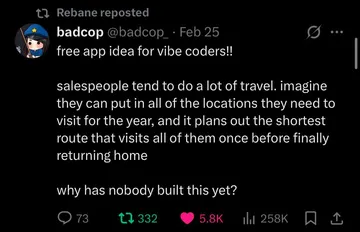
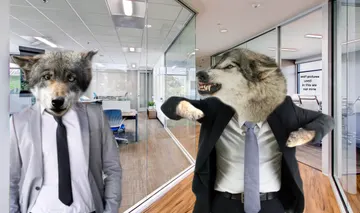
Send it when someone asks you to build their app idea for free.
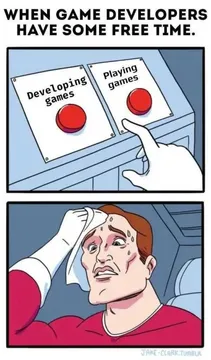
The reply for a friend who asks what you do with your free time.
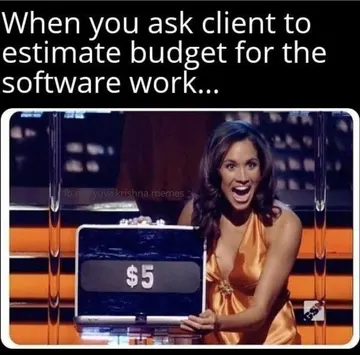
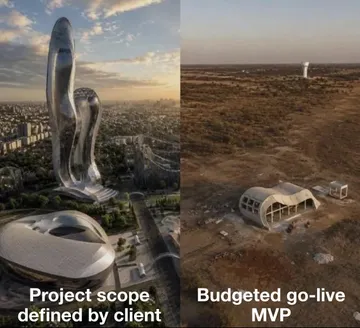
Use it when the budget answer is a proud, tiny number.
For the moment a plan quietly goes over budget.
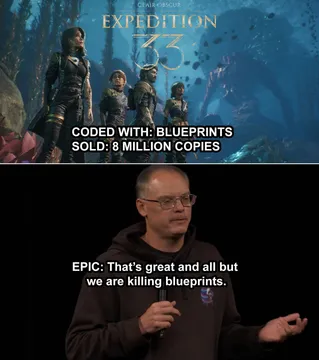
When the “budget” version turns out to be a creative workaround.
Post it when your setup is paper cutouts and hope.
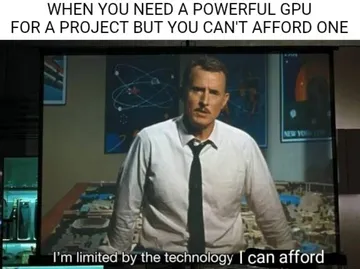
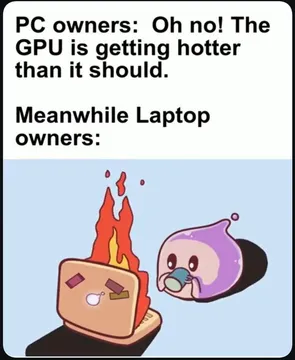
For defending the old cheap build against the shiny new one.
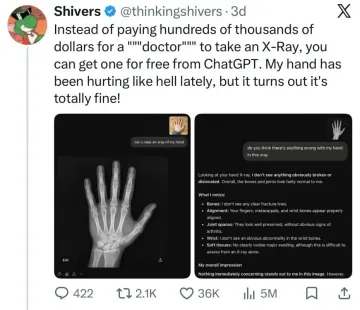
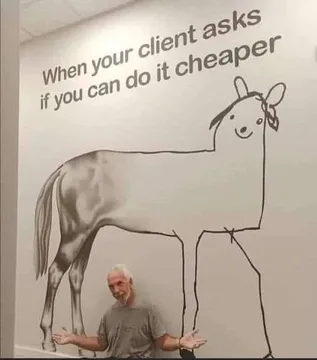
Send it to a client who wants more work for less money.

The quickest free way: template plus caption
Search the meme library for the reaction or situation you want, open the image, and download or copy it. Browsing, searching, copying and downloading on memecub.com are free and need no account.
Add your caption in whatever editor you already have — a browser meme maker, a phone photo editor, or a slideshow tool. Keep the text short and put it where the eye lands first: top and bottom, or one line across the middle.
Save as PNG or JPG and send it. That is the whole workflow; there is no export step or watermark to remove.
When no template fits: describe it to an AI
Open the AI meme maker at /generate and describe three things: the character, the action, and the caption. For example: “a tired office cat, slumped over a keyboard, caption: me after one meeting.”
You can also start from any meme in the library as a reference, so the style stays close to what you already send.
Each image takes about 10 seconds and costs 500 credits; the free plan includes 1000 credits a month. The tool refuses real people, so describe a character type instead of a named person.
Phone, desktop, and copyright basics
On iPhone or Android, download the meme to your camera roll and caption it in the built-in photo editor or a meme app — the same template-first approach works on any device.
Most memes in the library are collected from the web: fine for personal chats, but copyright stays with the original creators, so do not use them commercially.
If you need something you can use commercially, turn on the filter that shows only openly licensed images from Openverse, open-source emoji and public-domain art.
For a whole article or post, paste the text into AI meme placement at /match and it picks a fitting meme for each paragraph.
Tone and etiquette
Match the meme to the relationship. A dry reaction image works in a work chat; an absurd one is better with friends.
One caption is usually enough. If you need a second line to explain the joke, pick a different meme.
Credit the creator when you repost a meme publicly, and keep commercial use to the openly licensed filter.
Nothing quite right? Make one
Pick a character, type a caption, get it in about 10 seconds.
More that fit
FAQ
How do I create my own meme from scratch?
Describe a character, an action and a caption to an AI meme maker, or start from an existing template and write your own caption. Both take under a minute and need no design skills.
Can ChatGPT create memes?
ChatGPT can write captions and ideas, but it does not hand you a finished image file. A dedicated AI meme maker such as memecub's /generate turns the description into an actual image.
What is the best app to create memes?
Any editor that lets you put text on an image works. On a phone, the built-in photo editor is enough; in a browser, a free online meme maker avoids installing anything.
How do I make a meme on my iPhone?
Save the template to Photos, tap Edit, add text with the markup tool, and save a copy. Or caption it in a free meme app from the App Store.
Can I use these memes commercially?
Not the web-collected ones — those are for personal chats and the copyright stays with the original creators. Use the openly licensed filter for anything commercial.