Where can I find software engineer memes for my team chat?
You can find software engineer memes on memecub.com, a free meme library with a searchable collection. Browse or search for terms like “agile”, “scrum”, or “Slack” to find relatable developer humor. For something custom, use the AI meme maker at /generate to describe a scene and caption. All browsing, searching, copying, and downloading are free and require no sign-up.
Send when a teammate’s code gets thrown into the fire during a deployment.
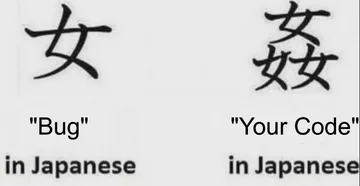
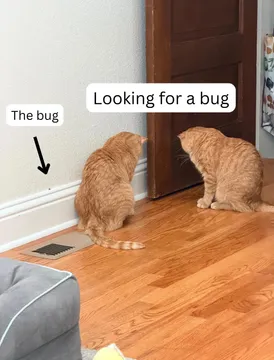
Post in Slack when you spot a bug that looks suspiciously familiar.
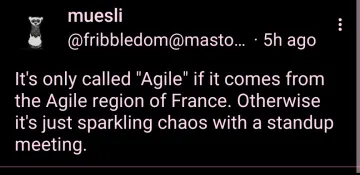
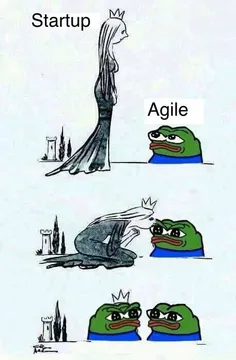
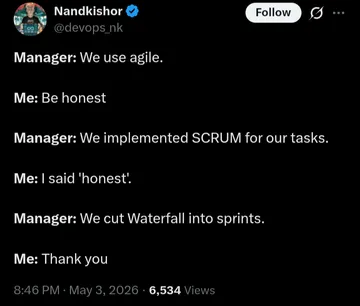
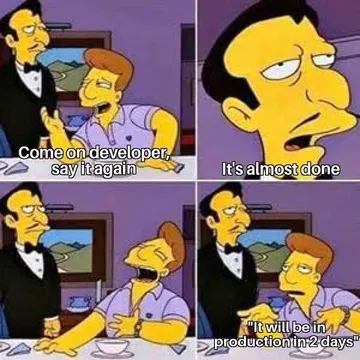
Share during sprint planning when someone suggests yet another agile process.
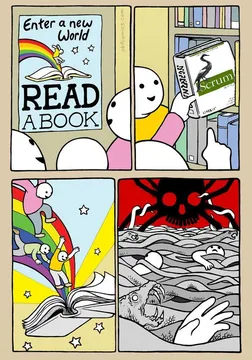
Use when a scrum meeting could have been an email.
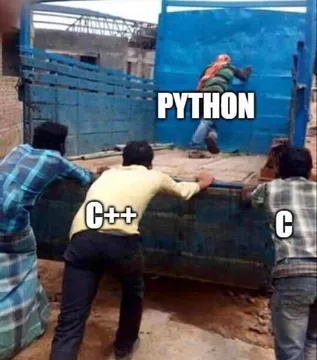
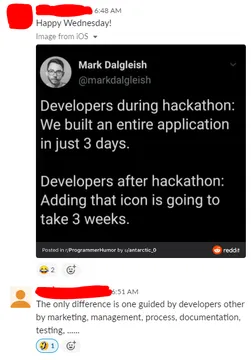
React to a teammate who built an entire app in one file.
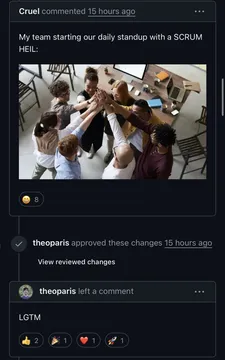
Drop five minutes before standup to call out the scrum master’s prep.
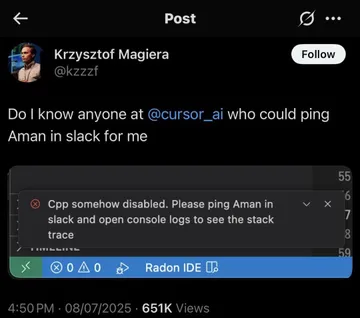
Send when someone complains about having to use Jira or Slack.
Post when your team is about to adopt a new agile framework.
Share when you skip a step in the process and hope no one notices.
Use when you still have Slack notifications but wish you didn’t.



How to find and share memes from memecub
Go to memecub.com and use the search bar to look for keywords like “agile”, “scrum”, “Slack”, or “bug”. You can also browse categories.
Click any meme to view it, then copy the image or download it. No account is needed.
Paste the meme directly into your team chat (Slack, Teams, Discord, etc.) or share the link.
When to use which meme
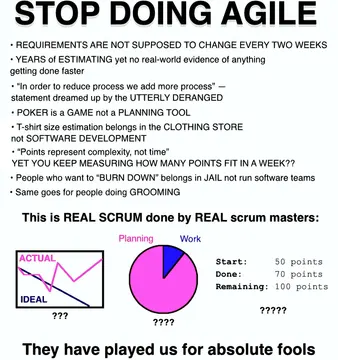
For sprint and process jokes: “Agile”, “Scrum”, “Scrum Agile Management”, or “Stop Doing Agile”.
For daily standup humor: “Scrum Master Five Minutes Before Standup” or “Scrum Meeting Turning Me Into a Jaded Developer”.
For tool complaints: “No Jira No Slack” or “When You Still Have Slack”.
For code and bug moments: “Team Work” or “Slack This To Your Favorite Coworker”.
Tone and etiquette in team chat
Keep it light and avoid memes that target individuals or teams. Stick to shared experiences like meetings, tools, and deadlines.
Check your company’s chat guidelines. Some workplaces prefer memes in dedicated channels like #random or #watercooler.
If you’re unsure, start with a meme about a universal pain point (e.g., “Agile”) rather than a specific person or project.
Make a custom meme with AI
If you can’t find the right meme, use the AI meme maker at memecub.com/generate. Describe a character, action, and caption, or start from an existing meme as reference.
The AI generates an image in about 10 seconds and costs 500 credits. It refuses to depict real people.
You can also use the AI meme placement tool at /match to paste an article and get a fitting meme for each paragraph.
Nothing quite right? Make one
Pick a character, type a caption, get it in about 10 seconds.
More that fit
FAQ
What memes should I post in a developer Slack channel?
Relatable ones about daily struggles: standups, agile ceremonies, bugs, and tools like Jira or Slack. Try “Scrum Master Five Minutes Before Standup” or “No Jira No Slack” from memecub.
Are these memes work-appropriate?
Most memes on memecub are collected from the web and intended for personal chats. They are generally safe for work, but avoid ones that could be offensive. You can also use the filter to show only openly licensed images.
Can I use these memes commercially?
No, most memes are for personal use only; copyright belongs to the original creators. For commercial use, use the filter to find openly licensed images (Openverse, open-source emoji, public-domain art).
Do I need to sign up to download memes?
No. Browsing, searching, copying, and downloading on memecub.com are free and require no account.
How do I create my own software engineer meme?
Use the AI meme maker at memecub.com/generate. Describe your idea and get a custom meme in about 10 seconds. It costs 500 credits per image.