How can I use memes and GIFs in Microsoft Teams to make work chats more fun?
In Microsoft Teams, click the Emoji, GIFs and stickers button under the compose box, or press Win+. (Windows) to open the emoji and GIF picker. If the GIF button is missing, your admin may have turned off GIFs for the org, or you can use the system picker as a workaround. For work-safe humor that fits a specific moment, memecub.com lets you search, copy and download memes without signing up.
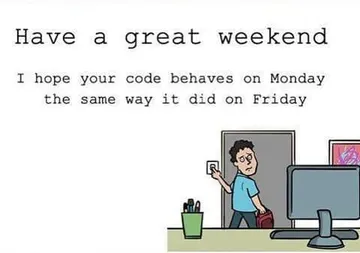
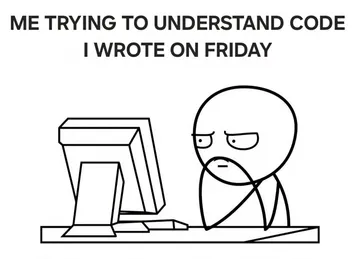
Send on Monday morning when someone asks how the week is going.
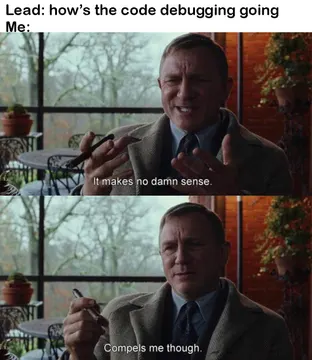
Perfect when a junior dev is about to meet the most senior person on the team.
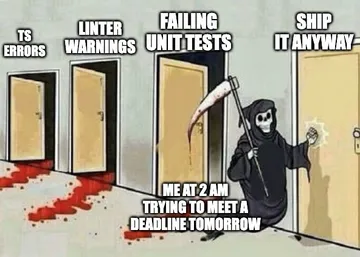
Drop it in the sprint channel when the deadline is close and the tickets are not.
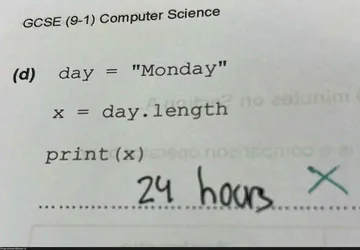
A programmer joke for standup when Monday feels like it has no end.
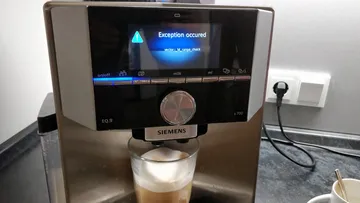
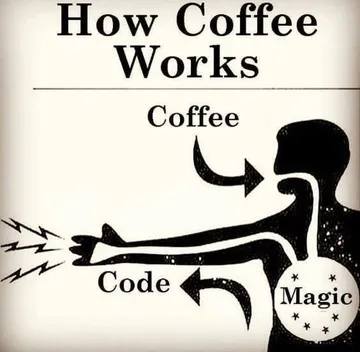
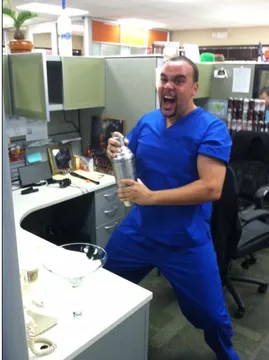
Send when the coffee machine, the build, or the deploy throws an exception.
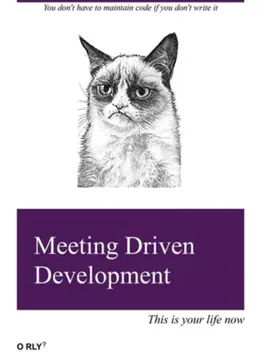
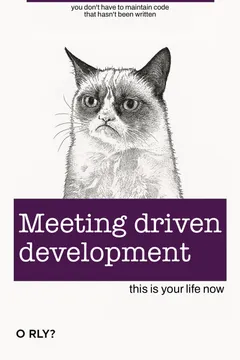
Use it when someone schedules yet another meeting that could have been a message.
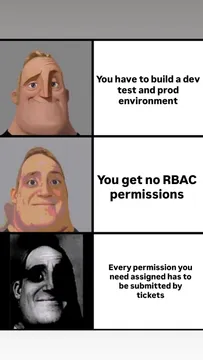
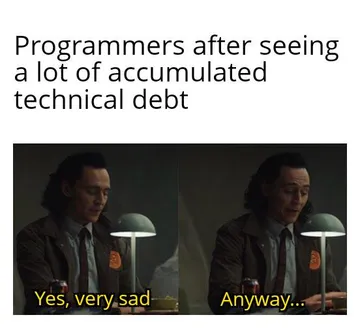
For the moment a task is due next week but access permissions are still pending.
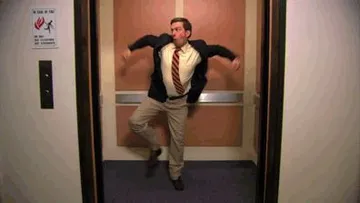
A gentle Friday afternoon nudge that you are ready to log off.
Send late at night when a coworker says goodnight but is clearly still online.


Where the GIF button is and how to send one
Open a chat or channel, click the Emoji, GIFs and stickers icon below the compose box, then pick a tab and click the image to insert it. You can also type a keyword in the GIF search field to find something specific.
On Windows, press Win+. to open the system emoji and GIF picker in any text field, including Teams. This is the fastest shortcut when you just want a quick reaction image.
Keep it small: one GIF per message reads as a joke, five in a row reads as noise. Match the tone of the channel, and avoid memes in threads where external clients or leadership are copied.
When the GIF button is missing
If you cannot see GIFs in Teams, the most common cause is an org policy: admins can disable GIFs for the whole tenant or for specific people. Ask your IT admin whether GIFs are enabled.
A second cause is a client glitch. Restart Teams, sign out and back in, or try the web version to see whether the button returns.
The Win+. system picker usually still works even when the in-app GIF tab is gone, so it is a reliable fallback for a quick reaction image.
Picking memes that land at work
Match the meme to the moment: Monday jokes for Monday, deadline jokes for crunch week, coffee jokes for early calls. A meme that names the exact situation gets a laugh; a random one gets ignored.
For recurring team jokes, save a few favorites and reuse them. Consistency turns a meme into an inside joke, which is what makes a chat feel human.
If nothing in the picker fits, memecub.com has a searchable meme library you can browse and download without an account, and its AI meme maker can build a custom one from a character, action and caption. Most library memes are collected from the web, so keep them for personal and internal chats and check the openly licensed filter if you need commercial use.
Etiquette and alternatives
Avoid memes that target a person, a team, or a protected group. Self-deprecating work humor and situation humor age well; jokes at someone's expense do not.
Use reactions and emoji for quick acknowledgments and save GIFs for moments that deserve a beat of humor. A well-timed reaction often does more than a full meme.
In external meetings or customer channels, stick to emoji and stickers rather than GIFs, and check whether your organization allows GIFs in guest chats.
Nothing quite right? Make one
Pick a character, type a caption, get it in about 10 seconds.
More that fit

FAQ
How do I enable GIFs in Microsoft Teams?
GIFs are controlled by your organization's admin settings, not by a personal toggle. If the GIF tab is missing, ask your IT admin to check the GIF policy for your account, then restart Teams.
How do I add more GIFs to Microsoft Teams?
The in-app picker pulls from a built-in provider, so you cannot add your own library directly. For custom images, download a meme from a site like memecub.com and send it as an image attachment or paste it into the chat.
Why can't I see GIFs in Teams anymore?
Usually an admin disabled GIFs for the tenant or for your account, or a client update changed the picker. Try the Win+. shortcut, the web version, and a restart before asking your admin.
Is Teams getting rid of GIFs?
There is no sign that GIFs are being removed as a feature. Reports of missing GIFs usually trace back to org policy or client bugs, and the system emoji picker remains a workaround.
What are some funny memes to send in Teams?
Monday and deadline memes, coffee-machine jokes, and meeting jokes work best because everyone recognizes the situation. Keep them light and aimed at the work, not at a coworker.