Are there Notion templates that include memes?
There is no official Notion meme template, but people do share meme-storage and meme-board templates, and you can build your own in a few minutes with a gallery view and an image property. The bigger job is filling it: memecub.com lets you search, copy and download memes for personal chats without signing up, and its AI meme maker can create one when nothing fits. Keep in mind most library memes are web-collected, so they are fine for personal Notion pages but not for commercial use.
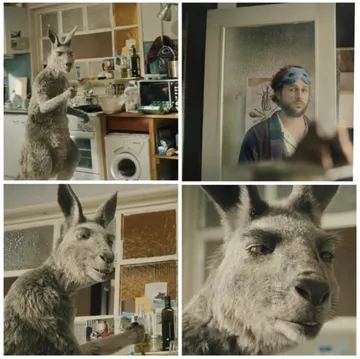
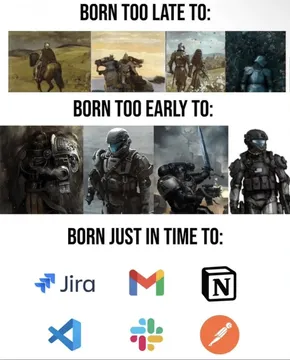
Send it in a Notion setup page to joke about turning your life into digital paperwork.
Good for a “who is this template for” section when the answer is basically everyone.
Use it as the reaction image when a teammate asks why the database has so many properties.
Fits a page about sorting templates by how much setup they actually need.
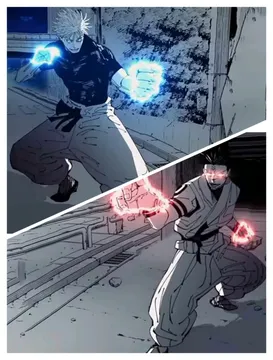
Works in a “template vs. real workflow” comparison block.
Drop it next to a tutorial video embed to signal “watch this before you build.”
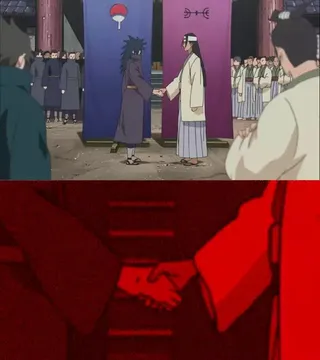
Use it for a “template handoff” or collaboration section.
Good for a step-by-step page where the first steps are easy and the rest is not.
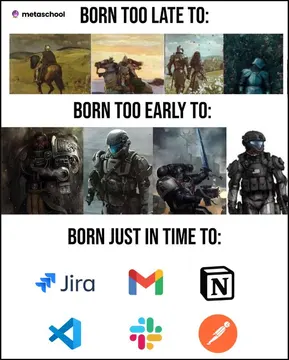
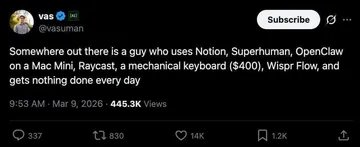

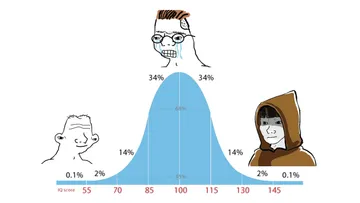
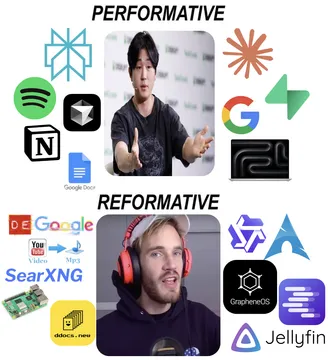
What a meme template in Notion actually looks like
Most so-called meme templates are simple databases: a gallery view with a cover image, a title property, and a tag or multi-select for mood or use case. You paste an image into each card and you have a searchable meme board.
A second common format is a single page with columns of images grouped by reaction type, like “approval”, “confused” or “deadline panic”. It is faster to browse but harder to search.
Neither format is official. They are user-made pages shared on Reddit, Pinterest and template marketplaces, so quality varies a lot.
How to build your own meme board
Create a new page, type /gallery and choose a gallery view of a new database. Add properties: Name (title), Mood (select), Source (URL) and Used (checkbox).
For each meme, open the card, set the cover image and fill in the mood tag. Gallery covers make the board scannable at a glance.
Add a filtered view called “Unused” that hides cards where Used is checked, so you do not repeat the same meme in every meeting note.
To fill it, search memecub.com, copy or download the image, and paste it into the card. If you need something specific, the AI meme maker at /generate takes a character, action and caption and returns an image in about ten seconds.
Tone and licensing before you share the page
Memes collected from the web stay under their original creators’ copyright. They are fine for personal chats and private Notion pages, but do not put them in a client-facing or commercial template.
If the page is public or work-related, use the filter that shows only openly licensed images from Openverse, open-source emoji and public-domain art. Those can be used commercially.
Keep the joke on the situation, not on a person. A meme about over-engineering a dashboard lands; one aimed at a teammate usually does not.
Nothing quite right? Make one
Pick a character, type a caption, get it in about 10 seconds.
More that fit



FAQ
Is there a free meme template for Notion?
Yes. Most meme boards are just a gallery database, which you can create on Notion’s free plan in a couple of minutes. The memes themselves can come from memecub.com, where browsing, searching and downloading are free and no sign-up is needed.
Can I use memes from the web in a Notion template I sell?
No. Most web-collected memes belong to their original creators and are meant for personal use. For anything commercial, use the openly licensed filter on memecub or generate your own image.
What should I add to a Notion page besides memes?
A short “how to use this” callout, a mood or tag property so the board is searchable, and a filtered view for unused memes. That keeps the page useful instead of just funny.
Can I generate a meme that fits a specific Notion page?
Yes. Describe the character, the action and the caption in the AI meme maker, or use an existing meme as a reference. It takes about ten seconds per image and will not generate real people.
Why do people joke about leaving Notion?
The common complaint is spending more time organizing than doing the work. A meme board is a light way to acknowledge that, as long as the page stays small and actually gets used.