How do I resize a meme without losing quality?
To resize a meme without losing quality, start with a large, sharp original and scale down to the platform's recommended size (like 1080×1080 for square posts or 1080×1920 for stories). Avoid upscaling small images, export as PNG or high-quality JPEG, and keep text and faces away from edges that apps may crop. If you need a fresh meme at the right size, memecub's AI meme maker can generate one from a description.
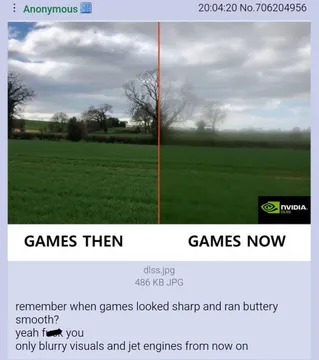
Send when someone shares a blurry meme and you want to show the sharp vs. blurry difference.
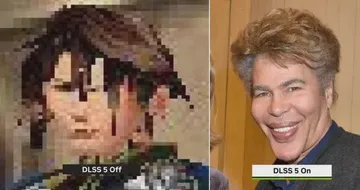
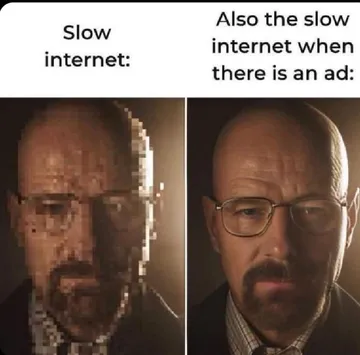
Use when comparing a pixelated image to a crisp one, joking about upscaling.
Perfect for pointing out when a meme looks off because it was resized badly.
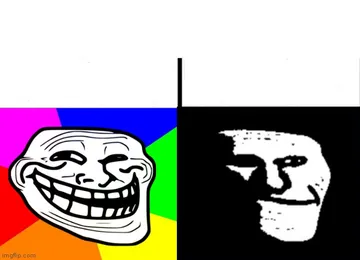
Shows the contrast between high and low quality, great for quality discussions.
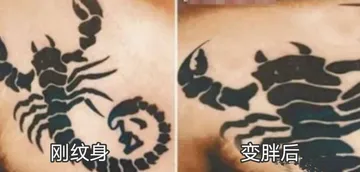
A before-and-after comparison that fits when explaining how resizing changes an image.
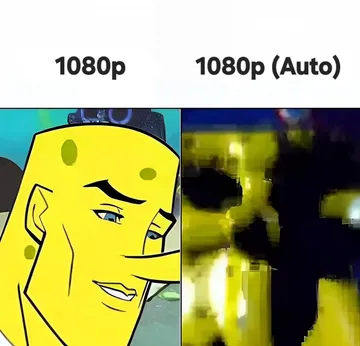
Use ironically when a meme gets so compressed it becomes a blurry mess.
Another low-quality classic to react when someone posts a heavily compressed image.
For when a meme is so low-res it is barely recognizable, a common result of bad resizing.

Pick the right size for each platform
Most social platforms work best with images that are 1080 pixels wide. For square feed posts, use 1080×1080. For stories and reels, use 1080×1920 (9:16). For landscape posts, 1080×1350 (4:5) or 1200×628 (1.91:1) work well.
If you are making a meme from scratch, start at 1080×1080 or larger. A minimum of 700×700 is okay for square memes, but 1080 gives you room to crop.
Resize without blur: step by step
1. Start with the largest, sharpest version of the image you have. Downloading from the original source is better than saving from a chat app.
2. Use an image editor that supports high-quality resampling (like bicubic or Lanczos). Free tools include Photopea, GIMP, or even your phone's built-in editor.
3. Scale down, not up. Reducing a 2000px image to 1080px keeps it sharp. Enlarging a 500px image to 1080px will always look soft.
4. Export as PNG for images with text or flat colors, or JPEG at 80–90% quality for photos. Avoid saving as GIF if you only need a still image.
5. Check the result at 100% zoom. If text or faces look fuzzy, go back to a larger source or re-export with less compression.
Why your meme looks blurry after uploading
Platforms often recompress images. A sharp PNG may become a soft JPEG after upload. To reduce this, upload at the platform's recommended resolution and avoid extreme aspect ratios that get cropped.
Also, some apps downscale large images. If you upload a 4000px image, it may be shrunk to 1080px, which is fine, but if you upload a 600px image, it may be stretched and look blurry.
When to make a new meme instead
If the original is too small or already blurry, resizing won't fix it. In that case, you can generate a new meme at the right size with memecub's AI meme maker. Describe the character, action, and caption, and it creates an image in about 10 seconds.
For personal chats, you can also browse memecub's free library and download a sharp version directly.
Nothing quite right? Make one
Pick a character, type a caption, get it in about 10 seconds.
More that fit
FAQ
What is a good size for a meme?
1080×1080 pixels is a safe default for square memes. For stories, use 1080×1920. A minimum of 700×700 works for square memes but may look soft on large screens.
Is 4:3 or 16:9 better for social media?
It depends on the platform. 16:9 (landscape) is common for YouTube and Twitter/X, while 4:5 (portrait) takes more vertical space on Instagram and Facebook feeds. Square 1:1 is the most universal.
Why does my meme look blurry when I upload it?
The platform likely recompressed or resized your image. Upload at the recommended resolution and use PNG or high-quality JPEG to minimize blur.
How do I resize an image for a meme?
Use an image editor to scale down to your target size (like 1080×1080) with high-quality resampling. Avoid upscaling, and export as PNG or JPEG at high quality.
Can I resize a meme without losing quality?
You can preserve quality by starting with a large source and scaling down. Upscaling always loses quality. For the best result, create the meme at the final size.