How do I integrate a reaction GIF API into my app or bot?
To integrate a reaction GIF API, pick a provider that offers a simple REST endpoint for searching GIFs, get an API key (or use a keyless trial), and call it from your app or bot when a reaction is needed. For example, memecub provides a REST API with search (1 credit per call), a remote MCP server, a CLI, and a skill for AI coding tools; you can try it keyless with 20 searches a day. Then map user actions or chat commands to search queries and return a GIF URL to display.
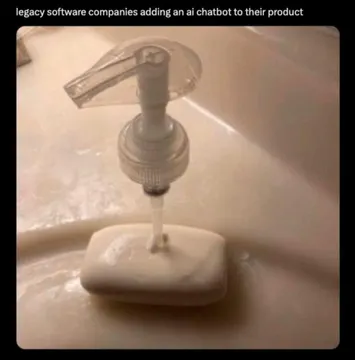
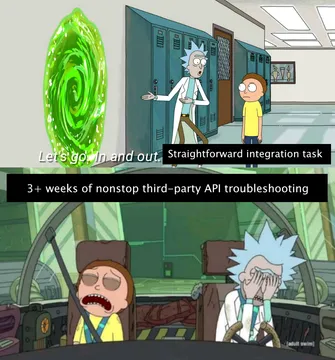
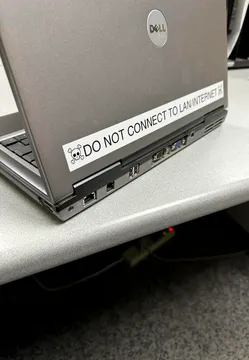
Send when someone tries to bolt AI onto legacy code without a plan — perfect for a bot integration gone wrong.
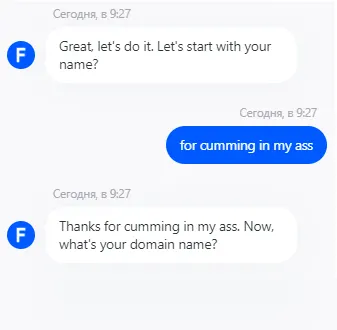
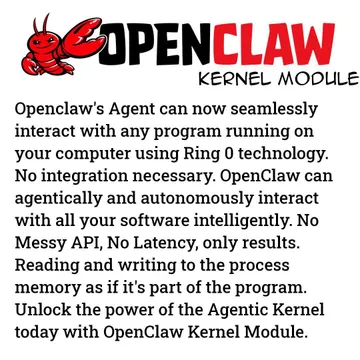
Use when your bot says something unexpectedly dark or unhinged, as a reaction to bot misbehavior.
A simple “Good bot” reaction for when your integration works and the bot responds correctly.
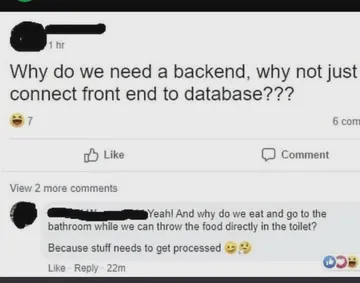
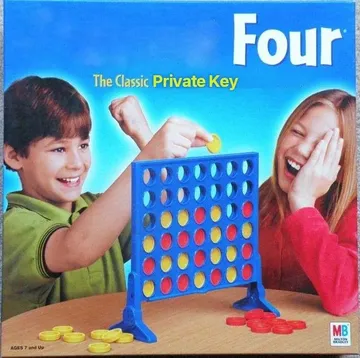
Post when someone asks why you need a backend for your GIF API — it explains the architecture question.
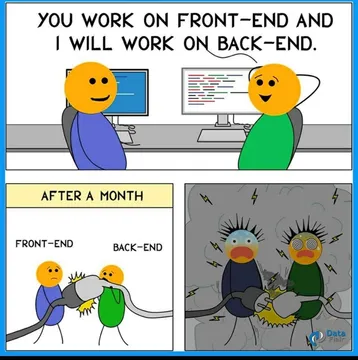
Send when frontend and backend devs split the GIF integration work and never talk to each other.
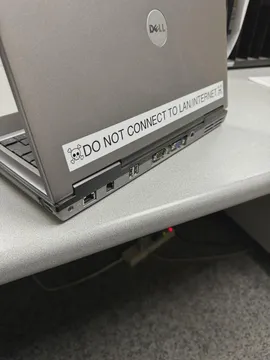
Use when the CI/CD pipeline for your bot fails and someone suggests just clicking re-run.
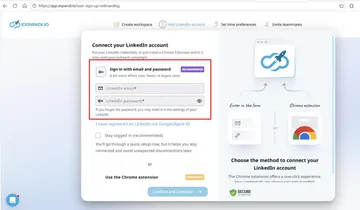
A plea for documentation when your GIF API integration lacks clear usage notes.
For when work-life integration means your bot pings you at 3 AM with a reaction GIF.



How a reaction GIF API works
Most reaction GIF APIs expose a search endpoint: you send a query like “thumbs up” or “facepalm” and get back a list of GIF URLs. You then display the URL in your app or send it as a message in your bot.
Some providers, like memecub, also offer a remote MCP server, a CLI, and a skill for AI coding tools, so you can integrate without writing HTTP calls yourself. The memecub REST API uses 1 credit per search call, and you can try it keyless with 20 searches a day.
A minimal integration example
Here is a Node.js example using fetch to call the memecub search endpoint. Replace YOUR_API_KEY with your key, or omit it for the keyless trial.
const res = await fetch('https://memecub.com/api/search?q=thumbs%20up', { headers: { 'Authorization': 'Bearer YOUR_API_KEY' } }); const data = await res.json(); const gifUrl = data.results[0].url;
For bots, map commands like /hug or /facepalm to search queries, then send the returned GIF URL as an image message. For apps, show a picker or auto-suggest GIFs based on user input.
Choosing a provider and handling licensing
Compare providers on search quality, rate limits, pricing, and licensing. GIPHY and Tenor are popular but may require API keys and have usage terms; some developers report GIPHY moving to paid tiers, so check current terms.
memecub’s web-collected memes are free for personal chats but not for commercial use; a filter shows openly licensed images (Openverse, open-source emoji, public-domain art) that can be used commercially. Always respect copyright and the original creators.
Tone and etiquette for reaction GIFs
Reaction GIFs should match the conversation’s tone. In professional or support contexts, use neutral or clearly licensed GIFs, and avoid inside jokes unless the audience shares them.
In community bots, let users opt out of GIFs, and avoid sending the same GIF repeatedly. When in doubt, a simple text reaction is safer than a meme that could be misread.
Let your AI find the memes
REST API, remote MCP, CLI and a skill. Try 20 searches a day without a key.
More that fit


FAQ
Do I need an API key for a reaction GIF API?
Many providers require an API key, but some offer a keyless trial. For example, memecub allows 20 searches a day without a key, and you can add a key for higher limits.
Is there a free reaction GIF API?
Yes, some providers offer free tiers or trials. memecub has a free plan with 1000 credits a month, and its web-collected memes are free for personal chats; for commercial use, use the openly licensed filter.
How do I use a reaction GIF API in JavaScript?
Use fetch or axios to call the search endpoint with your query, then read the GIF URL from the JSON response and set it as an image source or send it via your bot’s messaging API.
Can I integrate a reaction GIF API with my chatbot?
Yes. Map chat commands or detected emotions to search queries, call the API, and reply with the GIF URL. Tools like memecub’s MCP server or CLI can simplify the integration for AI agents.
What about copyright and commercial use?
Web-collected memes usually belong to their original creators and are meant for personal use. For commercial projects, use a provider with clear licensing or memecub’s openly licensed filter.