How do I make a reaction GIF from a video?
To make a reaction GIF from a video, pick the exact moment that carries the reaction, trim it to a few seconds, add a short caption if needed, and export as a looping GIF. You can do this in a free online GIF maker (upload the video, set start and end, add text, generate) or on your phone with a GIF keyboard or a video-to-GIF app. If you just need a ready-made reaction, search memecub.com and download one instead of building it.
Send when you need a wide-eyed, mouth-open shocked reaction without making a GIF yourself.
Use as the calm “processing that information” reply when a message needs a beat before you answer.
A soft, cute reaction for friendly chats when a full shocked face is too much.
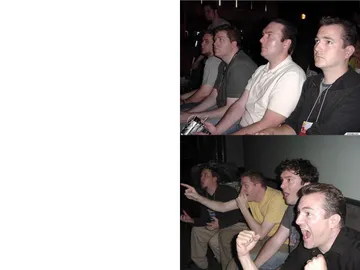
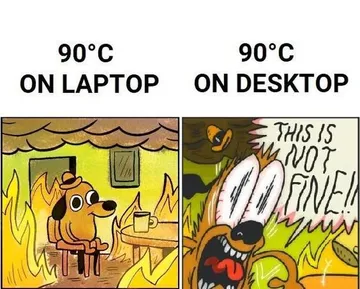
Two-panel reaction guys: perfect when you want to show the before and after of a moment.
Blank stare for when words fail and a short looping mood is the whole reply.
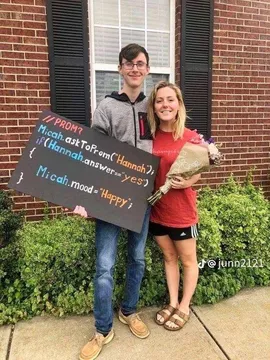
A mood flip in two panels, useful when your reaction changes mid-conversation.
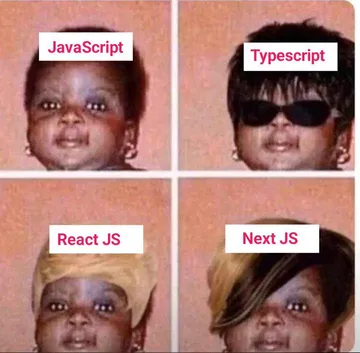
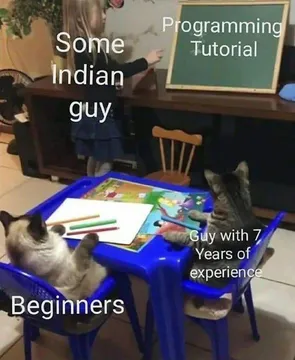
Same face, different looks: send when the reaction is subtle and hard to name.
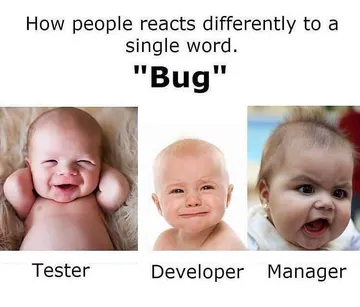
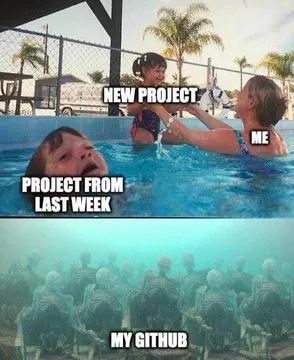
For group chats where everyone reacts differently to the same news.




Pick the moment before you open any tool
A reaction GIF works because it is short and readable. Choose a clip where the face or gesture is clear, then note the start and end time. Two to four seconds is usually enough; longer clips get heavy and lose the punch.
If the video is shaky or the reaction is off-center, crop to the face first. Most GIF makers let you set a crop box before exporting.
Make it in a free online GIF maker
Open a browser-based GIF maker that accepts video uploads. Upload your clip, drag the trim handles to the moment you picked, and set the frame rate low enough to keep the file small.
Add a short caption if the reaction needs context. Keep it to a few words and place it where it does not cover the face.
Export as GIF, then check the loop. If the file is too large for a chat app, shorten the clip or reduce the width before exporting again.
Make it on your phone
On iPhone, you can turn a Live Photo into a looping GIF with built-in tools or a GIF keyboard app. On Android, GIF keyboard apps and video-to-GIF apps let you trim a clip and export directly to your gallery.
For a custom GIF emoji, keep the clip square and very short so it reads at small size in a chat.
When you do not need to make one
If the reaction already exists, searching a meme library is faster than editing. memecub.com lets you browse, search, copy and download memes without signing up, and most are collected from the web for personal chats.
If nothing fits, the AI meme maker at memecub.com/generate can create a reaction from a description of the character, action and caption. It refuses real people, so describe a cartoon or generic character instead.
Nothing quite right? Make one
Pick a character, type a caption, get it in about 10 seconds.
More that fit
FAQ
How do I turn a video into a reaction GIF for free?
Use a free online GIF maker: upload the video, trim to a few seconds, add text if needed, and export. Browser tools and phone apps both work without paying.
How do I create a GIF on my phone?
Use a GIF keyboard or a video-to-GIF app: pick the clip, trim it, and save to your gallery. On iPhone, a Live Photo can also be looped into a GIF.
How can I create a GIF from images?
Open a GIF maker that accepts image sequences, upload the frames in order, set the delay between them, and generate the GIF. Keep the frame count low so the file stays small.
How do I add text to a GIF?
Most GIF makers have a text tool: type the caption, choose a readable font and color, and place it away from the face. Export after adding text so the caption is baked into the loop.
How to make a custom GIF emoji?
Keep the clip square and under a couple of seconds, crop tight to the face or gesture, and export at a small size so it reads in a chat keyboard.