How do I add my own GIF to WhatsApp?
Save the GIF to your phone first, then open the chat in WhatsApp, tap the attach (paper clip) icon, choose Gallery or Photos, and pick the GIF — WhatsApp sends it as a looping GIF. On Android you can also tap the sticker icon and use the GIF tab to search built-in GIFs. WhatsApp has no separate “add to my GIF library” button, so your own GIFs live in your camera roll and are sent from there each time.
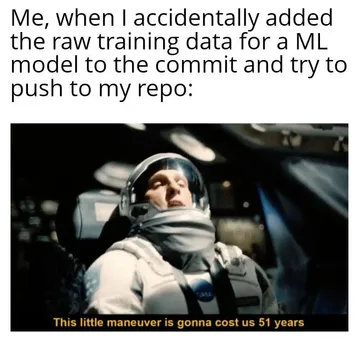
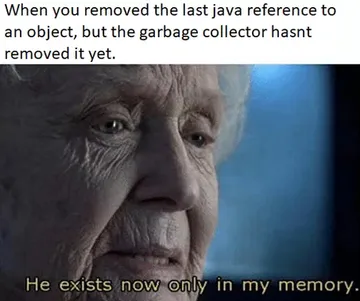
Send when a reply needs a slow, dramatic “oh my god” reaction instead of words.
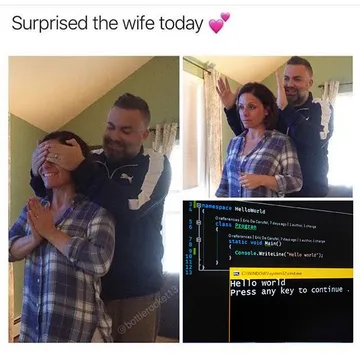
A warm reaction GIF for good news in a family or couple chat.
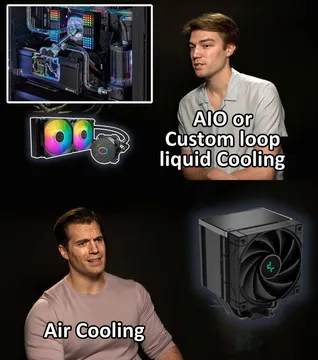
The shrug for group chats where someone asks for one more feature.
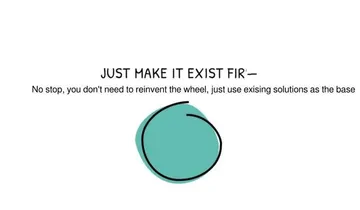
A calm “add this small feature ASAP” reply for work chats.
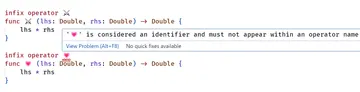
For developer friends when a command went wrong and nobody knows why.
Relatable work meme for a coworker who is basically you.




Send a saved GIF on iPhone
Save the GIF to Photos first — long-press it in Safari or your browser and choose Save to Photos, or save it from a meme site.
Open the WhatsApp chat, tap the + or paper clip icon, then Photos, and select the GIF.
Check the preview: if it shows a play button and loops, it will send as a GIF. Tap send.
Send a saved GIF on Android
Download the GIF to your gallery or Downloads folder.
In the chat, tap the paper clip, then Gallery, and pick the GIF file.
You can also tap the sticker icon and switch to the GIF tab to search WhatsApp's built-in GIFs — that tab only shows the built-in library, not your own files.
Keep your own GIFs easy to find
Make a dedicated album or folder called GIFs in Photos or Gallery so you do not scroll past everything each time.
On Android, some keyboards let you paste an image straight into the chat box; on iPhone, copy the GIF and paste it into the message field.
If you cannot find a GIF that fits, memecub's AI meme maker can create one from a description, and you save it the same way before sending.
Tone and etiquette
One GIF per message reads better than a burst of them; let the other person reply.
In work chats, keep GIFs to reactions and skip them in formal threads.
Memes collected from the web are fine for personal chats; check the license before using an image commercially.
Nothing quite right? Make one
Pick a character, type a caption, get it in about 10 seconds.
More that fit




FAQ
How do I add a GIF to my WhatsApp library?
WhatsApp does not let you add your own files to its built-in GIF library. Save the GIF to your phone and send it from Gallery or Photos each time; the built-in GIF tab only searches WhatsApp's own collection.
How do I send a GIF in WhatsApp from my gallery?
Open the chat, tap the attach icon, choose Gallery or Photos, select the GIF, and send. If it loops in the preview, it will arrive as a GIF.
How do I put a meme in WhatsApp?
Download the meme image or GIF to your phone, then send it from Gallery or Photos in the chat. You can also copy an image and paste it into the message field.
Is it free to send GIFs on WhatsApp?
Yes. Sending GIFs and images in WhatsApp chats costs nothing beyond your normal data or Wi-Fi connection.
Where are GIFs on WhatsApp?
Tap the sticker icon in a chat and switch to the GIF tab, or use the search field there. Your own saved GIFs are in your phone's gallery, not inside WhatsApp.