How do I add a meme to a Reddit comment?
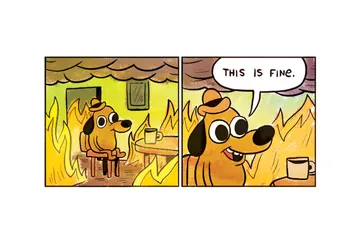
Reddit does not let you upload an image straight into a comment box. You host the meme somewhere (Reddit's own image upload in a post, Imgur, or any direct image link), copy the direct image URL, and paste it into your comment — Reddit turns it into a clickable or inline preview. On the app, tap the link icon in the comment toolbar to insert it; on desktop, just paste the URL. Pick a reaction meme that matches the thread, like This is fine for a doomed situation or Bruh for a baffling take.
Send it when the thread is calmly discussing a situation that is clearly falling apart.
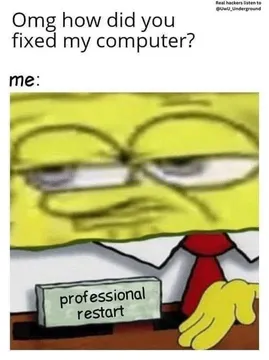
The deadpan SpongeBob face is the reply when someone states the obvious with total confidence.
Use it under a comment that is technically correct but makes no sense.
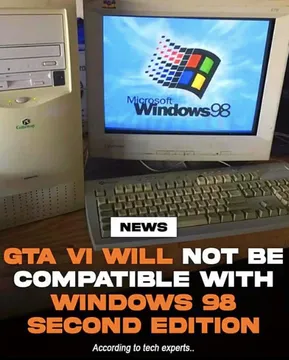
A retro PC with Windows 98 energy — good for nostalgia threads and old-tech complaints.
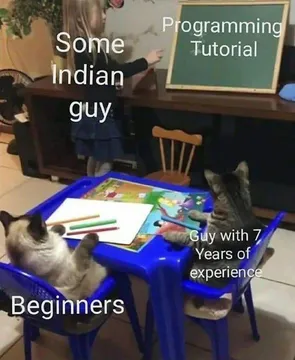
Two kittens at a table: the right pick when two people follow the same instructions and get different results.
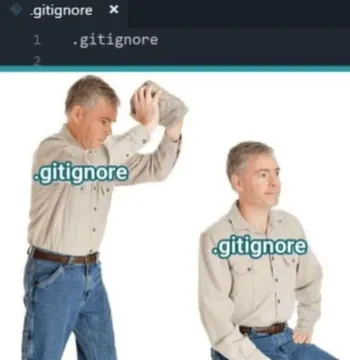
The .gitignore tab gives it away — drop it in programming threads about code that should never ship.
Same face, different moods — reply with it when someone says two things are identical but they are not.
Confused puppy head tilts for the comment that leaves everyone asking what it meant.


The short version: link, don't upload
Reddit comments accept text and links, not direct file uploads. So the meme has to live at a URL first.
Easiest route: post the image to your profile or a relevant subreddit, open the image, and copy its direct link (it usually ends in .jpg or .png). Paste that link into the comment.
On the Reddit app, tap the link button in the comment toolbar and paste the URL. On desktop, pasting the URL is enough — Reddit renders a preview for many image hosts.
If the subreddit uses a strict link policy, check the sidebar first. Some communities remove bare image links and ask for context in the comment text.
Choosing a meme that survives the thread
Match the meme to the moment, not to your mood. A reaction face under a bad take reads as agreement with the joke; the same face under a serious comment reads as rude.
Keep it short. Memes with no text or one line of text work in almost any thread; dense four-panel comics get skipped on mobile.
Check the subreddit rules before posting. Some large subs ban meme images in comments outright, and dark or edgy formats get removed fast in moderated communities.
If nothing in your saved folder fits, memecub's AI meme maker lets you describe a character, action and caption and get a custom image in about ten seconds — useful for very specific in-jokes.
Where to find memes quickly
Search a meme library by keyword instead of scrolling your camera roll. On memecub.com you can browse, search, copy and download without signing up.
Most memes there are collected from the web: fine for personal chats and comment threads, but copyright stays with the original creators, so don't reuse them commercially.
If you need something you can use commercially, turn on the openly licensed filter — it shows only Openverse, open-source emoji and public-domain art.
Save two or three reaction images you use often to a folder or your phone's favorites so replying takes seconds.
Tone and etiquette
One meme per comment. Stacking several images reads as spam and gets collapsed or removed.
Don't use a meme to dodge an argument. If someone made a real point, answer it in words and let the image be the punctuation.
Avoid memes about deaths, attacks or other tragedies — most subreddits remove them and some issue bans.
Credit the source when you know it, especially for art and OC from small creators.
Nothing quite right? Make one
Pick a character, type a caption, get it in about 10 seconds.
More that fit




FAQ
Can you put images directly in Reddit comments?
Not as an upload. Comments accept links, so you host the image elsewhere and paste the direct URL; Reddit then shows a preview or a clickable link depending on the platform and subreddit settings.
How do I reply with a meme on Reddit?
Hit reply, paste the direct image link (or use the link button in the app's comment toolbar), add a short line of text if the subreddit requires context, and post. Keep it to one image.
What are the best meme subreddits?
r/dankmemes and r/Funnymemes are the big general ones, while r/funny explicitly bans meme formats, so read each subreddit's rules before posting. Smaller niche subs are usually more tolerant of reaction images in comments.
What makes a good Reddit comment meme?
A clear reaction that matches the thread's tone, little or no text, and one image only. A well-timed This is fine or Bruh beats a complicated comic almost every time.
Where can I find funny memes for Reddit comments?
Browse or search a meme library like memecub.com, copy the image, and host it at a direct link before commenting. If nothing fits, the AI meme maker can build a custom one from a short description.