What is the meme font in PowerPoint?
There is no special meme font in PowerPoint. The classic image-macro look comes from Impact in all caps, white letters with a thick black outline, usually at the top and bottom of the image. You can recreate it in any PowerPoint text box: set the font to Impact, type in caps, then add a black text outline and a slight shadow. If Impact is missing on your machine, Arial Black or Anton are close stand-ins.
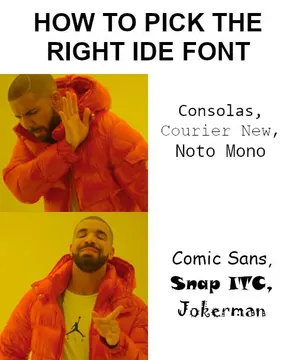
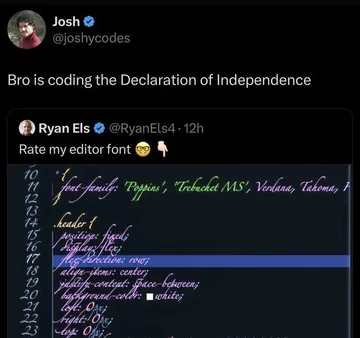
Send it when someone insists Jokerman or Comic Sans is the right font for a slide.
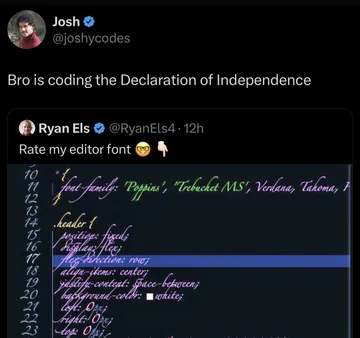
The reaction to a deck where the font choice is the loudest thing on the slide.
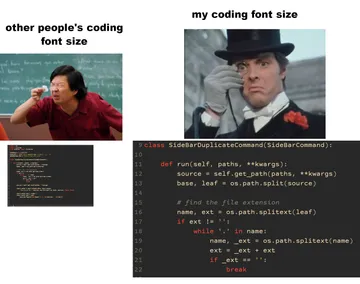
Use it when the meme text is so small the back row cannot read it.
For the moment a teammate finally sets the meme caption in Impact and it looks right.
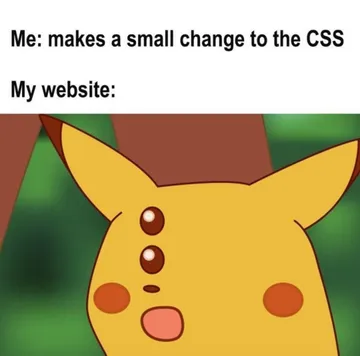
A joke for anyone who has fought with fonts in a slide deck or a stylesheet.
When the outline and shadow settings surprise you mid-edit.
A reminder that a meme in a deck should support the point, not replace it.
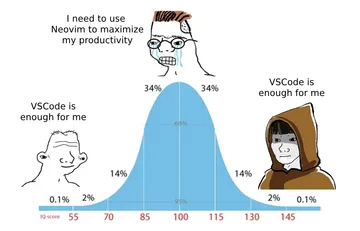
For the slide about tools where everyone has a strong opinion.

How to make the classic meme look in PowerPoint
Insert the picture, then add a text box over it. Type your caption in ALL CAPS.
Set the font to Impact. If it is not installed, Arial Black or Anton look close.
Open Text Effects and add a black Outline, then a small Shadow. White fill plus a thick dark outline is what makes meme text readable on any photo.
Place one line at the top and one at the bottom, keep each line short, and center it. That is the whole format.
When to use a meme font, and when not to
Use the Impact style for a quick joke slide, an icebreaker, or a reaction image in a team update. It reads as a meme instantly, which is the point.
Do not set body text, titles or bullet points in Impact. It is hard to read at length and looks shouty. Keep the meme font for the meme image only.
For a cleaner, more modern meme, use a bold sans-serif like Arial Black or Montserrat in sentence case with no outline. It reads as a caption rather than a 2010 image macro.
If you need a meme image and nothing in your files fits, memecub's AI meme maker can generate one from a short description of the character, action and caption.
Where to get the meme image
Search memecub for a reaction that matches your point, then copy or download it and paste it into your slide. Browsing and downloading are free and need no sign-up.
Most memes there are collected from the web, so they are fine for personal and internal fun but not for commercial use. Use the openly licensed filter if the deck will be sold or published.
Keep the image large enough to read from the back of the room, and crop it to the slide's aspect ratio so it does not stretch.
A quick etiquette check before you present
One meme per few slides is plenty. A deck full of them buries the message.
Match the room: a joke about deadlines lands in a team meeting, not in a client pitch or a formal review.
Check the caption for anything that could read as targeting a person or group, and keep it about the situation, not a colleague.
Nothing quite right? Make one
Pick a character, type a caption, get it in about 10 seconds.
More that fit




FAQ
What font do memes use?
Classic image macros use Impact in all caps with a white fill and a black outline. Arial Black and Anton are common substitutes when Impact is not available.
How do I put memes into PowerPoint?
Download or copy the image, then use Insert > Pictures or paste it straight onto the slide. Add a text box on top for the caption and set it to Impact with an outline.
Is there a meme font built into PowerPoint?
No. PowerPoint ships with standard fonts like Arial, Calibri and Impact on most systems, but there is no meme template or meme font feature. You build the look yourself with a text box and text effects.
What is the 5-5-5 rule in PowerPoint?
It is a slide design guideline: about five words per line, five lines per slide, and five text-heavy slides in a row at most. It is about keeping slides readable, not about memes.
How do you put GIFs in PowerPoint?
Use Insert > Pictures > This Device and choose the GIF file. It plays in Slide Show mode; in the editing view you usually see only the first frame.