How do I make a GIF meme with my own photo?
To make a GIF meme from your own photo, crop the photo to a square or the reaction face you want, add a short caption in a bold font, then animate it with a simple loop, zoom, or shake and export as a GIF. Any basic editor or meme generator that accepts JPG or PNG uploads can do this. If you would rather skip the editing, grab a ready-made animated reaction from a meme library and send that instead.
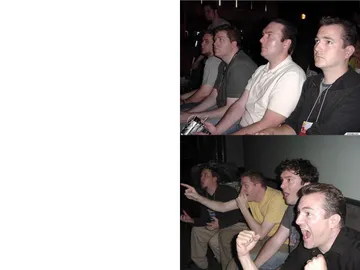
Send it when someone doubts you and you want an animated fist-pump of determination.
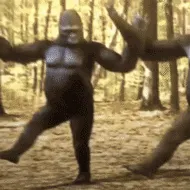
The dancing gorilla stride works as a celebration GIF when a plan finally goes through.
A blank stare loop for the moment you read a message and have no reaction at all.
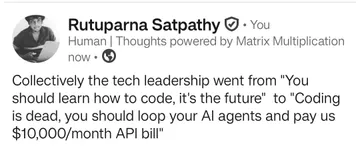
Use it as a reaction to a link or screenshot someone drops in the chat.
A cool, slightly threatening pose for when you are done arguing and just want the last word.
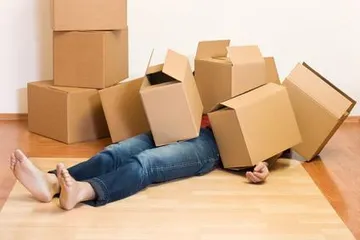
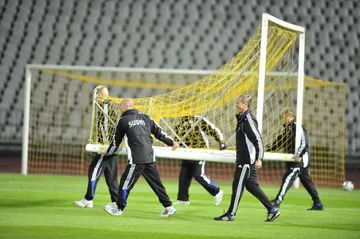
Perfect when a friend asks for a favor and you are already face down on the floor.
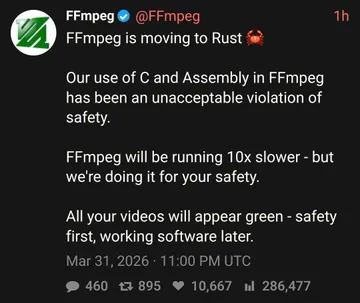
A cartoon character GIF for playful, over-the-top reactions in group chats.
An animated sticker for cute, wholesome replies instead of a dry text.




Turn your photo into a GIF in a few steps
Pick the photo and decide the joke first. A reaction face, a pet, or a friend mid-expression works better than a posed portrait, because the caption has something to play off.
Crop tight. Cut to a square or a 4:5 frame so the face or subject fills the image; most meme generators accept JPG, GIF, or PNG uploads and let you resize the crop.
Add a short caption in a bold, high-contrast font, top or bottom. Keep it to a few words so it stays readable on a phone.
Animate it. A simple loop, a slow zoom, or a small shake is enough to make it a GIF; you do not need a full video.
Export as GIF and check the file size and loop before sending. A short loop that restarts cleanly reads better in chat than a long clip.
When to make one and when to send an existing GIF
Make your own when the joke depends on a specific person, pet, or moment that no template can match. That is also the case where a custom caption does most of the work.
Send an existing GIF when you just need a fast reaction. A library like memecub lets you browse, search, copy, and download GIF memes without signing up, which is faster than editing a photo for a one-line reply.
If nothing in the library fits, the AI meme maker at memecub.com/generate can build an image from a described character, action, and caption, or from a meme you use as reference. It refuses real people, so keep your own photo editing for photos of yourself and friends.
Tone and etiquette
Ask before turning a friend's photo into a meme, especially if it will leave your private chat. A quick “can I meme this” avoids most awkwardness.
Keep captions about the situation, not about someone's appearance. The funniest GIF memes punch at the moment, not the person.
Memes collected from the web are fine for personal chats, but the copyright stays with the original creators, so do not use them in ads or branded posts. If you need something for commercial use, use the openly licensed filter in the library.
If you want to automate it
Developers can search the meme library through the REST API, the remote MCP server at https://memecub.com/mcp, the CLI with npx memecub, or a skill installed with npx skills add https://memecub.com into Claude Code, Codex, or Cursor.
A keyless trial gives you a small number of searches a day, enough to test a reaction-GIF picker before wiring it into a chat bot.
Nothing quite right? Make one
Pick a character, type a caption, get it in about 10 seconds.
More that fit

FAQ
Can I create a meme using my own photo?
Yes. Upload the photo to any meme generator that accepts JPG or PNG files, crop it, add a caption, and export. For a GIF, add a simple loop or zoom before exporting.
Can ChatGPT create memes?
ChatGPT can write captions and suggest ideas, but it does not reliably output a finished GIF file. Use it for the joke, then build the image in an editor or an AI meme maker.
How do I turn a photo into a meme on iPhone?
Crop the photo in Photos, then open a meme generator in Safari or an app, upload the image, add text, and save the result back to your camera roll. For a GIF, choose an export option that saves as GIF rather than a still image.
Can a photo be a meme?
Any photo can become a meme once it has a caption and a context people recognize. The reaction matters more than the image quality.
Where can I find GIF memes without making one?
Browse or search a meme library such as memecub, then copy or download the GIF you want. Browsing and downloading are free and need no account.