What are some funny memes to use as Notion covers?
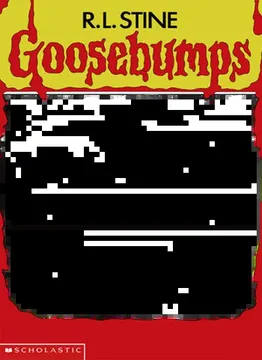
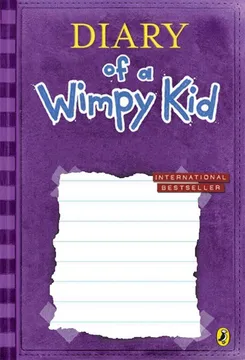
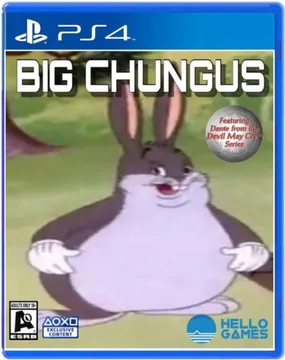
The funniest Notion covers are usually spoof book, game or magazine covers, because they already look like a header: the Goosebumps cover template, the Diary of a Wimpy Kid cover template and the big chungus PS4 cover all read clearly at banner size. Pick one that matches the page's job (a study tracker, a game backlog, a reading list), crop it wide, and keep the caption short so it stays readable behind the page title. You can search memecub.com for a cover-style meme and download it without signing up.
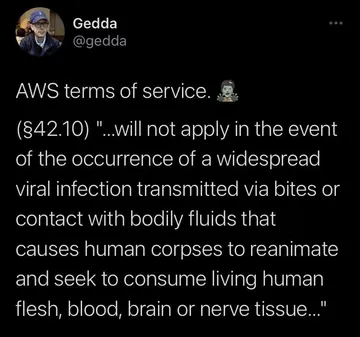
Send it as the cover of a habit tracker or anything you keep restarting, since it already looks like a creepy book header.
Perfect for a daily journal or diary database, because the notebook cover reads as a header on its own.
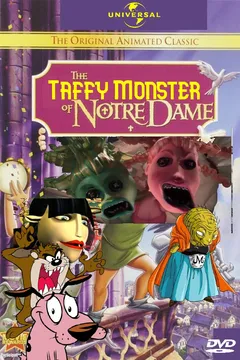
Use it on a games backlog or wishlist page when the joke is that you own everything and play nothing.
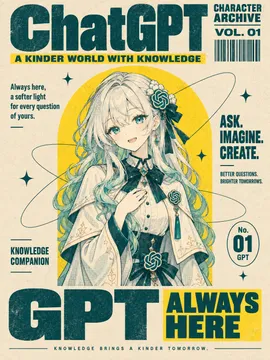
A retro magazine cover that suits an AI notes or prompt library page.
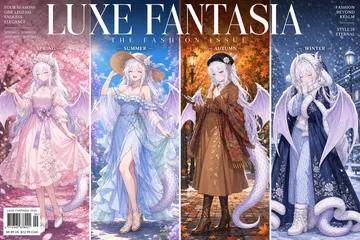
Another magazine-style cover for a seasonal planning or yearly goals page.
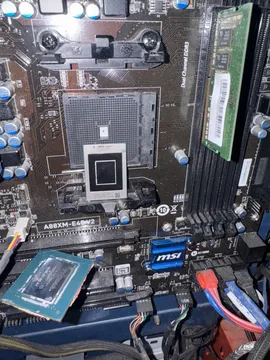
Good cover for a CS study or job-hunt page, since the empty CPU socket says it all.
A calm, wide sky shot that works as a low-key cover for a personal dashboard.
Send it on a ranked-games or League tracker page when the grind is going badly.



Which meme styles work as a Notion cover
Covers are wide and short, so pick images with a clear subject in the middle and space at the edges. Spoof covers (Goosebumps, Diary of a Wimpy Kid, fake game boxes, retro magazine covers) are the safest bet: they were designed to be read as a banner.
Screenshots and reaction images can work too, but crop them so the punchline sits in the visible strip. A close-up of a face or a single object beats a busy scene with small text.
Match the meme to the page's purpose. A study tracker, a games backlog, a reading list and a prompt library each have an obvious joke you can lean on, and the cover feels intentional instead of random.
How to set a meme as a Notion cover
Open the page, hover over the top area and choose Change cover, then Upload an image and pick the meme file you downloaded.
Crop it with Notion's reposition handle so the funny part stays visible on both desktop and mobile. Wide images around 1500 by 600 pixels tend to survive the crop best.
Keep the page title short and place it below the cover rather than over the busiest part of the image, so the joke and the title do not fight each other.
Finding a cover meme and staying on the right side of copyright
Search memecub.com by keyword such as cover, diary, game or magazine, then copy or download the one you like. Browsing, searching and downloading on the site are free and need no account.
Most memes in the library are collected from the web: they are fine for personal pages and chats, but copyright stays with the original creators, so do not use them in a public template you sell or in commercial branding.
If your Notion page is public or commercial, turn on the openly licensed filter to see images from Openverse, open-source emoji and public-domain art that can be used commercially.
When nothing in the library fits your page, the AI meme maker at /generate lets you describe a character, an action and a caption, or start from an existing meme as a reference, and it refuses real people.
Alternatives when a meme cover is too much
A plain color or gradient cover keeps a shared workspace calm, and you can still hide one joke inside the page as a small image block.
For team wikis, save the memes for personal dashboards and use neutral covers on anything clients or managers open.
If you want a whole page of jokes, build a meme database in Notion and use one strong cover meme on top of it.
Nothing quite right? Make one
Pick a character, type a caption, get it in about 10 seconds.
More that fit




FAQ
What are the best memes for a Notion cover?
Spoof covers work best because they already look like headers: the Goosebumps cover template, the Diary of a Wimpy Kid cover template and the big chungus game cover are easy picks. Choose the one that matches what the page is for.
Are Notion cover memes free to use?
Most memes on memecub.com are collected from the web and are free for personal pages and chats, with copyright staying with the original creators. For a public or commercial page, use the openly licensed filter or the AI meme maker instead.
How do I add a meme as a Notion cover?
Hover over the top of the page, choose Change cover, then Upload an image and select the meme you downloaded. Drag the image to reposition it so the funny part stays visible after cropping.
What size should a Notion cover meme be?
A wide image around 1500 by 600 pixels crops well on both desktop and mobile. Keep the main subject near the center so it survives the banner crop.
Can I make my own meme cover for Notion?
Yes. The AI meme maker at memecub.com/generate takes a character, an action and a caption, or an existing meme as a reference, and returns an image in about ten seconds. It will not generate real people.