Where can I find free Slack emoji packs?
The quickest free sources are Slackmojis for custom and animated emoji packs, and GIPHY or Tenor for reaction GIFs you can drop into messages. For reaction images and meme-style emoji, memecub.com lets you search, copy and download memes free with no sign-up. Download a PNG or GIF, then upload it under Slack's custom emoji settings.
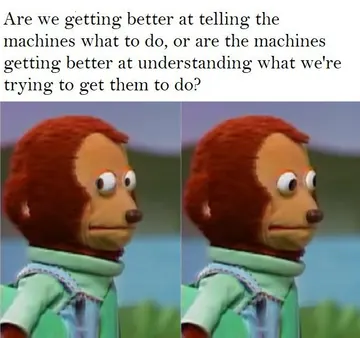
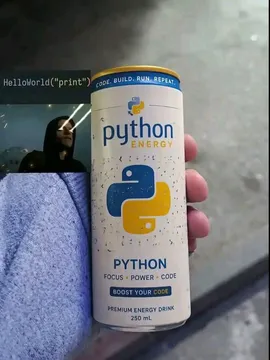
Send when a teammate asks a deep question in the middle of a work thread and you need a blank, thoughtful stare.
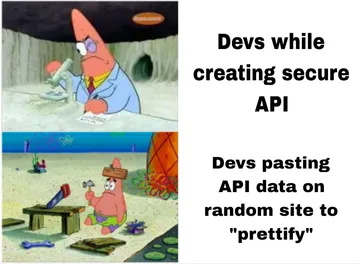
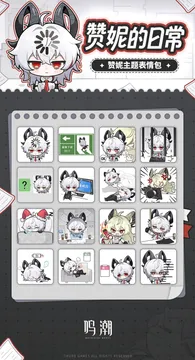
A two-panel Patrick Star reaction for when someone explains a plan that is clearly a bad idea.
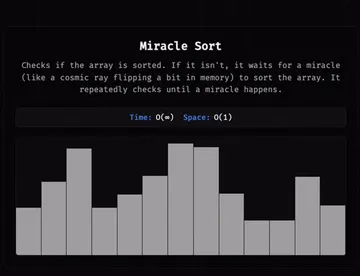
Use as a reaction when a fix works for no explainable reason and the team calls it a miracle.
Good for code review threads where someone claims their solution is fast without measuring.
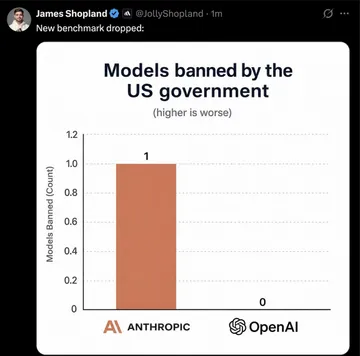
Drop it when a benchmark chart in a meeting needs a skeptical reaction.
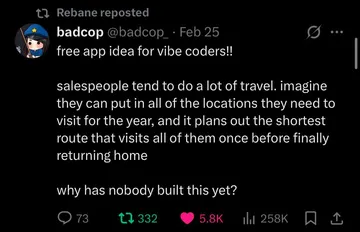
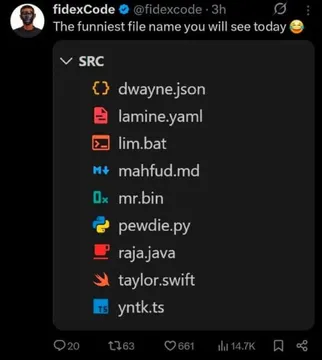
A reaction for product chats full of half-finished app ideas.
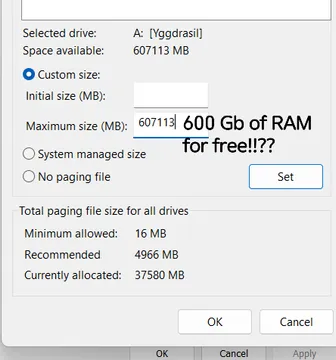
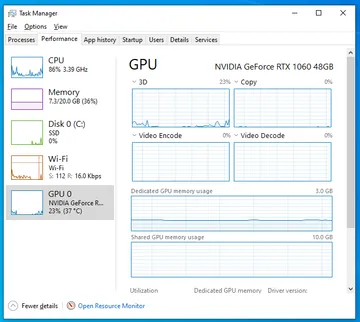
Send when someone asks how to speed up a slow machine and the answer is obviously not real.
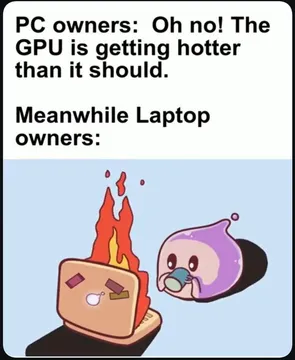
A relatable reaction for long video calls and overheating laptops.
Where free Slack emoji packs live
Slackmojis is the best-known directory of custom and animated Slack emoji, with packs you can download and upload to your workspace. GIPHY and Tenor host reaction GIFs that Slack can insert directly from the message field, so you do not need to upload anything.
For meme-style reaction images, memecub.com is a free library you can browse, search, copy and download without signing up. Most images are collected from the web, so they are fine for personal chats and credit stays with the original creators; a filter shows openly licensed images if you need commercial use.
How to add an emoji to Slack
Download the image you want as a PNG or GIF, ideally small and square so it reads well at reaction size.
In Slack, open your workspace name, go to Customize, then Emoji, and choose Add Emoji. Upload the file, give it a short name like :scienceparrot:, and save.
Anyone in the workspace can then use it as a reaction or type it in a message. Animated GIFs work as custom emoji, which is why wiggling reaction GIFs are popular.
Picking the right tone
Reaction emoji work best when they match the room. A goofy animated GIF fits a casual team channel; a plain, readable image fits a busy support or ops channel.
Check where an image came from before you upload it. Web-collected memes are for personal use, and openly licensed or public-domain images are the safer choice for anything work-facing or commercial.
If nothing fits, make one
The AI meme maker at memecub.com/generate lets you describe a character, an action and a caption, or start from an existing meme as a reference. It takes about 10 seconds per image and refuses real people, so you get an original reaction image instead of a recycled one.
You can also paste an article into the AI meme placement tool and it picks a fitting meme for each paragraph, which helps when you are building a set of reactions for a launch or a team ritual.
Nothing quite right? Make one
Pick a character, type a caption, get it in about 10 seconds.
More that fit




FAQ
What are some free Slack emoji packs?
Slackmojis is the main directory for custom and animated Slack emoji packs. GIPHY and Tenor cover reaction GIFs, and meme libraries like memecub.com cover reaction images you can download and upload yourself.
Where can I download free Slack emojis?
Download PNG or GIF files from Slackmojis, GIPHY, Tenor or a meme library, then upload them in Slack under Customize, Emoji, Add Emoji. No paid plan is needed to add custom emoji to a workspace.
Can I use reaction GIFs as Slack emoji?
Yes. Animated GIFs work as custom emoji if the file is small enough, and Slack can also insert GIFs straight into a message from the smiley menu.
Are these emoji packs free for commercial use?
Not automatically. Most web-collected memes and GIFs are for personal chats and stay under the original creator's copyright. Use openly licensed or public-domain images when the emoji will appear in client or commercial work.
How do I make a custom Slack emoji if I cannot find one?
Use an AI meme maker such as memecub.com/generate: describe the character, action and caption, generate the image, then upload it as a custom emoji in Slack.