Is there a free way to automatically add memes to blog posts?
Yes. memecub.com has an AI meme placement tool (/match) where you paste an article and it picks a fitting meme for each paragraph. For full automation, use its REST API, remote MCP server, or CLI to search and insert memes from your own script. Browsing and downloading memes on the site is free with no sign-up.
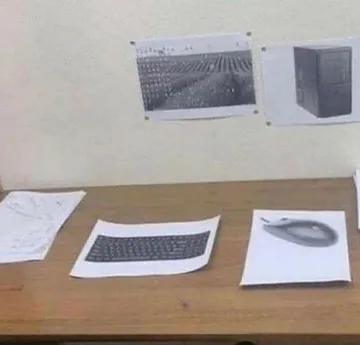
Send when a blogger jokes about having no free time to add images manually.
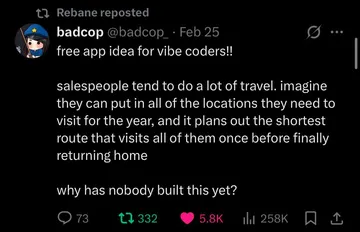
Use when someone asks for a free tool idea and you point them to memecub's API.
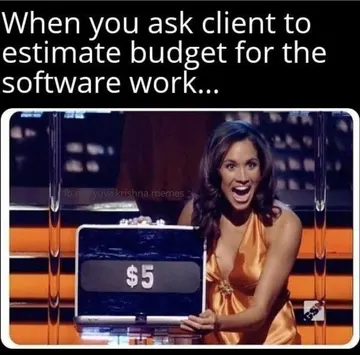
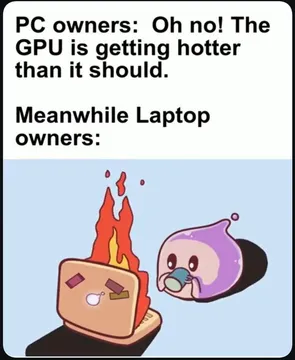
A dry reaction for posts about zero-budget blogging tools.
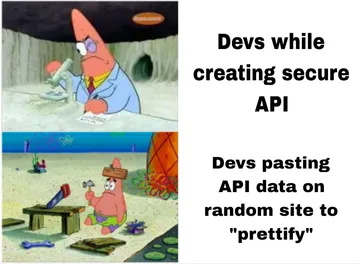
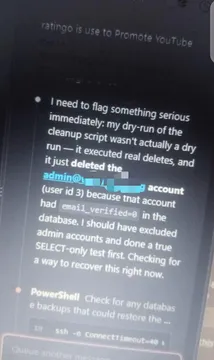
Fits a security or dev blog explaining free recon and automation.
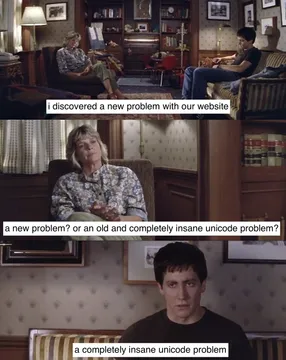
For posts about encoding or Unicode bugs that break your auto-insert script.
Use when describing an AI that picks memes for each paragraph.
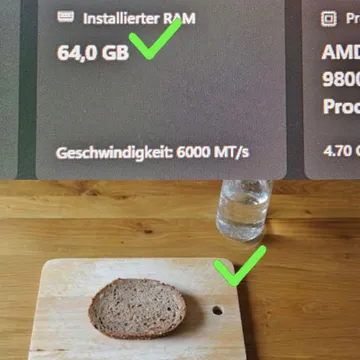
A positive reaction when the automated meme placement actually works.
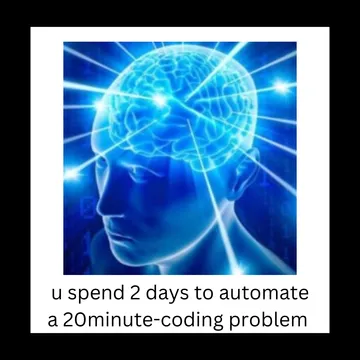
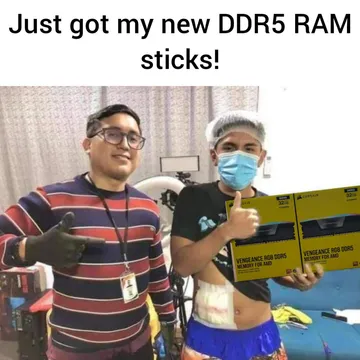
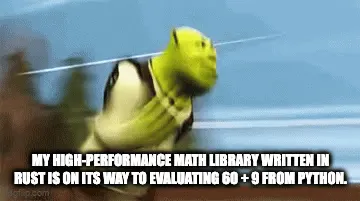
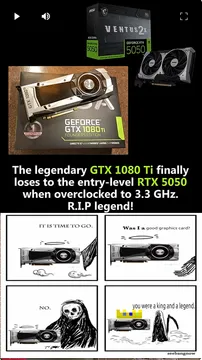
For a post arguing the extra setup is worth the performance gain.


Two ways to add memes automatically
No-code: open memecub.com/match, paste your article, and the AI picks a fitting meme for each paragraph. You review the picks and copy them into your post.
With code: use the REST API (search costs 1 credit per call), the remote MCP server at https://memecub.com/mcp, the CLI npx memecub, or the skill installed with npx skills add https://memecub.com into Claude Code, Codex, Cursor and others. A keyless trial gives 20 searches a day.
A minimal API flow
1. Split your post into paragraphs.
2. For each paragraph, call the memecub search endpoint with a short keyword phrase.
3. Take the top result and insert its image URL after the paragraph.
4. Keep a manual override list so you can swap any pick you do not like.
The free plan includes 1000 credits a month; paid plans start at $3/mo for more credits.
Tone and licensing
Most memes in the library are collected from the web: fine for personal chats, but copyright stays with the original creators and they are not for commercial use.
If your blog is commercial, turn on the filter that shows only openly licensed images (Openverse, open-source emoji, public-domain art).
Place memes after a paragraph, not inside sentences, and keep one per section so the post stays readable.
When nothing fits
Use the AI meme maker at /generate: describe a character, action and caption, or start from any meme as a reference. It takes about 10 seconds per image and 500 credits each, and it refuses real people.
For a quick manual option, browse memecub.com, search a keyword, and copy or download the meme you want. No sign-up needed.
Nothing quite right? Make one
Pick a character, type a caption, get it in about 10 seconds.
More that fit


FAQ
Is there a free meme API for blog posts?
Yes. memecub.com offers a REST API where search costs 1 credit per call, plus a keyless trial of 20 searches a day. The free plan includes 1000 credits a month.
Can I use an MCP server to add memes to my blog?
Yes. memecub has a remote MCP server at https://memecub.com/mcp that AI agents and coding assistants can call. You can also install its skill with `npx skills add https://memecub.com` into Claude Code, Codex, Cursor and others.
Are memecub memes free for commercial blogs?
Most memes are collected from the web and are not for commercial use. Use the filter for openly licensed images (Openverse, open-source emoji, public-domain art) if your blog is commercial.
What if no existing meme fits my paragraph?
Use the AI meme maker at /generate to create one from a description or a reference meme. It takes about 10 seconds per image and 500 credits each.
Do I need to sign up to browse memes?
No. Browsing, searching, copying and downloading on memecub.com are free and need no sign-up.