What are some funny memes to include in a blog post?
For blog posts, pick memes that match your topic and tone—like writing struggles (e.g., “Writing Hello World Without All The Gear” for code comparisons) or relatable reactions (e.g., “Relatable” for everyday humor). Use memecub.com to search and download memes for free, no sign-up needed. Place them near relevant paragraphs to break up text and add personality.
Perfect for a post comparing verbose vs. concise code or writing styles.
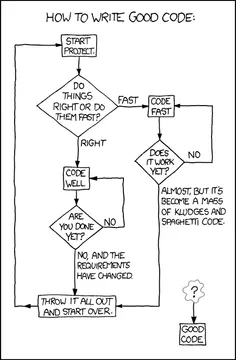
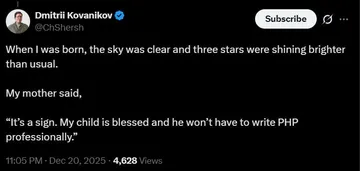
Use when discussing the chaos of writing good code or any complex process.
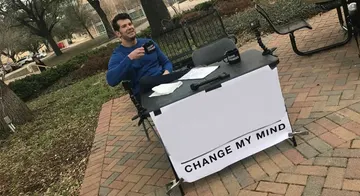
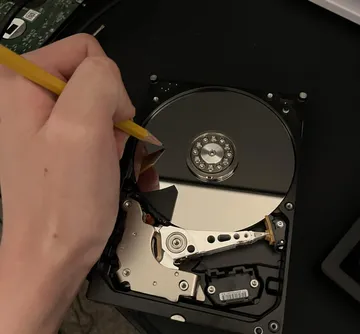
Great for a post about documentation struggles—READMEs are harder than code.
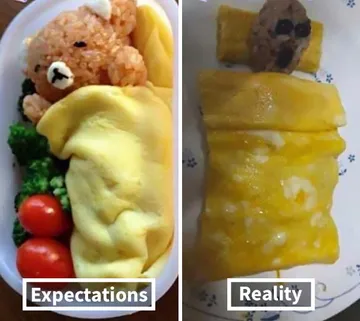
Ideal for a before/after or planned vs. actual results section.
Relatable reaction for posts about learning something new or facing challenges.
Fun for birthday-related blog posts or celebrations.
Use when talking about different perspectives or comparisons.
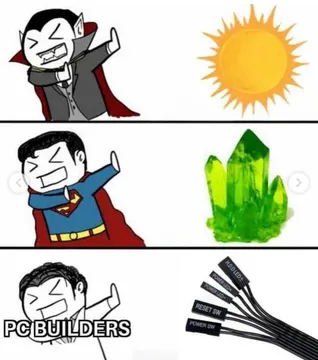
Fits posts about side projects or fun coding adventures.



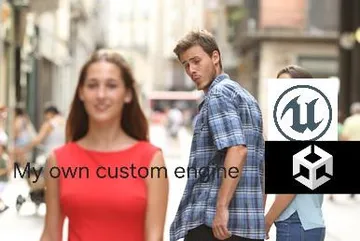
When to use which meme
Match the meme to your blog’s topic. For technical posts, writing or coding memes like “Writing Hello World Without All The Gear” or “Writing good code is the one thing everyone wants to do but…” work well. For personal or lifestyle blogs, relatable reaction memes like “Relatable” or “Funny Cat Birthday” add humor.
Consider the placement: use memes to illustrate a point, break up long text, or lighten a serious section. Avoid overusing them—one or two per post is usually enough.
How to add memes to your blog
Search memecub.com for a meme that fits your topic. You can browse or use the search bar. Copy the image URL or download it directly—no sign-up needed.
Insert the meme near the relevant paragraph. Add a caption if needed, and always credit the original creator if known. For commercial blogs, use the filter to show only openly licensed images (Openverse, open-source emoji, public-domain art) that can be used commercially.
Tone and copyright etiquette
Keep the tone friendly and aligned with your blog’s voice. Memes should feel natural, not forced. Avoid offensive or controversial memes unless your blog is explicitly about that.
Most memes on memecub are collected from the web and are free for personal chats; copyright stays with the original creators. They are not for commercial use. If your blog is commercial, use the openly licensed filter or create your own meme with the AI meme maker (/generate) by describing a character, action, and caption.
Nothing quite right? Make one
Pick a character, type a caption, get it in about 10 seconds.
More that fit





FAQ
Is posting memes illegal?
Posting memes can be illegal if they infringe copyright or contain defamatory content. For personal blogs, using memes from the web is generally low-risk, but for commercial use, stick to openly licensed images or create your own.
What are some examples of memes?
Examples include reaction memes (like “Relatable”), comparison memes (like “Writing Planned vs Results”), and character memes (like “Funny Ostrich”). On memecub, you can find many categories like writing, coding, and everyday humor.
What makes a post a meme?
A meme is an image, video, or text with a humorous or relatable message that spreads online. It often uses a recognizable format or character and is shared for entertainment.
What is the difference between GIFs and memes?
GIFs are a file format for short, looping animations, while memes are cultural ideas or humor that can be in any format, including images, videos, or text. A GIF can be a meme, but not all memes are GIFs.