How do I connect a meme MCP server to Claude?
Point Claude at memecub's remote MCP server at https://memecub.com/mcp and it can search the meme library for you. In Claude Code you can also run npx skills add https://memecub.com to install a ready-made skill, or use the CLI with npx memecub. A keyless trial gives you 20 searches a day, so you can test the connection before signing up.
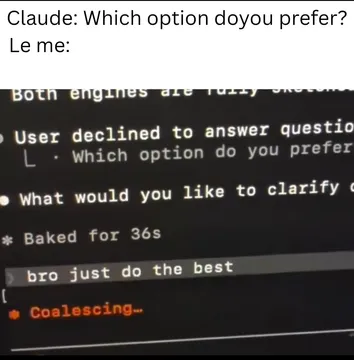
Send when Claude asks which option you prefer and you just want it to pick the meme already.
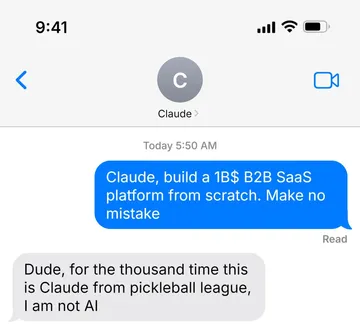
The moment a prompt goes to the wrong assistant and the reply is confidently useless.
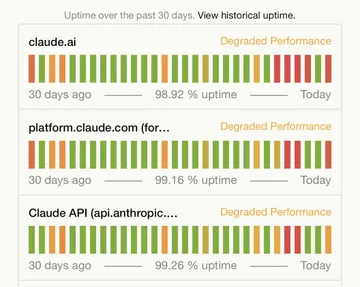
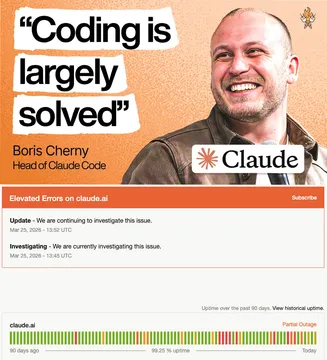
For status-page screenshots when the tool call fails and everyone checks uptime.
When the agent finishes the task and the status panels are all green.
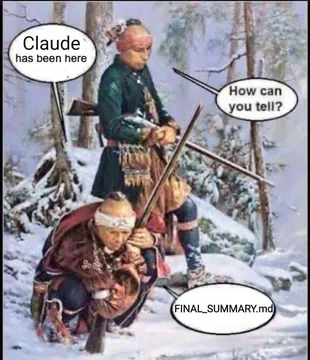
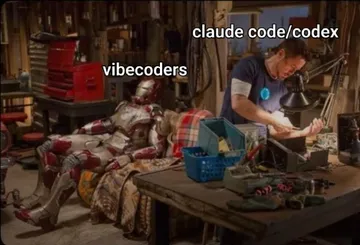
When you find traces of an agent that already ran through your repo.
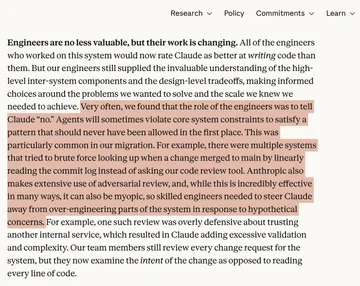
For the moment you realize your job is telling the model no.
A dry reaction when someone claims coding is solved because the agent shipped one file.
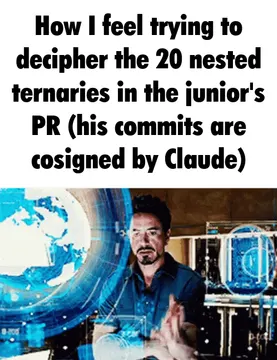
Send when the agent's generated code is technically valid and completely unreadable.

Add the server to Claude
memecub exposes a remote MCP server at https://memecub.com/mcp. Add it as a remote MCP server in your Claude client's connector or MCP settings, then restart the session so the tools appear.
Once connected, ask in plain language, for example: find a meme about an AI agent finishing a task. Claude calls the search tool and returns matching memes with titles and descriptions.
If your client asks for a key, create one from your memecub account. Without a key you still get the keyless trial of 20 searches a day.
Claude Code and other agents
In Claude Code, install the skill with npx skills add https://memecub.com. The same command works for Codex, Cursor and other supported agents.
For scripts and one-off lookups, the CLI is npx memecub. The REST API is there too if you prefer plain HTTP calls; search costs 1 credit per call.
Keep the tool description short and specific in your prompt, like “search memecub for a meme about status pages”, so the model picks the search tool instead of guessing.
Tone and licensing
Most memes are collected from the web: fine for personal chats, copyright stays with the original creators, and not for commercial use.
If the output goes into a product, a deck or an ad, turn on the filter that shows only openly licensed images from Openverse, open-source emoji and public-domain art, which can be used commercially.
When nothing in the library fits, the AI meme maker at /generate can draw one from a character, action and caption, or from an existing meme as reference. It refuses real people.
What to expect from the connection
Search returns meme metadata, so Claude can reason about which one fits a paragraph before you send anything.
The AI meme placement tool at /match does the same job for whole articles: paste text and it picks a fitting meme per paragraph.
Plans start at free with 1000 credits a month; paid tiers and credit packs exist if you search a lot.
Let your AI find the memes
REST API, remote MCP, CLI and a skill. Try 20 searches a day without a key.
More that fit






FAQ
How do I add a meme MCP server to Claude?
Add https://memecub.com/mcp as a remote MCP server in your Claude client's settings, restart the session, and ask Claude to search memes. In Claude Code you can instead run `npx skills add https://memecub.com`.
Do I need an API key to try it?
No. The keyless trial allows 20 searches a day, which is enough to confirm the server works before you sign up.
Can Claude pick a meme for each paragraph of my article?
Yes. Paste the article into the AI meme placement tool at /match, or let Claude call the search tool paragraph by paragraph and choose from the results.
Can I use the memes Claude finds commercially?
Only if you enable the openly licensed filter, which limits results to Openverse, open-source emoji and public-domain art. Other memes are collected from the web and are for personal use.
What if no meme fits?
Use the AI meme maker at /generate: describe a character, action and caption, or start from an existing meme as reference. It takes about 10 seconds per image and refuses real people.